Direct answer
Certificate errors should be corrected at identity or trust-chain boundaries. Disabling verification converts a visible failure into an interception risk.
What this guide helps you solve
Fix certificate verification, hostname mismatch, expired certificate, and unknown CA errors securely.
Symptoms
The TLS handshake fails with certificate verify failed, hostname mismatch, expired certificate, or unknown issuer errors.
A browser or host may work while a container, Node.js process, Python environment, or corporate network fails because trust stores differ.
Likely causes
- The requested hostname is not covered by the certificate SAN.
- The leaf certificate is expired, not yet valid, or served without the required intermediate chain.
- System time or container time is incorrect.
- A runtime trust store lacks the required CA, or an intercepting proxy presents a different chain.
Diagnostic procedure
- 01Establish the boundaryVerify host and container UTC time and NTP synchronization.
- 02Create a baselineConnect to the official hostname rather than an IP or internal alias.
- 03Compare one variableInspect issuer, SAN, validity, and the complete served chain without sending an API key.
- 04Record decisive evidenceCompare system, browser, Node.js, Python, and container CA stores.
HOST='<your-api-host>'
date -u
openssl s_client -connect "$HOST:443" -servername "$HOST" -showcerts </dev/null 2>/tmp/tls-debug.txt   | openssl x509 -noout -subject -issuer -dates -ext subjectAltName
tail -n 5 /tmp/tls-debug.txt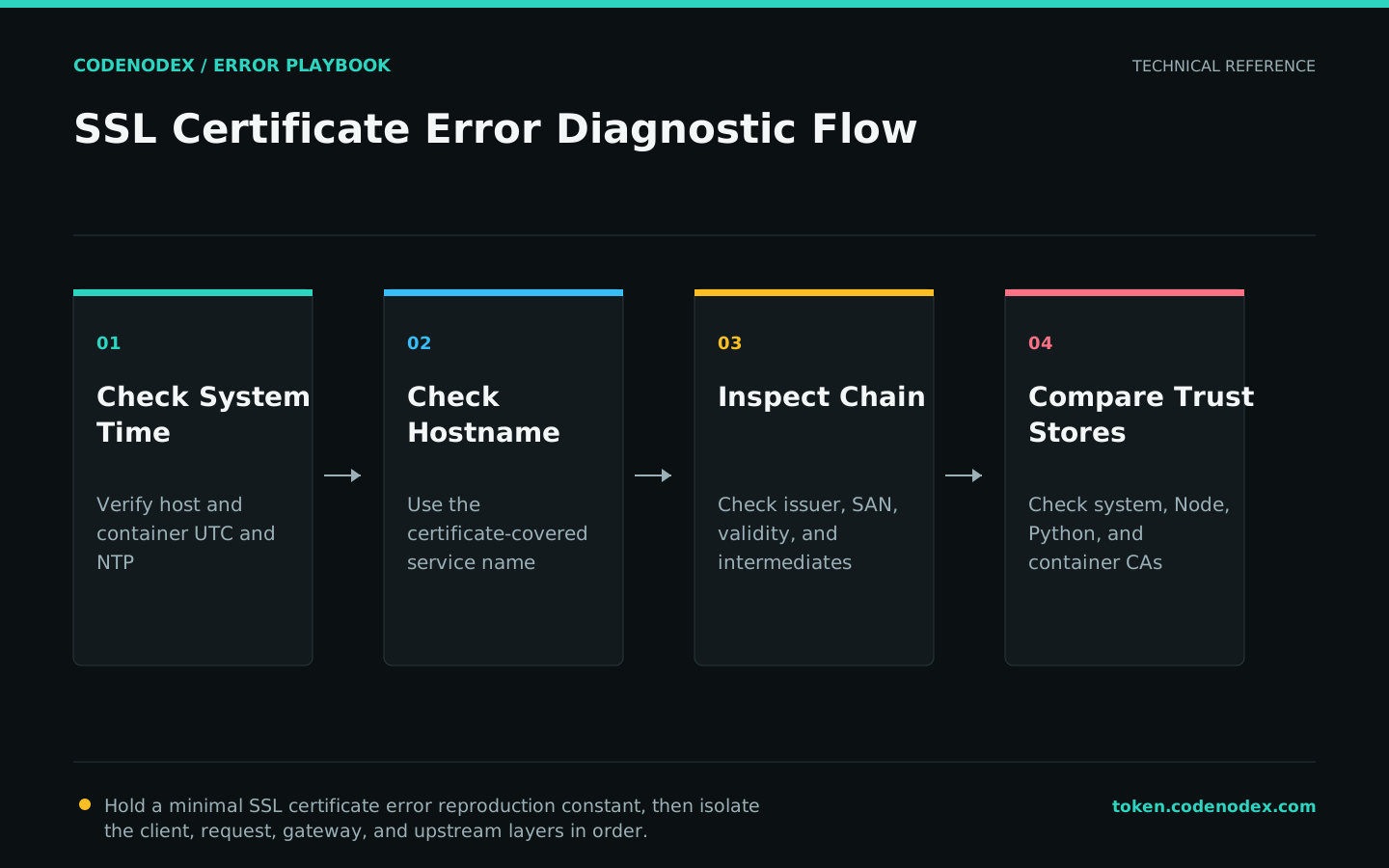
Remediation
- 01Correct the failing layerServe a valid certificate for the requested hostname with the complete intermediate chain.
- 02Restore required behaviorInstall an approved organizational CA only in the intended managed trust store.
- 03Remove temporary workaroundsCorrect DNS or proxy routing while keeping hostname and certificate validation enabled.
Verification
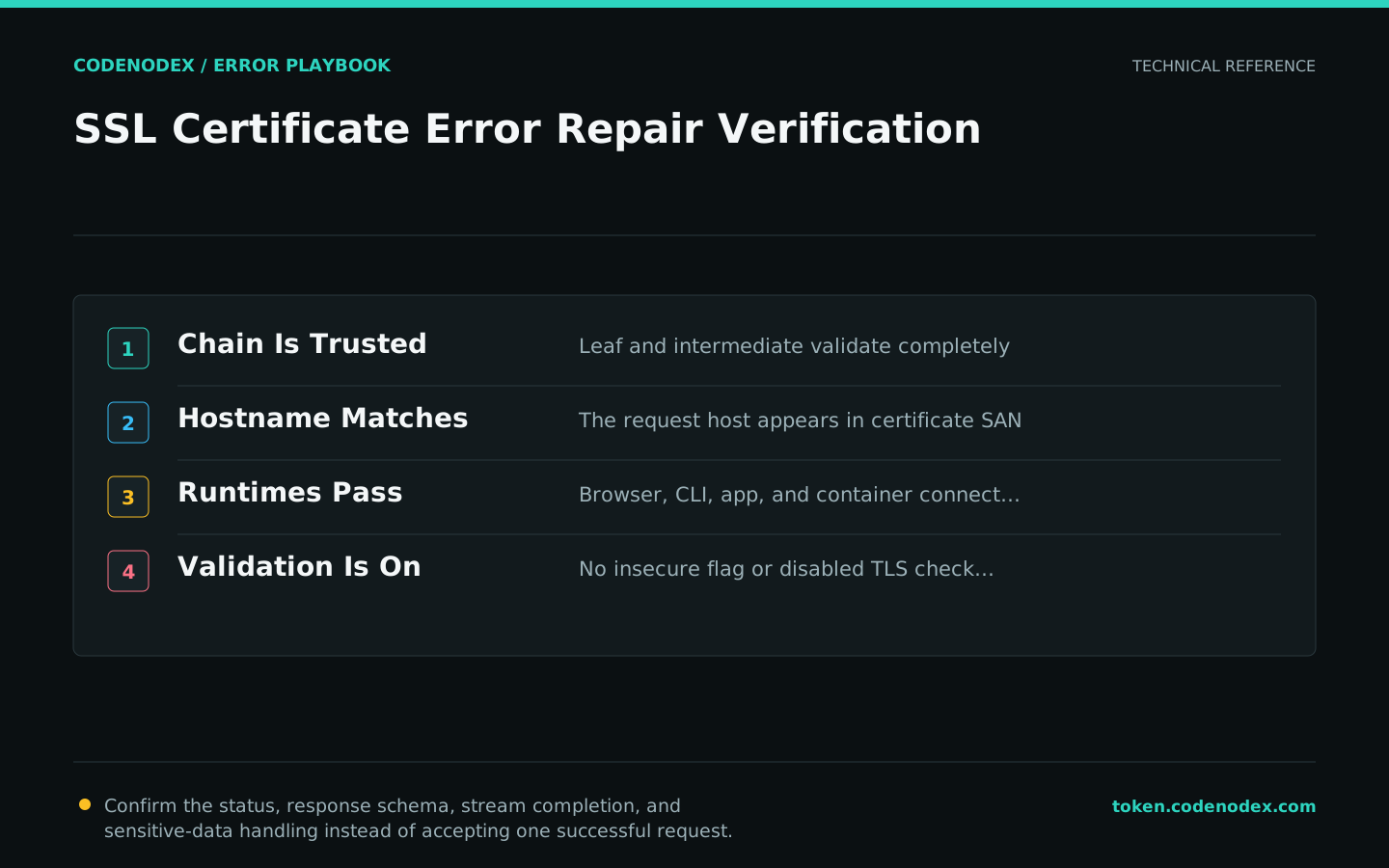
- The leaf and intermediate chain validates to an approved trust anchor.
- The request hostname appears in the certificate SAN.
- Browser, CLI, application runtime, and container all connect securely.
- No insecure flag or disabled TLS verification remains in config or CI.
Sensitive diagnostic data
- Never use insecure mode or globally disable certificate verification as a production fix.
- Do not send credentials during certificate inspection.
- Treat an unexpected issuer as a possible interception boundary.
- Escalate with hostname, issuer, SAN, validity, chain result, and runtime version.
Official sources and verification scope
This guide is grounded in protocol specifications and official client documentation. Error text, retry headers, and configuration fields may change by service or client version; verify the sources and redact logs and request samples before sharing.
View documentation scope