Direct answer
A 401 response is an authentication failure at the service that answered. First prove which host received the request and which credential source the client actually loaded.
What this guide helps you solve
Fix invalid, revoked, stale, or incorrectly transmitted API credentials that return HTTP 401.
Symptoms
Every authenticated request returns 401 even though DNS and TLS succeed, and the response may say invalid_api_key or unauthorized.
A key works in one terminal or curl command but fails in an IDE, daemon, CI job, or long-running client process.
Likely causes
- The key is expired, revoked, copied with whitespace, or belongs to a different service origin.
- The client is still reading an old environment variable, login store, profile, or process snapshot.
- Bearer and x-api-key authentication conventions are mixed across protocols.
- The base URL points to a different gateway than the one that issued the credential.
Diagnostic procedure
- 01Establish the boundaryConfirm the final host and protocol before inspecting any credential.
- 02Create a baselineCheck only whether the expected variable or login state exists; never print its value.
- 03Compare one variableCompare the documented authentication header for the selected endpoint.
- 04Record decisive evidenceRun one minimal authenticated request, then restart the target client and repeat.
test -n "$API_KEY" && echo 'API_KEY is set' || echo 'API_KEY is missing'
codex login status 2>/dev/null || true
codenodex keys 2>/dev/null || true
# In a Claude Code session, run /status separately. Do not print the token.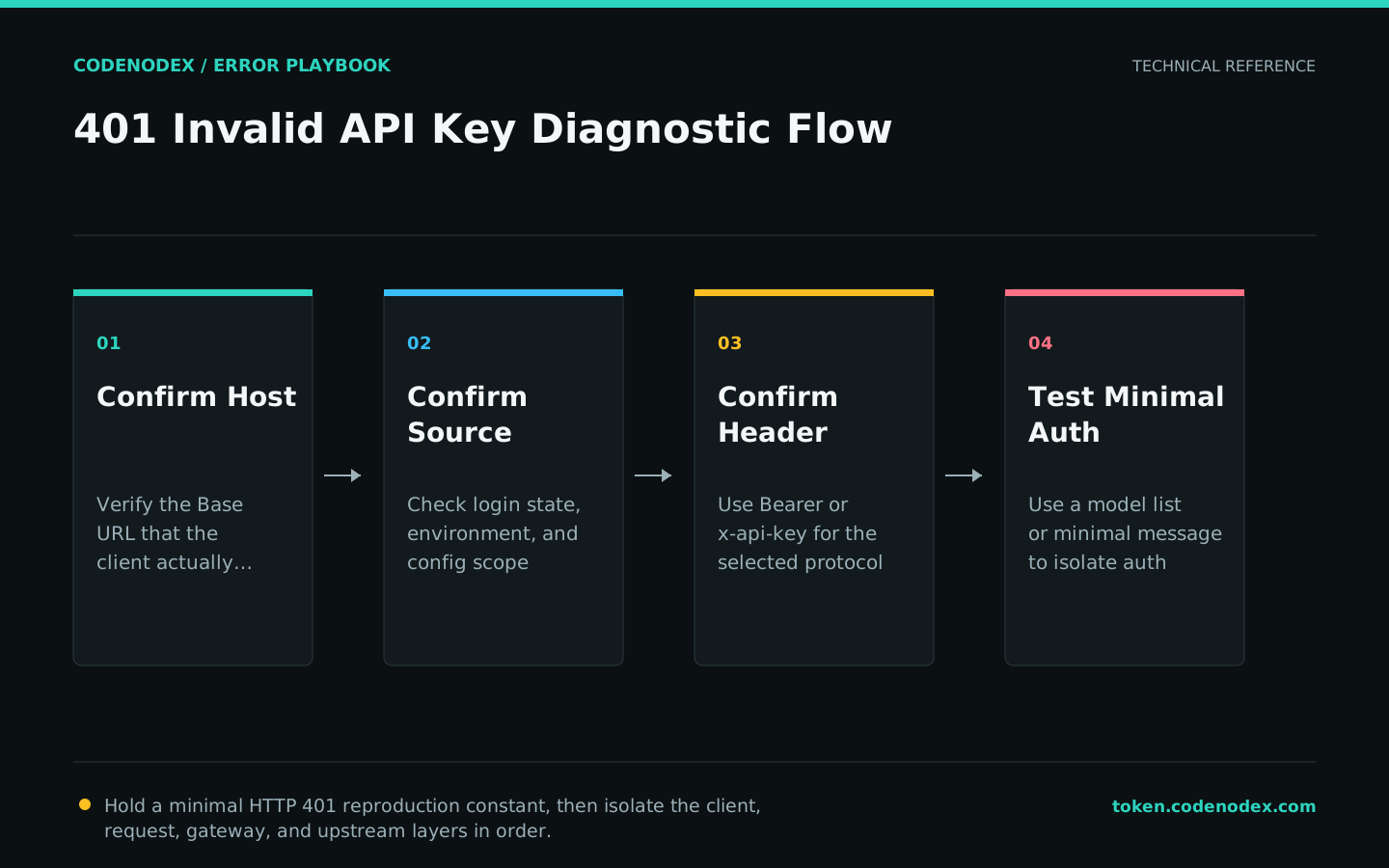
Remediation
- 01Correct the failing layerIssue or select a credential for the exact service origin and revoke any exposed value.
- 02Restore required behaviorUpdate the intended secret store or environment scope, then fully restart the client.
- 03Remove temporary workaroundsAlign the endpoint, protocol, and expected authentication header.
Verification
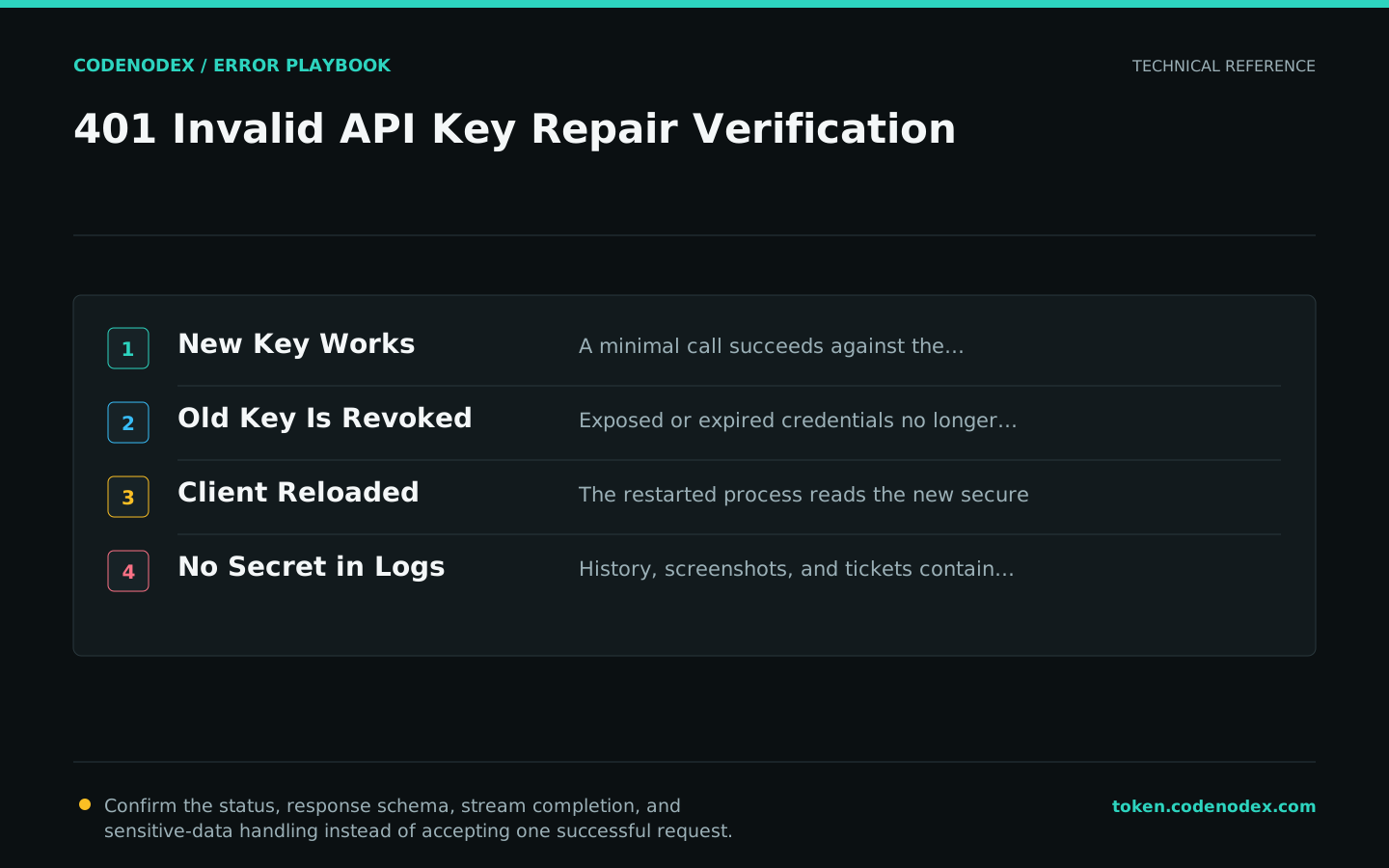
- A minimal request succeeds against the intended host.
- The old or revoked credential can no longer authenticate.
- The restarted client loads the new secure credential source.
- Shell history, logs, screenshots, and support tickets contain no secret value.
Sensitive diagnostic data
- Do not paste a real key into chat, issue trackers, screenshots, or command arguments that persist in history.
- Rotate any credential that was printed or shared during diagnosis.
- Use the narrowest project and permission scope available.
- Escalate with a key fingerprint or suffix only when the service explicitly supports that practice.
Official sources and verification scope
This guide is grounded in protocol specifications and official client documentation. Error text, retry headers, and configuration fields may change by service or client version; verify the sources and redact logs and request samples before sharing.
View documentation scope