Direct answer
The authentication method determines the source of the credentials, but the provider determines where the request is sent; first distinguish between these two concepts before you can correctly handle login and gateway issues.
What this guide helps you solve
Configure or troubleshoot Codex CLI login, API keys and third-party compatible endpoints
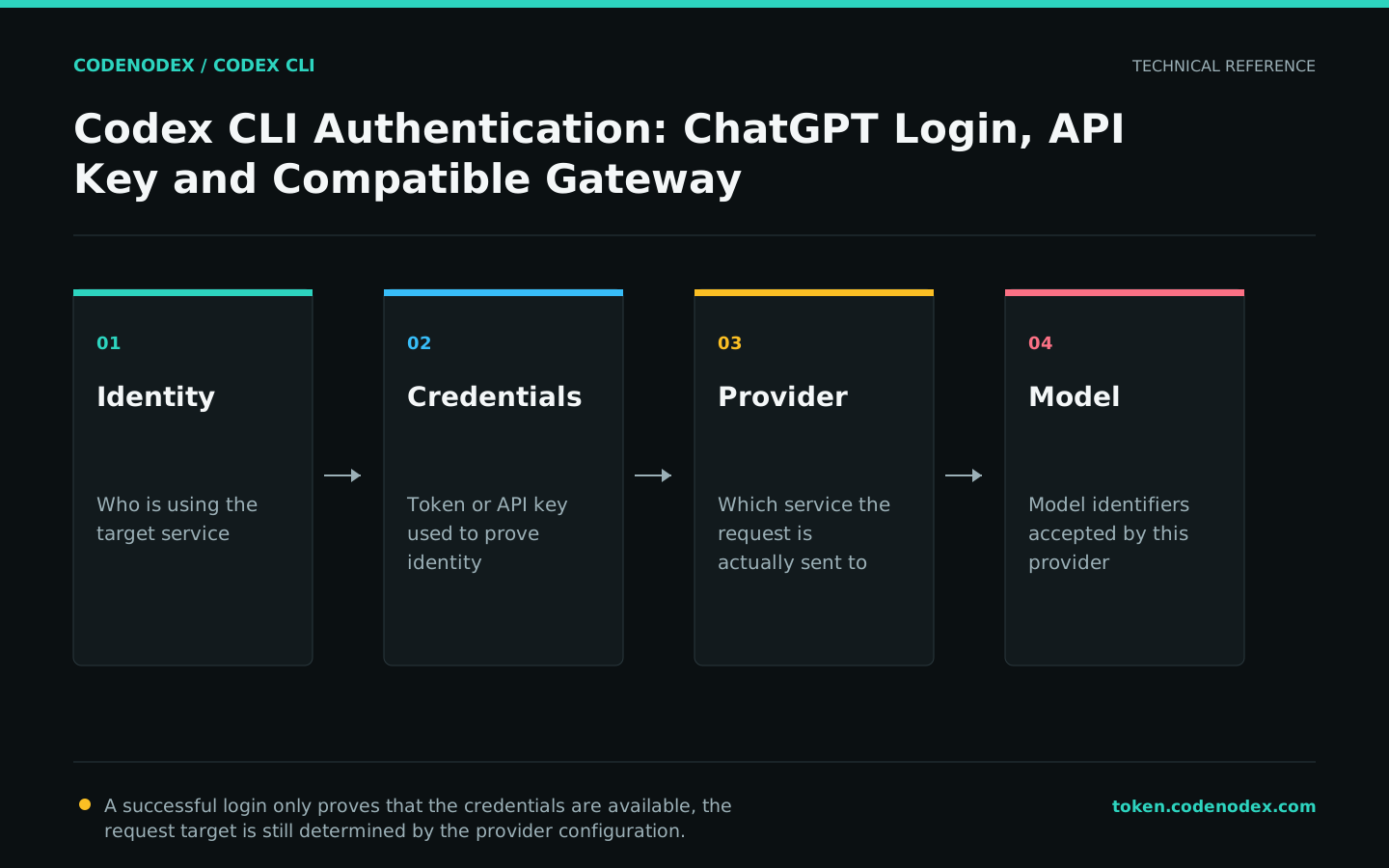
First distinguish between identity, credentials and provider
ChatGPT login, an OpenAI API key and a compatible gateway key are distinct credential sources. model_provider and base_url determine the request target; authentication supplies the credentials that target requires.
API key login does not grant ChatGPT subscription capabilities, and a compatible gateway configuration is not an official OpenAI account login. CodeNodex uses its own API key and OpenAI Responses-compatible endpoints.
- Identity: Who is using the service.
- Credentials: A token or API key used to prove identity.
- Provider: The service to which Codex sends the request.
- Model: Specific model identifiers accepted by this provider.
Use official interactive login
Run codex and select Sign in with ChatGPT to use the path recommended for supported subscription plans. After login, use status to verify the session instead of reading credential files directly.
Shared servers are not suitable for multiple users sharing a user home directory and login status; system accounts should be isolated for each user or use an organization-approved API credential process.
codex login
codex login status
codex logoutProvide the OpenAI API key through standard input
The official CLI supports reading OPENAI_API_KEY from standard input. Putting the key into the current process environment and passing it through the printenv pipe prevents it from being left in the shell history as a command argument.
Other processes or debugging tools running as the same user may still observe environment variables. Unset the variable after use and follow the operating system and team's secret-management requirements.
read -rsp "OpenAI API Key: " OPENAI_API_KEY && printf "\n"
export OPENAI_API_KEY
printenv OPENAI_API_KEY | codex login --with-api-key
unset OPENAI_API_KEY
codex login statusLet the CodeNodex CLI manage compatible gateway credentials
CodeNodex CLI writes OPENAI_API_KEY to the Codex authentication file in the user directory and merges provider settings into config.toml. It validates the API key, then backs up and writes both files to avoid inconsistencies from manual editing.
A CodeNodex account login is separate from Codex's ChatGPT login. When using the CodeNodex provider, rely on CodeNodex CLI validation and Codex doctor results.
codenodex login -o https://token.codenodex.com
codenodex setup --client codex
codex doctor --summaryEstablish credential security boundaries
Keep authentication files in the user's home directory; never copy them into projects, images or build artifacts. When troubleshooting, do not paste auth.json. Share a redacted doctor report and a provider snippet with credentials removed.
When rotating keys, create and verify the new API key before revoking the old one. This reduces downtime and helps distinguish a configuration error from a service outage.
- Do not submit ~/.codex/auth.json or terminal records containing real keys.
- Do not write keys in Dockerfiles, image layers, or public CI YAML.
- Use separate keys for individuals, CIs, and different servers to facilitate revocation and auditing.
- Check the username, path, organization name, and request headers before making the issue report public.
Troubleshoot 401 and login failures in order
Check the request target first, then the credential source and API key status. Authentication fails if a provider points to CodeNodex but receives an OpenAI key, or points to the official endpoint but receives only a CodeNodex key.
Do not overwrite configuration repeatedly. Save the diagnosis results and current provider name, confirm base_url and then log in again or run setup.
codex login status
codex doctor --summary
codenodex keys
# Select the target key, then validate and merge again
codenodex setup --client codex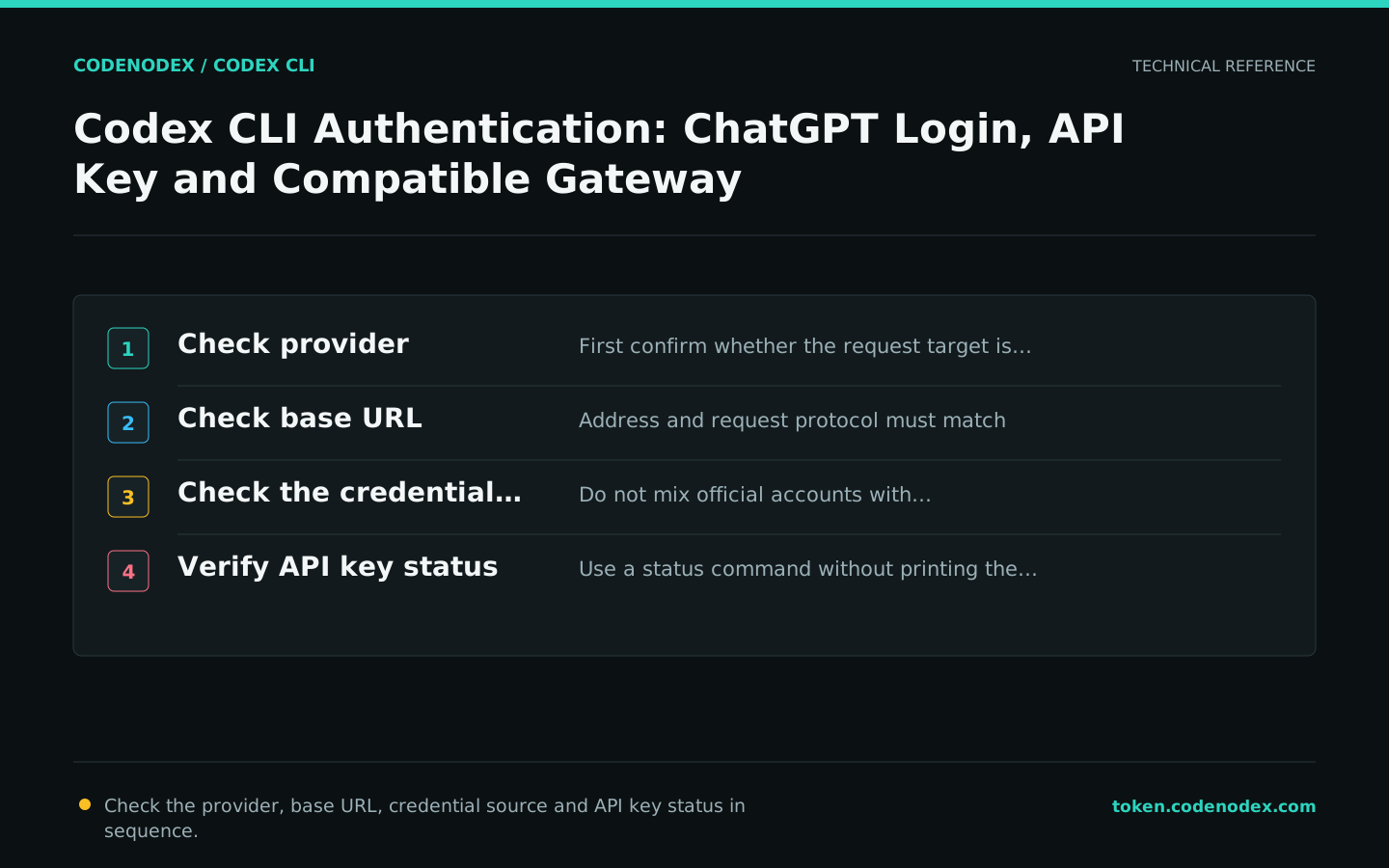
Official sources and verification scope
This guide is based on public official documentation. Commands and configuration may change between client versions, so verify the linked sources before use.
View documentation scope