Direct answer
Try Claude Code first when developers prefer delegating complete tasks from a terminal, reviewing plans, and controlling tool permissions. Try Cursor first when AI should remain close to the file tree, editor, and inline changes. Decide with the same repository, comparable model conditions, and identical acceptance checks.
Key takeaways
- A terminal agent and an AI editor overlap but do not impose the same work rhythm.
- CLAUDE.md, settings, and Cursor Rules need independent scope validation.
- Permission boundaries and organization policy can outweigh interface preference.
- Different repositories may choose different clients while sharing one evidence standard.
Key facts
| Fact | Verified value | Evidence |
|---|---|---|
| Claude Code surface | Anthropic documents Claude Code as an agentic coding tool that runs in the terminal. | View source |
| Claude Code configuration | Claude Code provides documented settings with defined scopes. | View source |
| Cursor surface | Cursor presents itself as an AI code editor. | View source |
| Cursor Rules | Cursor publishes documentation for project Rules. | View source |
What this guide helps you solve
Help developers compare Claude Code and Cursor without relying on a feature checklist or a single demo.
Verification scope and limits
- Evidence basis
- Official documentation
- Verification scope
- Compared official product entry points, settings, and rule mechanisms available on the verification date; conclusions are limited to selection methodology.
- Limits and invalidation conditions
- - No inference about private enterprise features.
- - No price, quota, or model leaderboard.
- - Extensions, policy, and network conditions can change observed behavior.
The interaction model shapes daily operating cost
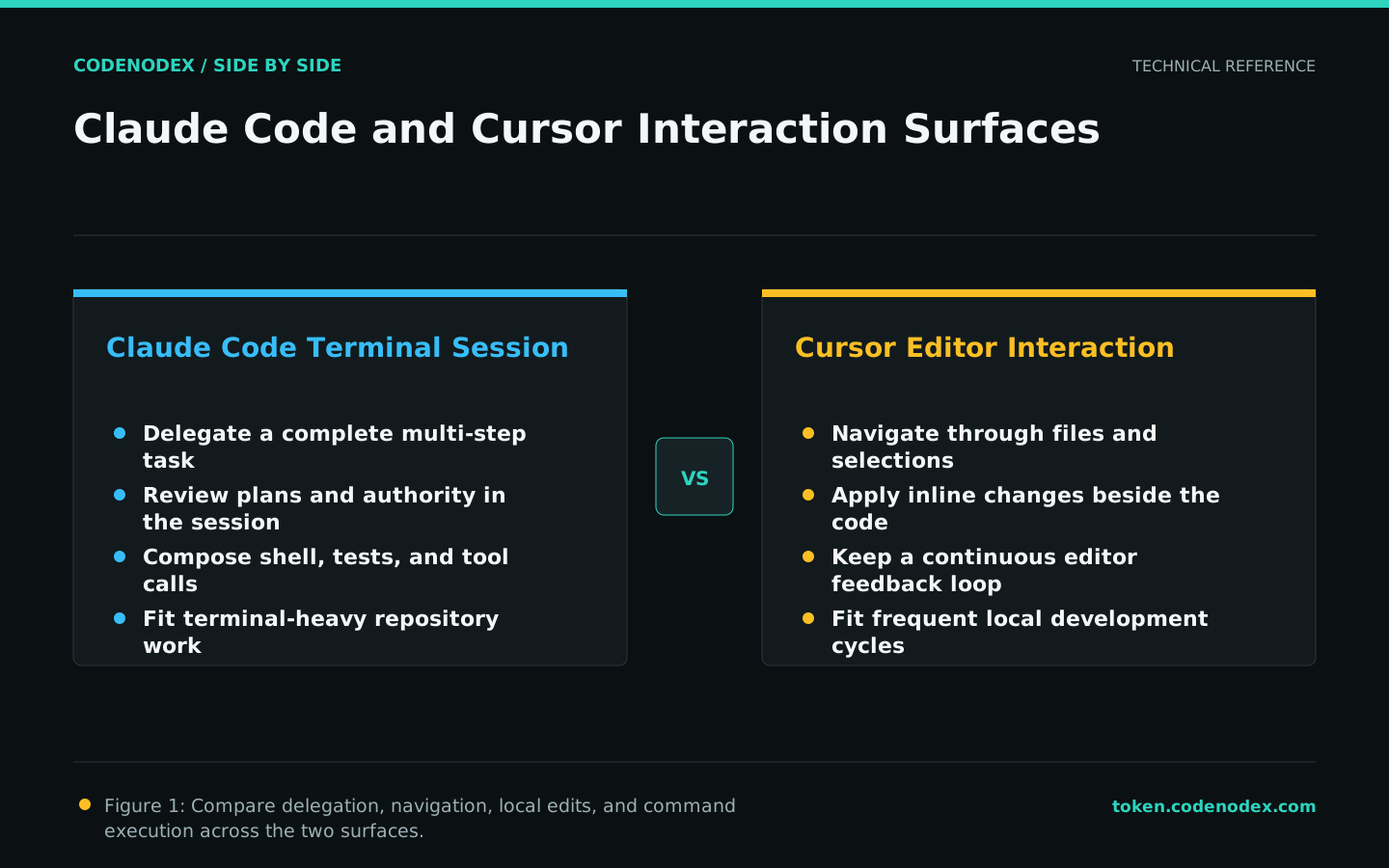
Claude Code supports terminal sessions that connect understanding, planning, edits, commands, and checks. Cursor places AI beside code navigation and inline editing, reducing switches for developers who live in an editor.
Terminal-heavy teams may find Claude Code a more natural starting point. Teams performing many small, visual edits may experience less friction in Cursor. Measure actual work rather than assumed preference.
Verify how each product loads project instructions
Claude Code project memory and settings do not share Cursor Rules semantics. List durable facts, personal preferences, and security requirements before mapping only supported concepts into each client.
Use a read-only task to ask each tool for the build command, directory boundary, and approval requirements. Fix rule placement or conflicts before adding more text.
Compare permission and tool boundaries, not feature counts
A real repository can expose secrets, deployment scripts, and internal services. Test file writes, shell commands, network access, external tools, and organization controls, then verify that risky actions can be denied or individually approved.
A longer capability list does not make a tool safer for production. Start from least privilege and open only what a defined task requires.
- Read-only discovery must leave the worktree unchanged.
- External connections need a stated data scope.
- Tests and formatters should not inherit deployment authority.
Evaluate task bundles instead of brands
Use a focused bug fix, a cross-file refactor, and a tested feature. Run each on separate branches with the same time and acceptance budget, and record where a human intervenes.
Have the actual maintainer inspect the final diff. An agent completion statement cannot replace test output, code-owner judgment, or security evidence.
Publish a conclusion with a review date
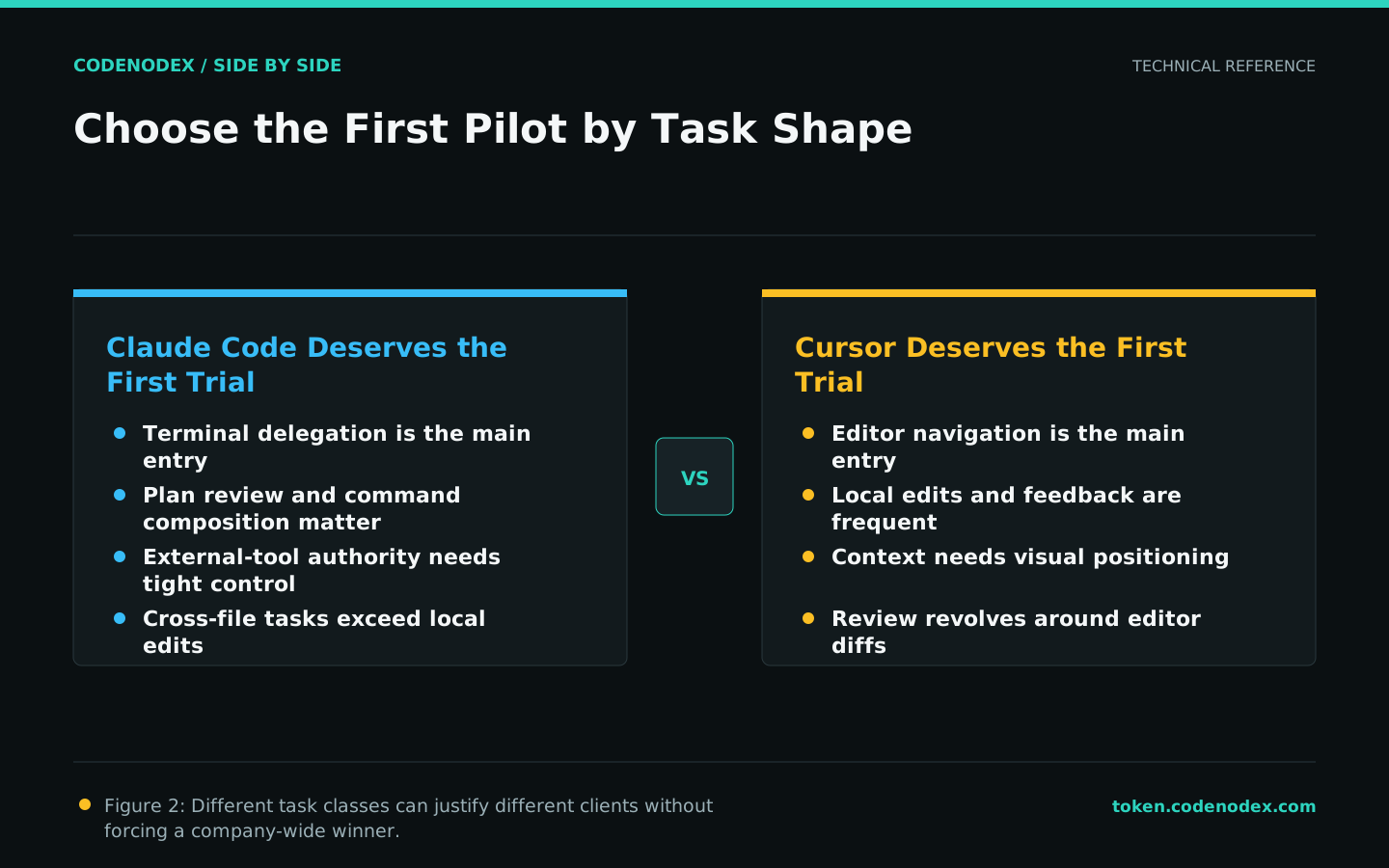
Pilot Claude Code where terminal delegation, plan review, and command composition dominate. Pilot Cursor where editor navigation, inline iteration, and visual review dominate. Mixed teams should define explicit repository or task boundaries.
Retain the test repository, scoring script, and conditions. A major release or security-policy change should trigger another run rather than an automatic switch.
Official sources and verification scope
This guide is based on public official documentation. Commands and configuration may change between client versions, so verify the linked sources before use.
View documentation scope