Direct answer
Both tools can read, modify and verify code in a local repository, but their configuration surfaces, persistent instructions and automation entry points differ. Choose based on team workflows and security boundaries, not a single response comparison.
What this guide helps you solve
Help developers evaluating Codex CLI and Claude Code establish an objective selection framework.
Compare workflows, not isolated answers
The value of a coding agent comes from the complete verification loop: understanding repository constraints, proposing a plan, modifying files, running checks and explaining risks. Performance on one isolated prompt does not represent long-term effectiveness in your repository, permission model and CI environment.
A reliable evaluation gives both tools the same small, real task, file scope and acceptance commands, then records first-pass success, manual corrections, permission requests and the final diff.
- Use the same repository snapshot and the same acceptance criteria.
- Do not put keys, private logs, or production data into test prompts.
- Record both the quality of the results and the cost of the process, not just the completion time.
Separate configuration from persistent instructions
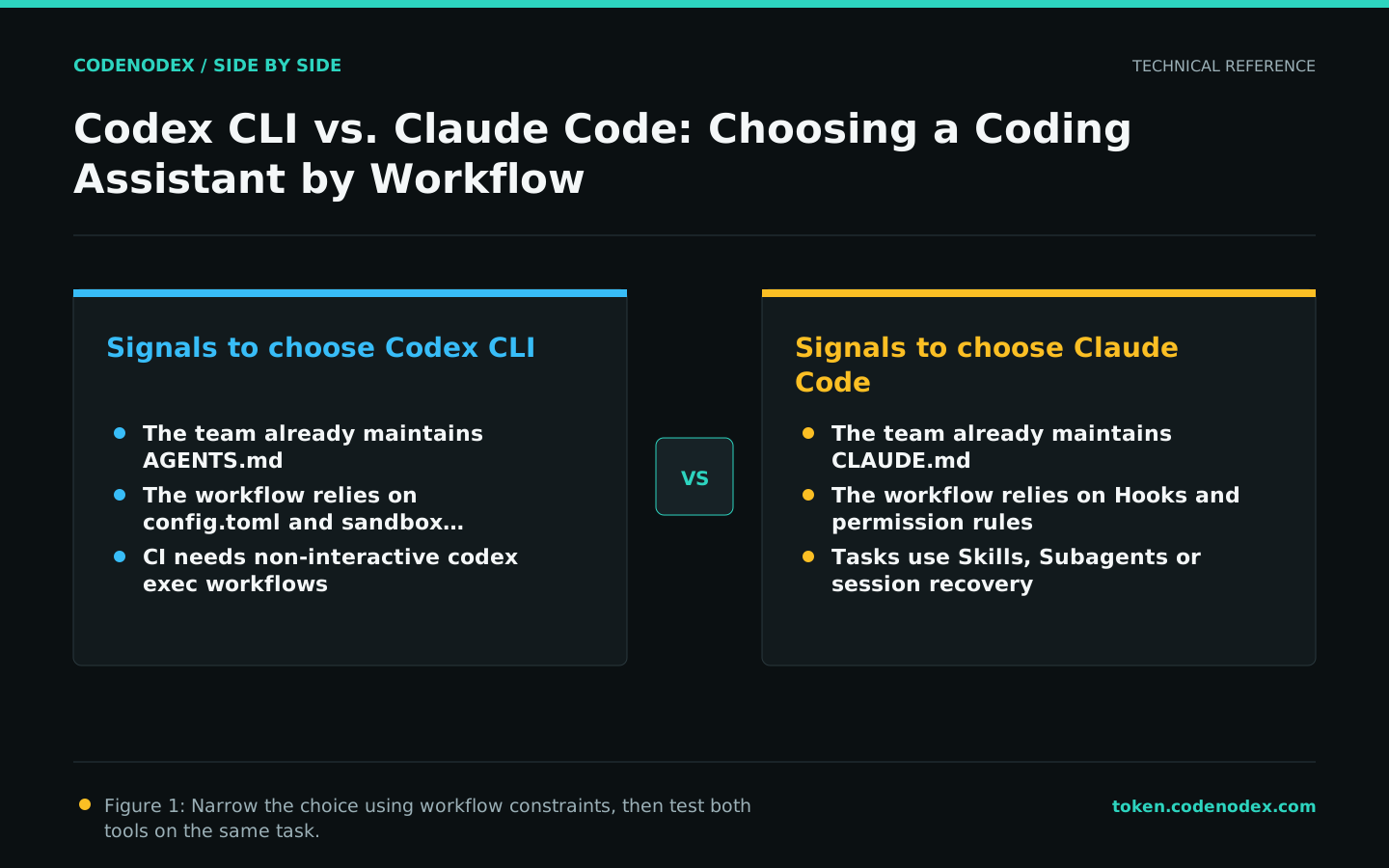
Codex uses config.toml for models, approvals, sandboxes and MCP, while AGENTS.md expresses persistent repository conventions. Claude Code uses settings.json for permissions, environment variables and tool behavior, while CLAUDE.md provides project- and user-level instructions.
This is not a simple filename replacement. When migrating, recheck scopes, load order, and team sharing methods to avoid submitting personal preferences as project rules or letting local overrides quietly change team expectations.
Test permission models with representative risk levels
Both tools may read files, execute commands or access external services. Evaluate read-only exploration, workspace writes, test execution, network access and high-risk commands separately. Observe the defaults and whether organization or project policy can tighten them.
Do not regard “reducing the number of confirmations” as the only efficiency indicator. For production repositories, clear write scope, command approval, and auditable logs are often more important than completely silent execution.
Compare interactive and automated workflows separately
Codex provides a non-interactive execution path for scripts and CI; Claude Code also supports command-line pipelines, Hooks and composable task capabilities. In either tool, automation requires fixed inputs, timeouts, exit-code handling, output formats and failure behavior.
For local pair programming, compare session recovery, plan review and daily commands. For CI, prioritize unattended authentication, deterministic output, least privilege and observable failures.
Use the same acceptance script for small-scale trials
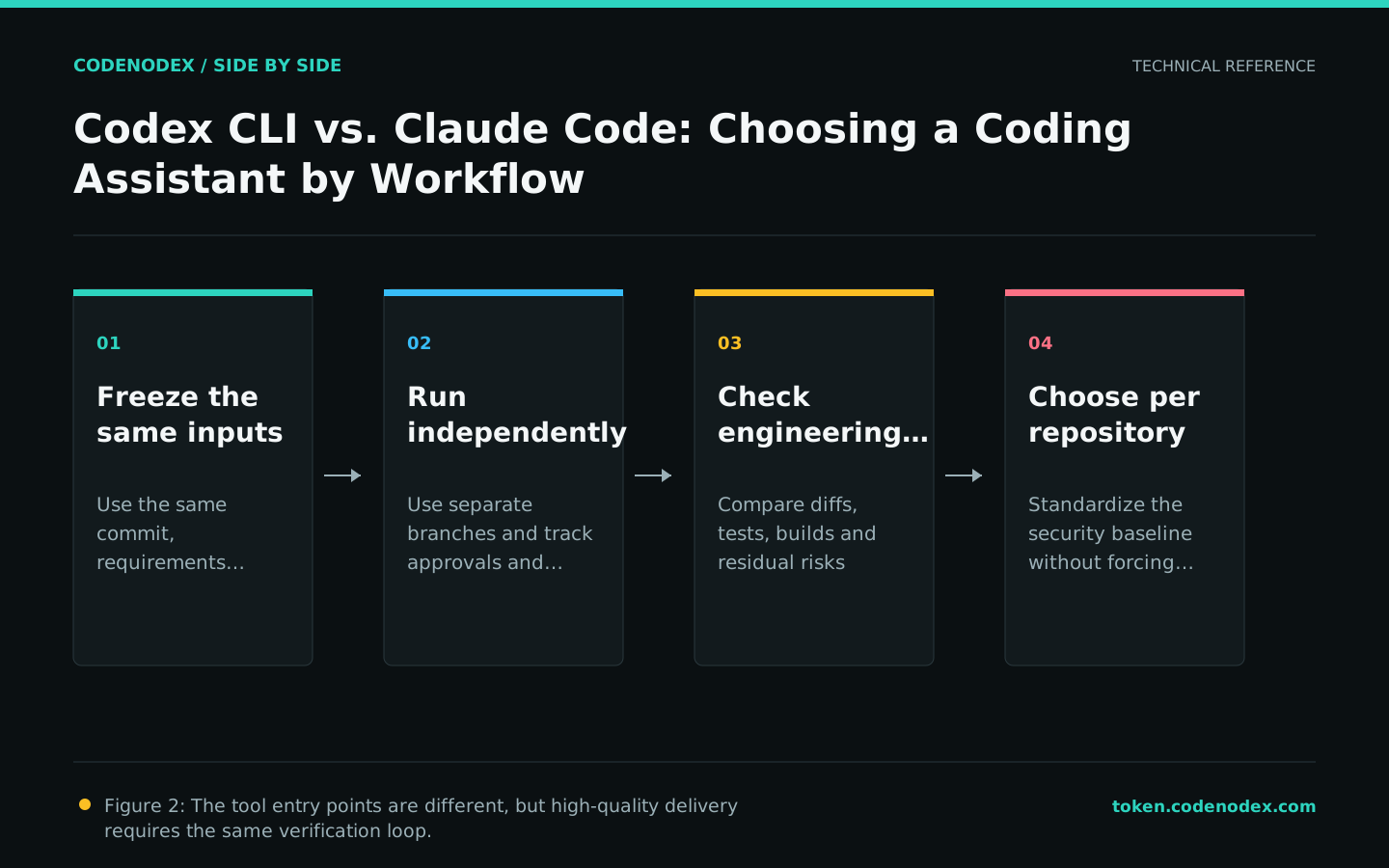
Choose a small task that a person could complete within an hour and that has automated tests. Begin with read-only analysis, review the plan, then allow changes only in the specified directory. Save the diff and test results, but never retain credentials in the session record.
- 01Freeze inputsFix the commit, requirement, allowed paths and acceptance commands.
- 02Execute separatelyCreate separate branches for both tools and use the same time budget.
- 03Review evidenceCompare diffs, tests, permission requests, remediation times, and open risks.
- 04Team reviewLet the maintainers decide which workflow is easier to review, operate and sustain.
Recommendation: allow both tools, chosen per repository
If a team already relies on AGENTS.md, Codex configuration and non-interactive workflows, extending its Codex practices is usually cheaper. If it relies on CLAUDE.md, Hooks, permission rules or multi-agent workflows, Claude Code may fit better.
A company does not need to mandate one client everywhere. Standardize security baselines, test commands and delivery requirements, then let each repository choose based on its stack and maintainers. Delivery evidence should be consistent; terminal command names do not need to be.
Official sources and verification scope
This guide is based on public official documentation. Commands and configuration may change between client versions, so verify the linked sources before use.
View documentation scope