Direct answer
Connect the official Anthropic Python SDK to CodeNodex through `base_url`, with special attention to avoiding a duplicate `/v1` in the Messages path.
What this guide helps you solve
Explain custom Base URL, API key, Messages requests, and error handling for the Anthropic SDK, while clarifying that it is not an automatic CodeNodex CLI configuration target.
Install the SDK and prepare an Anthropic-group key
Install the official anthropic package in a Python virtual environment and prepare a CodeNodex API key from an Anthropic group. The CodeNodex CLI claude mode configures Claude Code; it does not automatically modify arbitrary Anthropic SDK projects.
SDK projects must manage their own dependencies and secrets. Store the API key in an environment variable rather than a repository, notebook output, or exception log.
python -m venv .venv
source .venv/bin/activate
python -m pip install --upgrade anthropic
export CODENODEX_API_KEY="YOUR_API_KEY"Use the site root as the Base URL
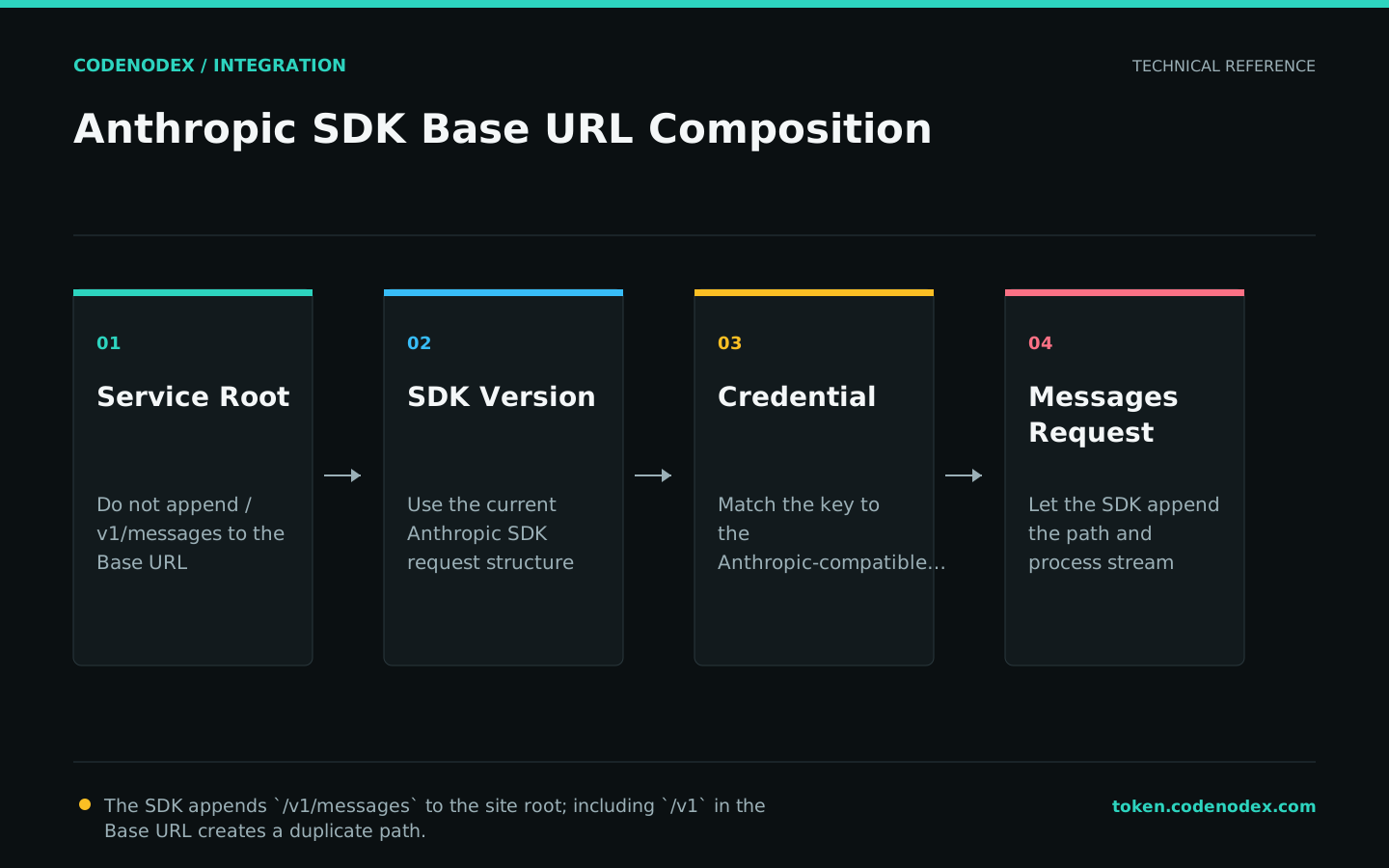
The Anthropic SDK appends /v1/messages itself, so set base_url to https://token.codenodex.com, not https://token.codenodex.com/v1.
Adding /v1 twice can send the final request to /v1/v1/messages and return 404. This is the most important path difference between the Anthropic SDK and OpenAI SDK integrations.
import os
from anthropic import Anthropic

client = Anthropic(
    api_key=os.environ["CODENODEX_API_KEY"],
    base_url="https://token.codenodex.com",
    timeout=60.0,
    max_retries=2,
)
Send a minimal Messages request
A messages.create call requires a model ID, a maximum output token count, and a message array. Use a model ID that is actually visible to the current key.
The response content is a structured list of blocks. Do not assume that every block is text; check the block type before reading it, as the minimal example does.
message = client.messages.create(
    model="YOUR_MODEL_ID",
    max_tokens=256,
    messages=[
        {"role": "user", "content": "Explain the principle of least privilege in one sentence."}
    ],
)

for block in message.content:
    if block.type == "text":
print(block.text)Compare the SDK request path with curl
If the SDK request fails, call /v1/messages directly with curl to validate the key, model, and gateway protocol. If curl succeeds, inspect the SDK base_url and version next.
The comparison request must include x-api-key, anthropic-version, and the JSON Content-Type. Never paste a real key into a shared terminal transcript.
curl --fail-with-body "https://token.codenodex.com/v1/messages" -H "x-api-key: YOUR_API_KEY" -H "anthropic-version: 2023-06-01" -H "content-type: application/json" --data '{"model":"YOUR_MODEL_ID","max_tokens":64,"messages":[{"role":"user","content":"Reply OK"}]}'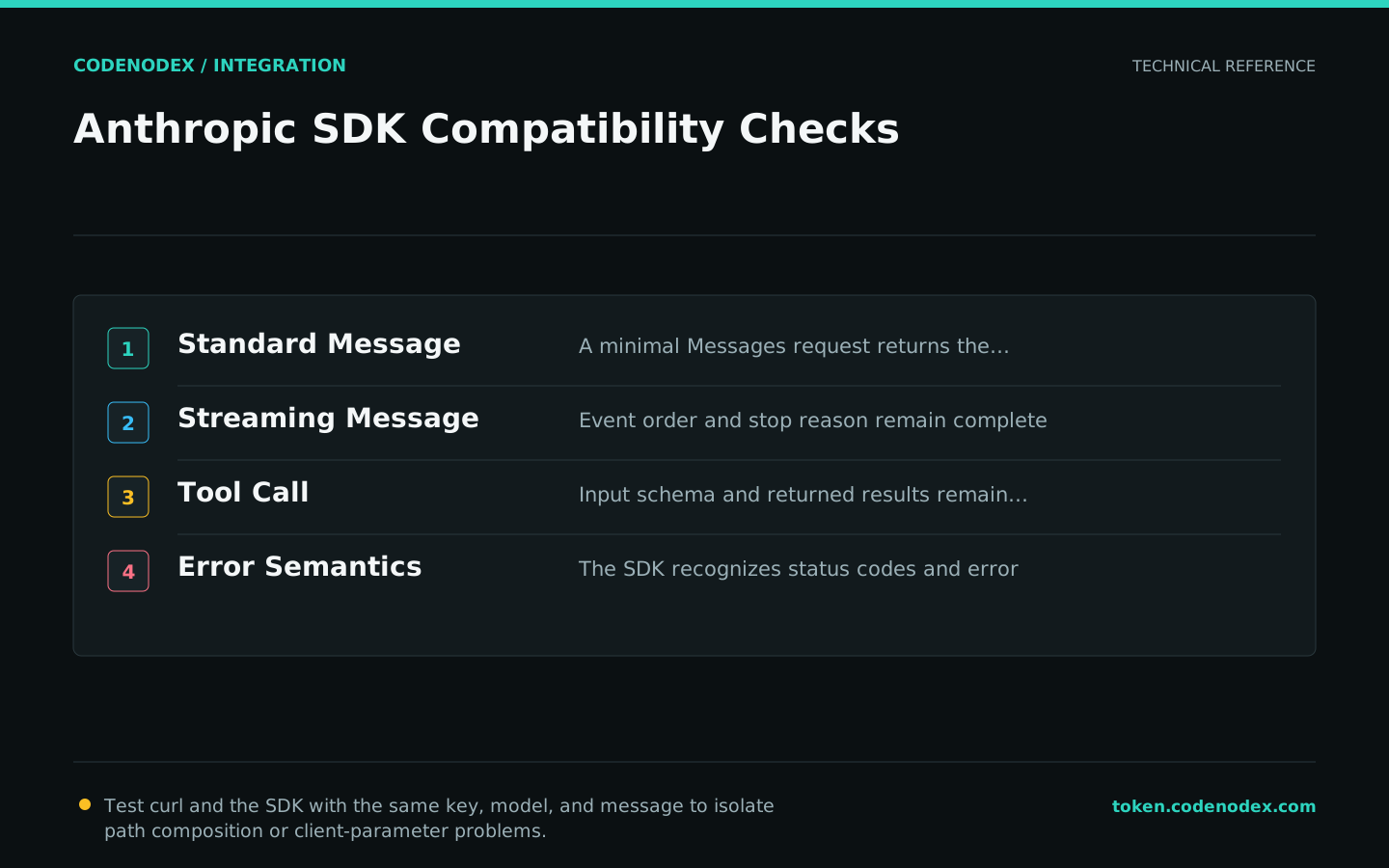
Troubleshoot authentication, model, and rate-limit errors
For 401, check the key and its group. For 404, first look for /v1/v1/messages, then check the model. For 429, check balance, concurrency, and rate. For connection failures, check proxy, TLS, and timeout settings.
Retry only recoverable rate-limit and temporary service failures. Fix authentication failures, missing permissions, and unavailable models immediately instead of hiding them with more retries.
Official sources and verification scope
This guide is based on public official documentation. Commands and configuration may change between client versions, so verify the linked sources before use.
View documentation scope