Direct answer
Call the CodeNodex OpenAI-compatible endpoint through the official client's `base_url` and `api_key` parameters without modifying SDK source code.
What this guide helps you solve
Provide Python projects with a minimal, reproducible, production-ready path to CodeNodex, including clear boundaries for API keys, timeouts, retries, and exception handling.
Install the official SDK and set an environment variable
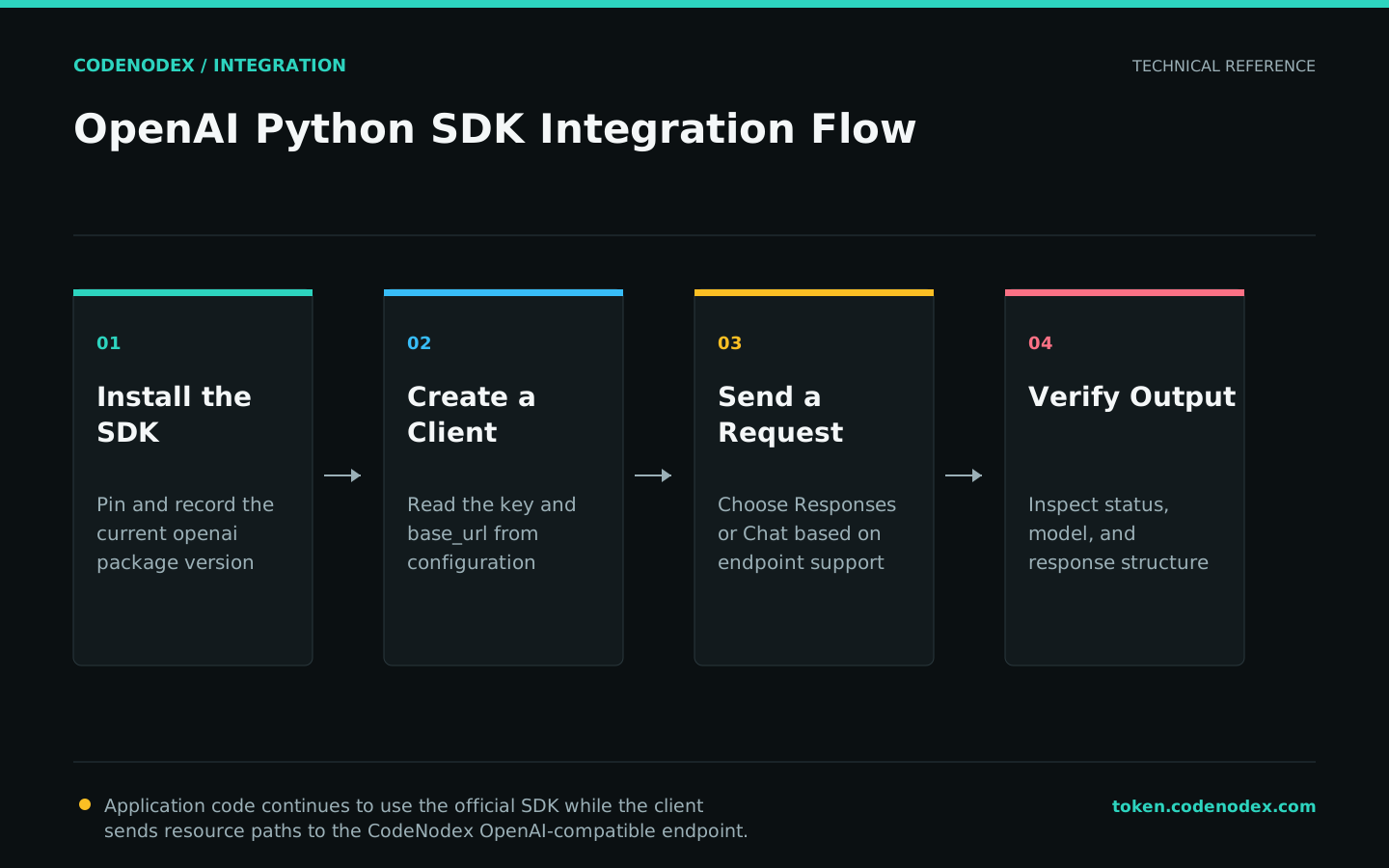
Install the official openai package in your project's virtual environment. The CodeNodex CLI has no Python SDK client configuration and does not modify project dependencies.
Store the key in an environment variable or the deployment platform's secret manager rather than committing it to Git. You can use a project-specific name such as CODENODEX_API_KEY and read it explicitly in code.
python -m venv .venv
source .venv/bin/activate
python -m pip install --upgrade openaiexport CODENODEX_API_KEY="YOUR_API_KEY"Initialize the client with base_url
When you initialize OpenAI, set base_url to https://token.codenodex.com/v1. The SDK appends resource paths for Responses, Models, and other APIs.
Set a request timeout and bounded retry count in the client constructor so each environment can supply its own values.
import os
from openai import OpenAI

client = OpenAI(
    api_key=os.environ["CODENODEX_API_KEY"],
    base_url="https://token.codenodex.com/v1",
    timeout=60.0,
    max_retries=2,
)
Send a Responses API request
Use responses.create for a minimal text request. Replace model with an ID visible to the current key; call client.models.list() first if you are unsure.
Read output_text for the aggregated text. Extend the example with structured events or streaming deltas only when needed.
response = client.responses.create(
    model="YOUR_MODEL_ID",
    input="Explain idempotency in one sentence.",
)

print(response.output_text)Handle connection and HTTP errors explicitly
The SDK distinguishes network connection failures from non-2xx HTTP responses. Log the error type, status, and request ID, but never log the complete authentication header or sensitive user content.
The application layer must decide which failures are retryable. Authentication failures and missing models do not recover through repeated requests.
from openai import APIConnectionError, APIStatusError

try:
    response = client.responses.create(
        model="YOUR_MODEL_ID",
        input="Return ok",
    )
except APIConnectionError as exc:
    print(f"network error: {exc}")
except APIStatusError as exc:
    print(f"http status: {exc.status_code}")
    print(f"request id: {exc.request_id}")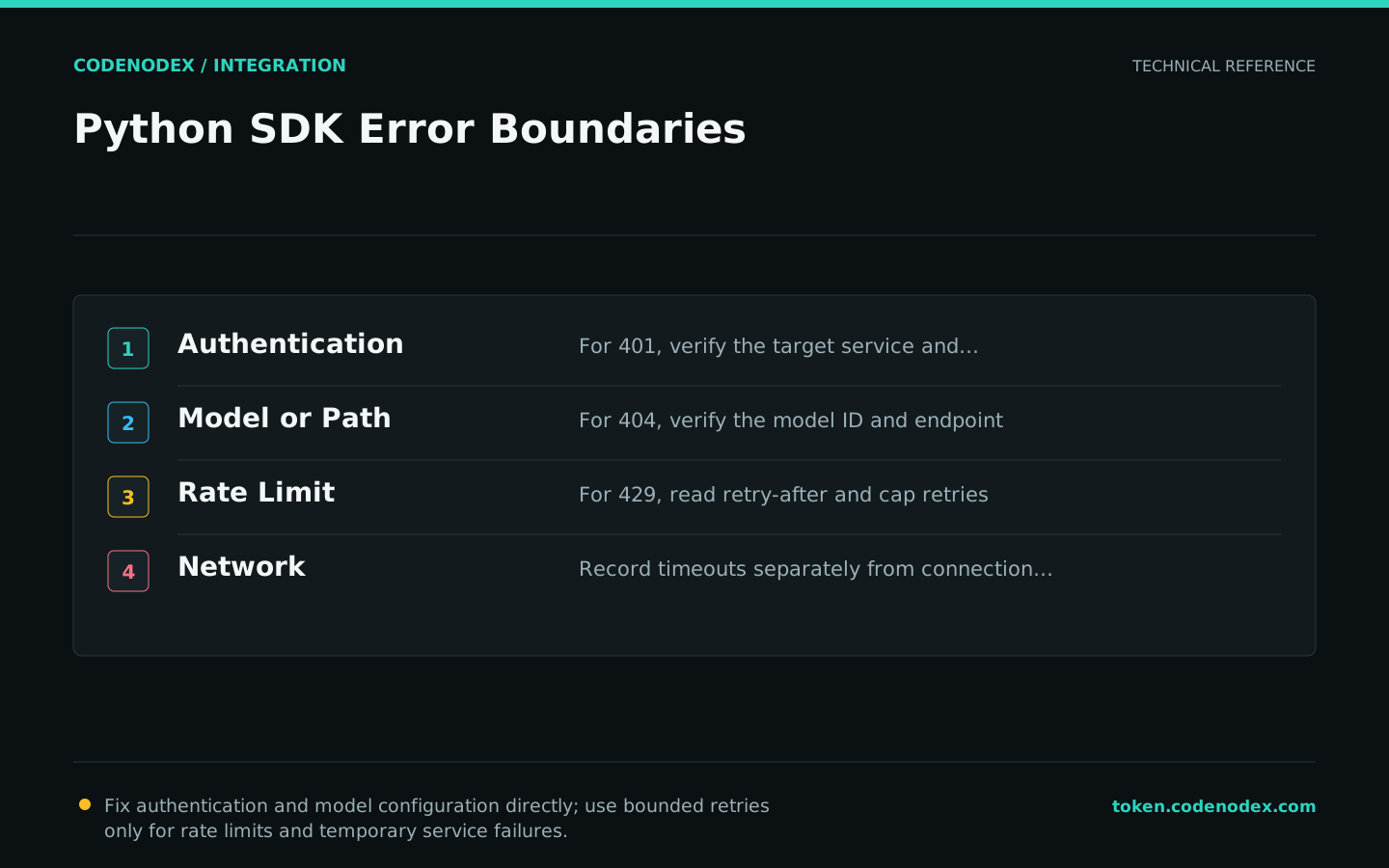
Preproduction verification
Run the model list, a minimal Responses request, and the exception path separately. In the deployment environment, also verify secret injection, DNS, TLS, and request timeouts.
For 404, check whether base_url is missing or duplicates /v1, then verify the model ID. For 401, rotate the key. For 429, check balance, concurrency, and request frequency.
client.models.list()returns the models visible to the current key.- The minimal Responses request prints complete text.
- Error logs contain neither the API key nor the Authorization header.
- The deployment environment injects a secret instead of using a source-code constant.
Official sources and verification scope
This guide is based on public official documentation. Commands and configuration may change between client versions, so verify the linked sources before use.
View documentation scope