Direct answer
Context is Claude Code's most important limited resource; session organization and cost management both control what enters that context.
What this guide helps you solve
Help users maintain quality, recoverability, and predictable token consumption during long tasks.
Treat the context window as a task budget
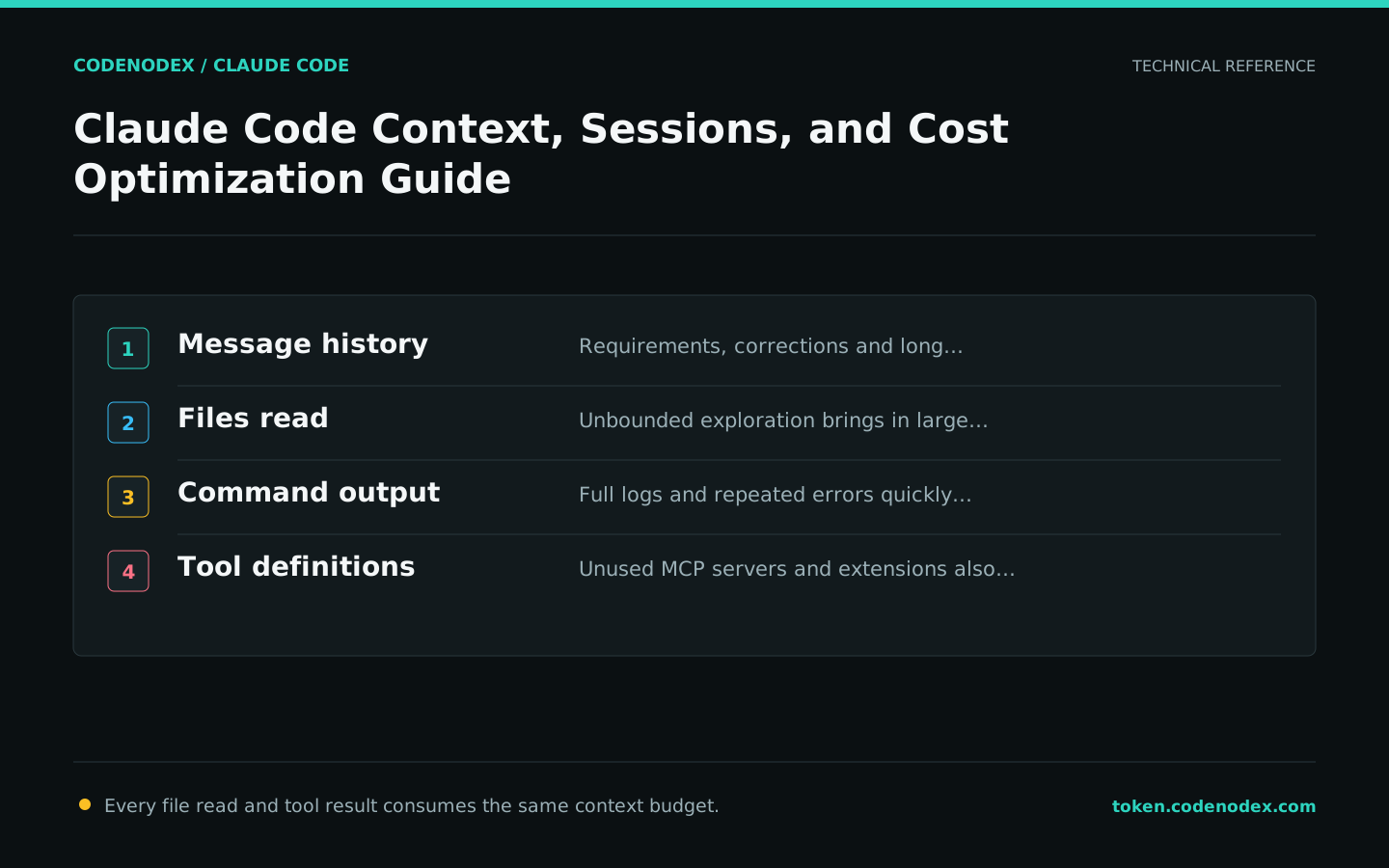
Session messages, files Claude reads, command output, tool definitions, and system instructions all enter the context. Debug logs and unbounded repository exploration quickly consume the budget, and a full window makes the model more likely to miss earlier constraints.
The most effective optimization is not to turn prompts into cryptic shorthand, but to reduce irrelevant files, duplicate logs, idle MCP tools, and unrelated history.
Proactively clean or compress before quality degrades
/context shows what is currently loaded. Use /clear between unrelated tasks; use /compact for a long-running task and specify which decisions and facts it must retain. Automatic compaction is not unlimited memory.
For a quick side question, use a feature that keeps it out of the main history if the installed version provides one, or open a new session. Do not let a brief query pollute hours of implementation context.
/context
/compact Keep interface decisions, changed files, failure causes, and the next validation step
/clearManage sessions like branches
Use /rename to name long-running work. claude --continue continues the most recent session in the current directory; claude --resume selects a previous session in the current worktree by default and can expand the scope in the selector. After resuming, inspect the working tree first.
Use different sessions for different goals. When you need to try a new path from an old idea, you can branch the session rather than destroy the original context.
claude --continue
claude --resume/rename oauth-migrationRoll back with checkpoints, but stay safe with Git
Each user prompt creates a checkpoint. With /rewind, you can restore the conversation or files produced by Claude's editing tools, or summarize from a selected point. This is useful for quickly testing alternative approaches.
Changes made through Bash, external scripts, or other applications may not be included in a checkpoint. Work on important tasks in separate branches, inspect the diff before submission, and never treat rewind as version control.
/rewind

# After returning to the shell, check
git status --short
git diff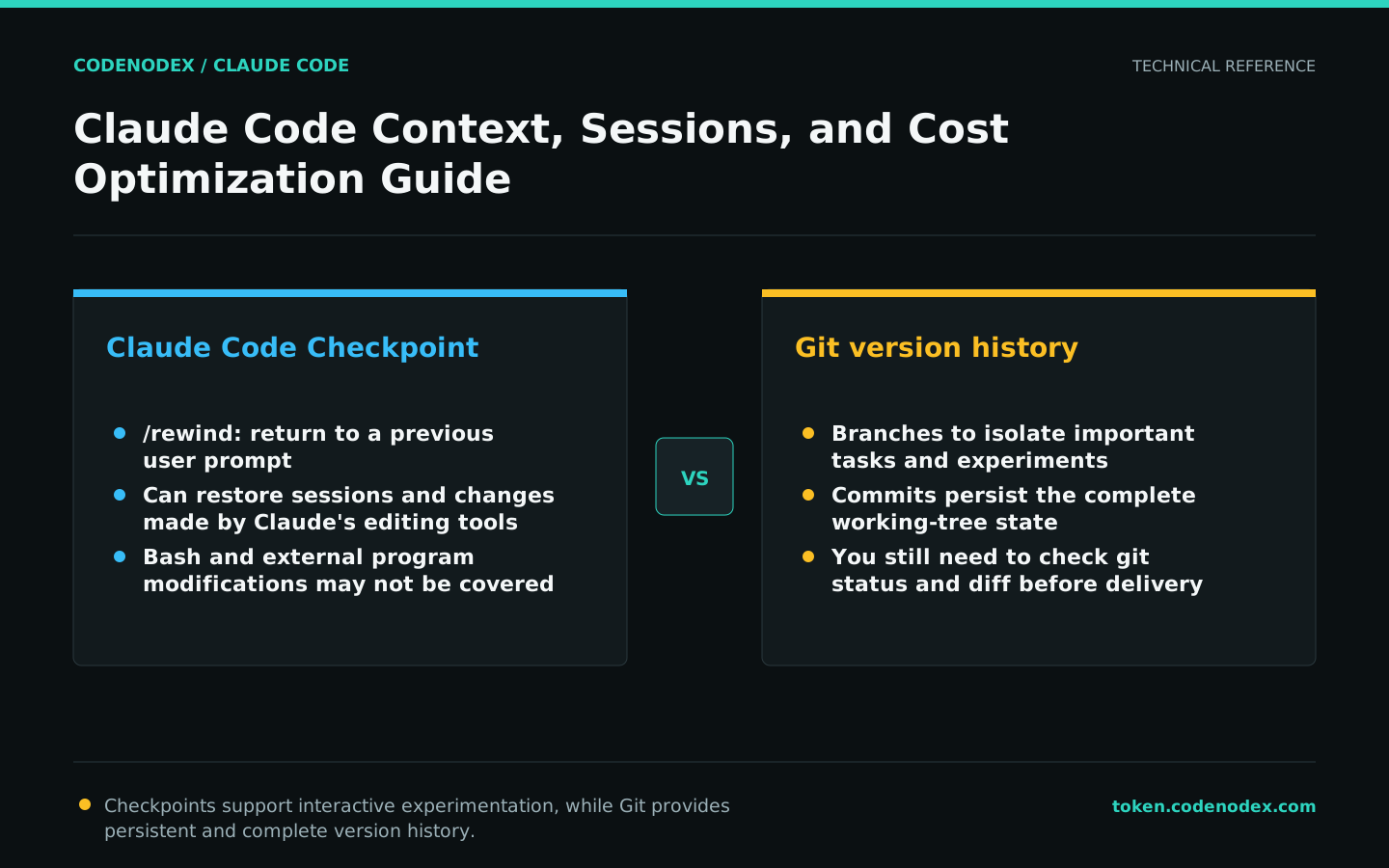
Control costs from context, model and tools
Use /usage to view the available usage information. Choose a model that meets the task's quality needs, disable irrelevant MCP services, move occasional detailed rules from CLAUDE.md to Skills, and let subagents digest high-noise investigations.
Subagents reduce noise in the main session but do not make tokens free; parallel agents and agent teams add to total usage. Decide how many to use only after confirming that the task is genuinely parallelizable.
- Use specific prompts to reduce repeated corrections.
- Limit log length and prioritize excerpts near the error.
- Shut down MCP services that are not required for the current task.
- Use subagents only for complex investigations or independent reviews.
/usageUnderstand prompt caching instead of guessing cache hits
Claude Code manages the prompt cache automatically. Switching models or effort levels invalidates the prefix. Changes to an MCP server usually invalidate the full cache only when the server comes from a plugin whose tool definitions load near the beginning.
Editing a repository file usually does not invalidate the cache prefix directly. After changing CLAUDE.md during a session, use /clear, /compact, or a new session to trigger a reload, then verify it with /context.
Official sources and verification scope
This guide is based on public official documentation. Commands and configuration may change between client versions, so verify the linked sources before use.
View documentation scope