Direct answer
Common commands are grouped by use case, with interactive commands separated from shell options.
What this guide helps you solve
Locate reproducible Claude Code commands without confusing interactive commands with shell commands.
Distinguish interactive sessions from one-shot calls
Running claude directly opens a persistent session for exploration, editing, and multiple rounds of feedback. Adding a prompt to the launch command starts with a specific task; -p prints a result in non-interactive mode for scripts and CI.
Validate prompts and permissions interactively before automating them. No one can correct a non-interactive run in real time, so its task boundaries and allowed tools must be stricter.
claudeclaude "Explain the repository test structure. Do not modify files."claude -p "List the public API entry points under src."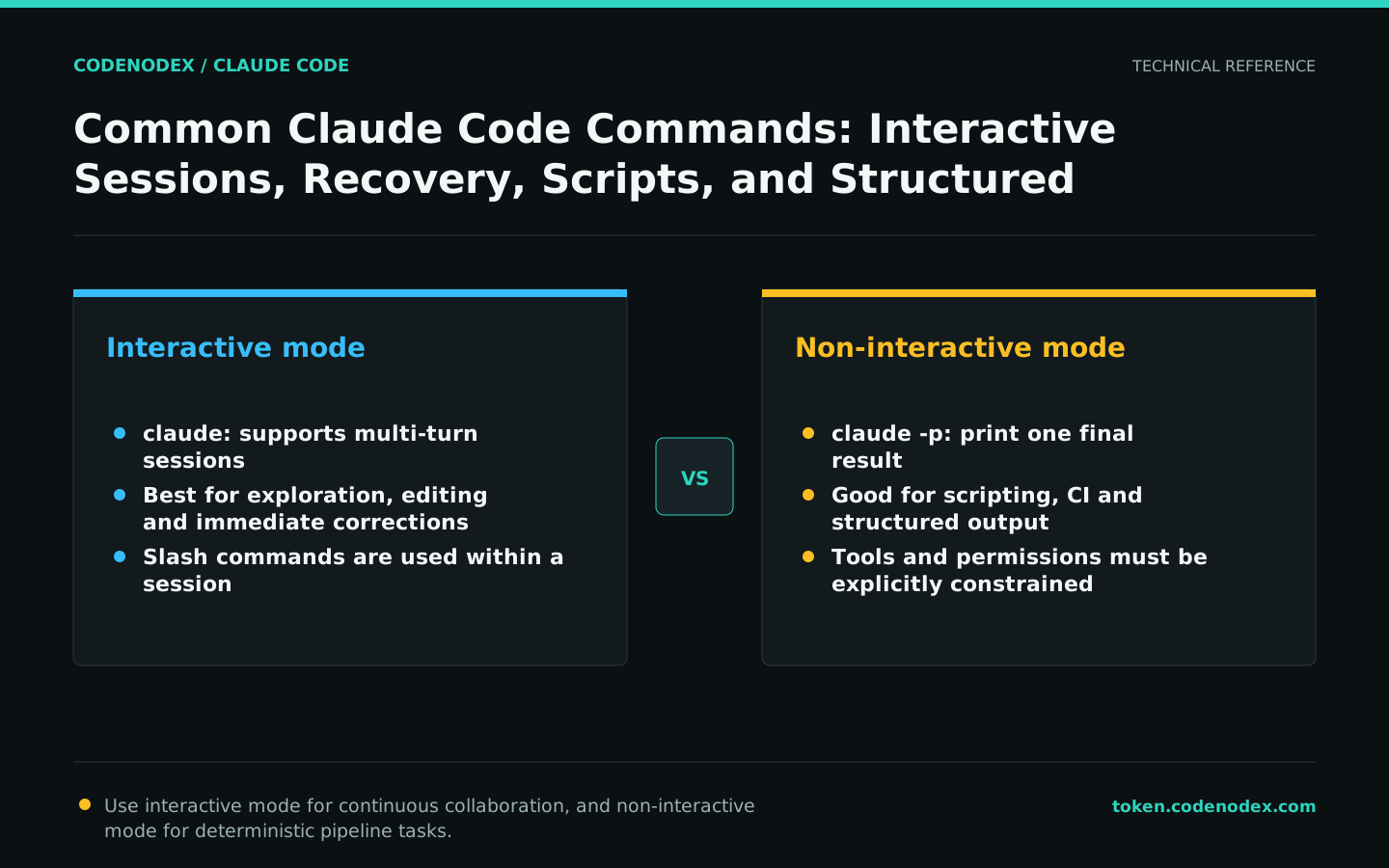
Session slash commands
Enter slash commands in the Claude Code interactive interface, not directly in the shell. /help lists commands for the installed version, /status checks the model and authentication, /context shows context sources, and /permissions manages permissions.
The command set changes between versions. Treat /help as the authority for the installed version rather than presenting a static command list as a permanent interface.
/help
/status
/context
/permissions
/modelContinue, select or name a session
claude --continue resumes the most recent session in the current directory. claude --resume opens a session selector scoped to the current worktree by default, with an option to expand to other projects. Give complex tasks searchable names with /rename.
Restoring a session restores the conversation and related state, but the current working tree may have changed. Have Claude recheck the Git status and key files before continuing.
claude --continue
claude --resumeUse JSON or streaming JSON in scripts
Non-interactive mode supports plain text, JSON, and streaming JSON. A single JSON object works when parsing the final result; stream-json supports real-time event consumption and requires verbose output.
Do not use regular expressions to infer fields from natural-language output. Select a structured format, then validate required fields and exit status downstream.
claude -p "List all API routes." --output-format jsonclaude -p "Analyze the build log." --output-format stream-json --verbose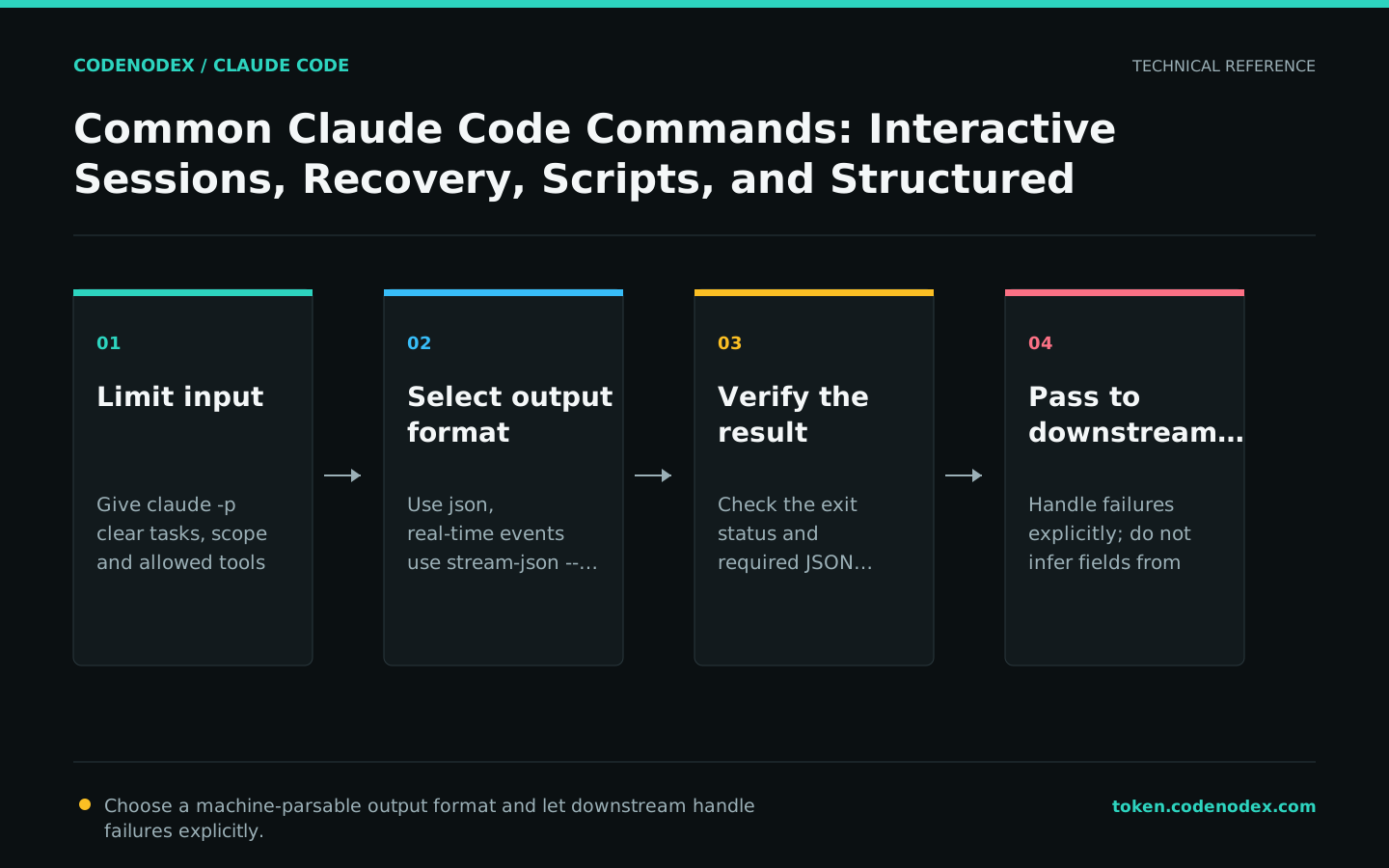
Limit tools and permission modes for batch processing
Expose only the tools a batch task needs. --tools controls which built-in tools are available; --allowedTools only lets matching tools run without approval and does not hide other tools. Pass an empty --tools value for pipeline tasks that need no tools.
--safe-mode is useful for isolated reviews that use an existing subscription or OAuth login. The stricter --bare does not read OAuth or the keychain and only works when ANTHROPIC_API_KEY or apiKeyHelper is explicitly provided.
Calibrate prompts, permissions, and output on two or three samples before increasing the batch size. Parallel processing increases cost and can create conflicts in the same worktree, so editing tasks are better isolated in separate worktrees.
git diff | claude --safe-mode -p "Review this diff for behavioral regressions. Return findings only." --tools ""Replace blind reinstallation with built-in diagnostics
claude doctor checks installation and settings from the shell; claude --debug-file <path> writes detailed startup, MCP, or gateway diagnostics to the specified file. With --debug alone, the default log is stored at ~/.claude/debug/<session-id>.txt.
When troubleshooting, only change one variable at a time and keep the complete error text. Model errors, authentication errors, and network errors have different repair paths.
claude --version
claude doctor
claude --debug-file /tmp/claude-debug.log
Official sources and verification scope
This guide is based on public official documentation. Commands and configuration may change between client versions, so verify the linked sources before use.
View documentation scope