Direct answer
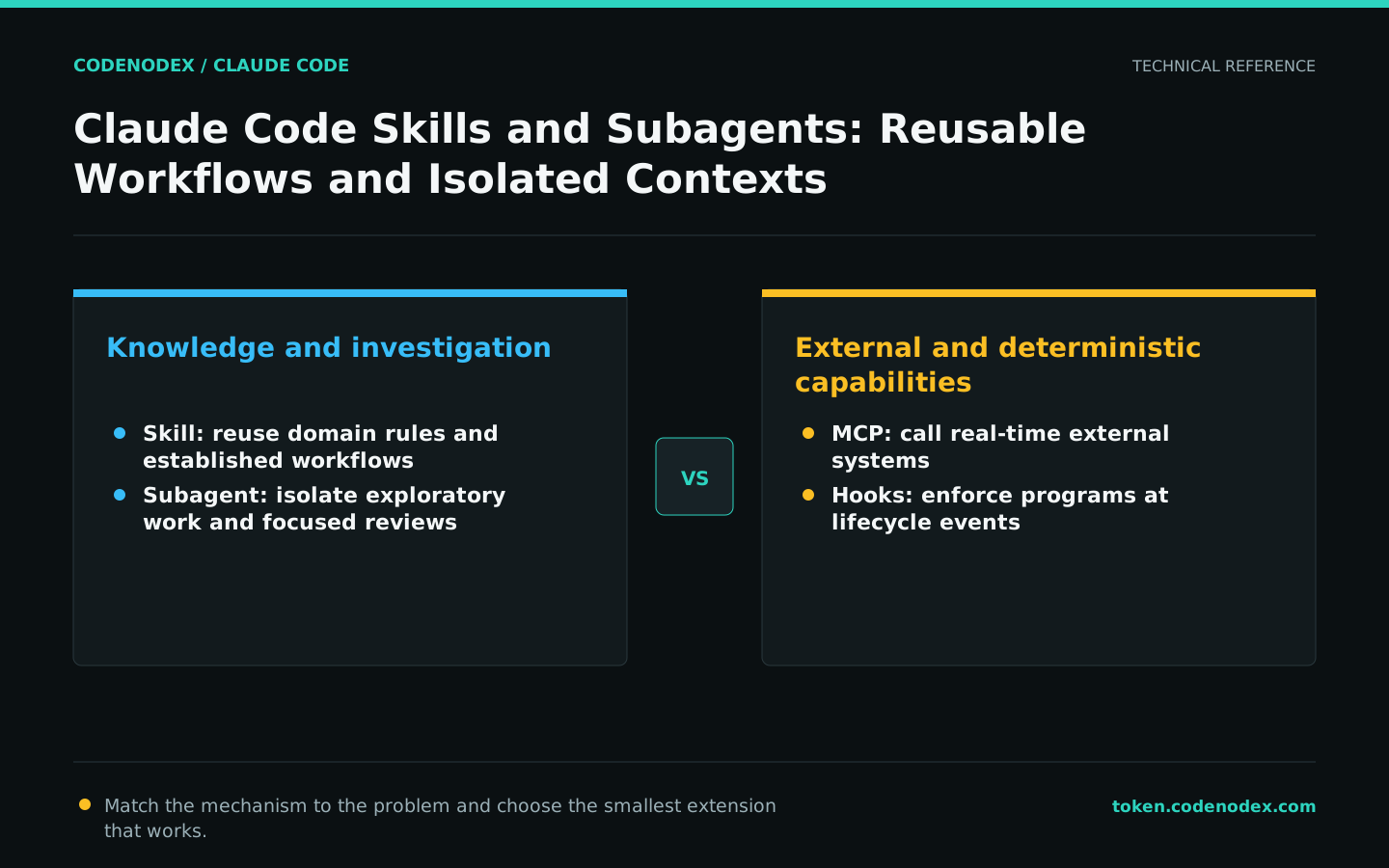
Skills package reusable knowledge and workflows; subagents isolate investigations or specialized tasks. They solve different problems.
What this guide helps you solve
Help teams turn proven practices into maintainable extensions while controlling context and permissions.
First decide whether you need a Skill or a subagent
Skills contain domain knowledge or repeatable workflows that load on demand, making them suitable for API conventions, release processes, and established troubleshooting steps. A subagent has an independent context and tool set, making it suitable for reading large files, specialized reviews, or parallel investigations.
Use MCP when a task requires real-time access to external systems, and Hooks for deterministic lifecycle actions. Do not build an entire extension system for a prompt used only once.
Create a minimal project Skill
A project Skill lives at .claude/skills/<name>/SKILL.md. Its frontmatter should provide at least a clear name and description so Claude knows when to load it; the body contains project-specific rules, steps, and verification methods.
The description should identify the triggering scenario, and the body should include only what execution requires. Split long reference material into other files in the Skill directory so Claude can read it on demand.
---
name: api-conventions
description: Use when adding or changing a REST API in this project
---

# API conventions
- Use kebab-case for URL paths.
- List endpoints must support pagination.
- Run `pnpm test api` and `pnpm typecheck` after changing an endpoint.Set workflows with side effects to trigger manually
A Skill can describe an entire workflow from reading an issue through testing and creating a PR. A Skill that publishes, commits, or writes to an external system should not trigger automatically based only on semantic similarity.
With manual invocation, parameters enter the workflow through $ARGUMENTS. Scripts still require permission approval, and a Skill does not bypass Claude Code's security rules.
---
name: fix-issue
description: Fix the specified GitHub issue
disable-model-invocation: true
---

Fix issue: $ARGUMENTS
1. Read the issue with `gh issue view`.
2. Add a reproducing test and fix the root cause.
3. Run affected tests and lint.
4. Show the diff and wait for approval before creating a PR.Create a custom subagent for specialized reviews
Place a custom subagent in .claude/agents/; its frontmatter defines the name, description, model, and available tools. It works in an isolated context and returns a concise result to the main session.
Minimize tool permissions for the task. A code-review-only agent usually needs Read, Grep, and Glob; add restricted Bash access only when it must run verification.
---
name: security-reviewer
description: Review the current changes for exploitable security defects
tools: Read, Grep, Glob
model: opus
---

Check for authentication bypasses, injection, secret exposure, and unsafe data handling.
Report only issues that affect correctness or a security boundary, with file locations and an exploitation path.
Do not suggest style-only refactors.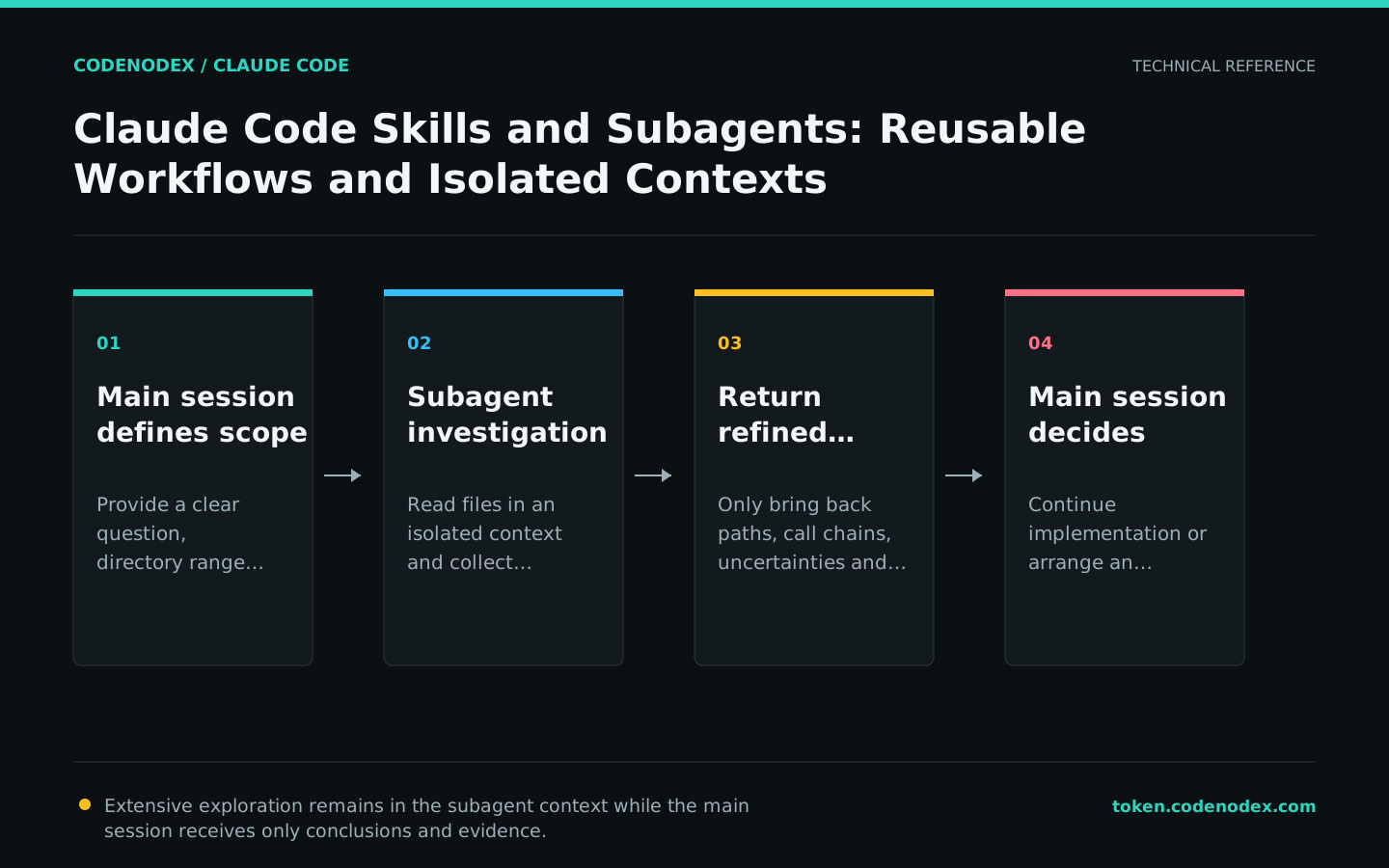
Delegate investigations and independent reviews to Subagents
A delegated task needs a clear question, scope, and return format, such as locating the token refresh path or reviewing the current diff only against PLAN.md. The main agent does not need every file the subagent read.
An independent post-implementation review uses fresh context and reduces the tendency to defend the original solution. Keep the review prompt focused on real correctness issues so it does not encourage over-engineering merely to produce findings.
Use one subagent to trace how the auth module refreshes tokens and find reusable test utilities.
Return file paths, the call chain, and uncertainties without modifying code.

After implementation, use a new subagent to review the current diff against PLAN.md.
Report only gaps that affect the requirements, correctness, or security.Test, review, and control expansion costs
Skill and subagent files should go through code review. Use representative tasks to verify that they trigger correctly and respect tool boundaries. An overly broad description causes false triggers, while an overly long body consumes context.
Subagents have independent contexts but still consume tokens and may modify files in parallel. Make the investigation agent read-only by default; use a separate worktree and specify file ownership when parallel editing is required.
- Document the maintainer, purpose, and verification tasks for each extension.
- Remove instructions that are duplicated, outdated, or already handled reliably by the model.
- Keep permission checks and manual approval for external write operations.
- Use
/contextand execution records to verify what actually loaded and ran.
Official sources and verification scope
This guide is based on public official documentation. Commands and configuration may change between client versions, so verify the linked sources before use.
View documentation scope