Direct answer
The first session should use a small, reversible task with explicit verification criteria.
What this guide helps you solve
Establish a repeatable inspection, implementation, verification, and review procedure for a first Claude Code task.
Select a small task with defined boundaries
Select a task limited to a few files with an observable completion condition, such as a bug with reproduction steps, a test for an existing function, or one documentation section. Avoid open-ended requests such as "optimize the whole project."
Start the session at the project root and record the Git worktree state. Preserve all pre-existing uncommitted changes before allowing file edits or commands.
cd /path/to/project
git status --short
claude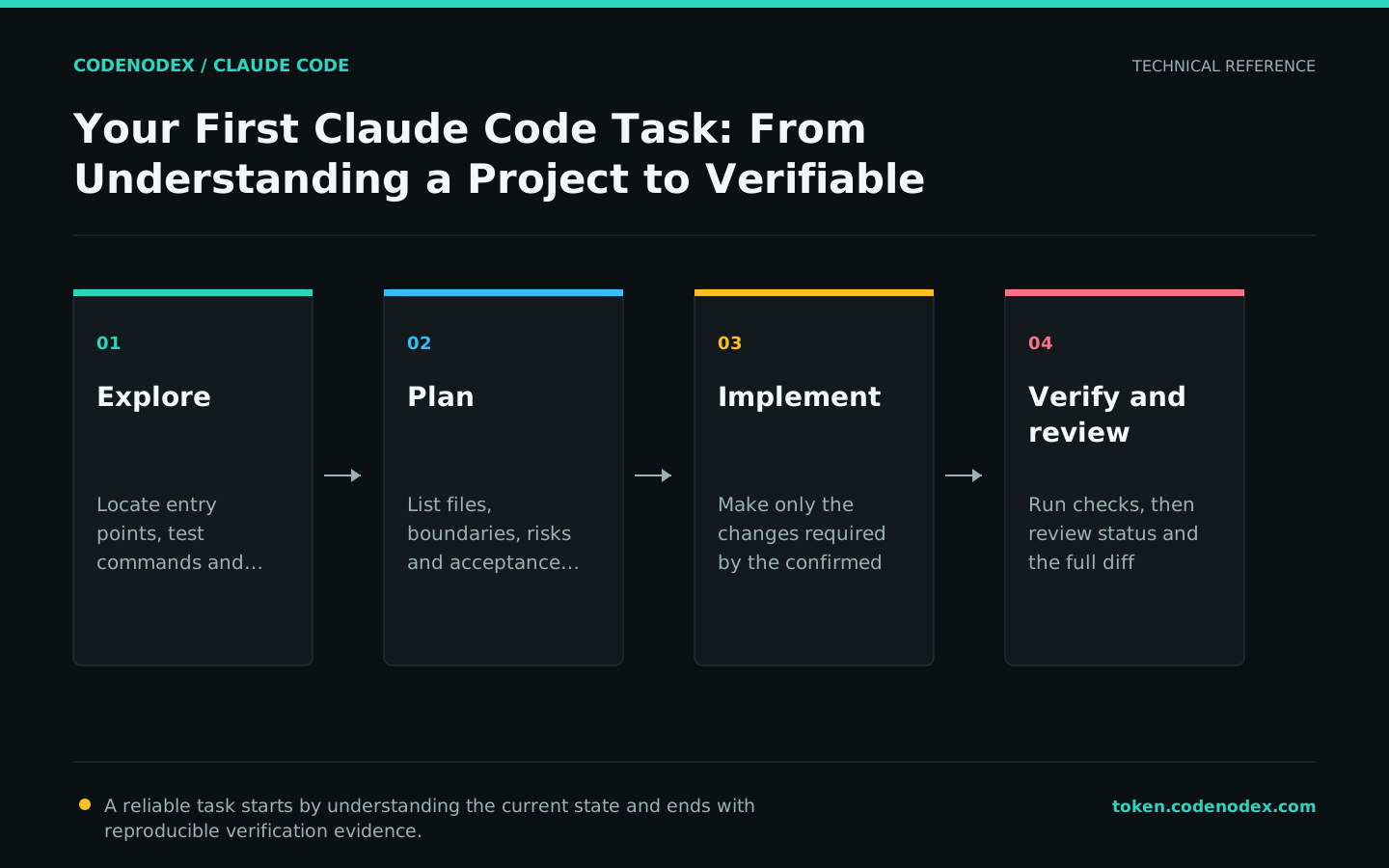
Inspect the project before editing
Identify the entry points, dependencies, test commands, and existing patterns related to the task. Claude Code reads files on demand, so the prompt does not need to contain the entire repository.
Require citations to specific files and functions and an explicit list of uncertainties. Resolve misunderstandings before any change and limit unrelated exploration.
Do not modify files yet. Locate the project entry points, test commands, and error-handling patterns.
Read only the files related to the user login flow, and cite file paths in the result.Use Plan mode for multi-file or unfamiliar changes
Use Plan mode when a task spans multiple files, requires an API choice, or affects an unfamiliar module. The plan should list target files, data flow, risks, verification commands, and explicit exclusions.
Direct implementation may be appropriate for a localized typo or log-line change. Planning depth should follow the task's scope and risk.
- 01ExploreRead the relevant implementation and tests in Plan mode without writing files.
- 02PlanList the changes, boundaries, and acceptance commands, then ask the user to confirm.
- 03ImplementExit Plan mode and edit according to the approved plan.
- 04VerifyRun tests, builds, or visual checks and report the evidence.
Include acceptance criteria in the implementation prompt
Provide reproduction steps, edge cases, and verification commands with the implementation request. The same request can require implementation, check execution, and correction after a failed check.
Use observable acceptance criteria: tests pass, the build exits with status 0, the endpoint returns the expected status, or the specified screenshot difference is absent.
Fix the login failure that occurs after a session expires. First add a test that reproduces the issue,
then update the token refresh flow. Change only the auth module and run its tests.
Finally, list changed files, test commands, and results. Do not hide failures by skipping or weakening assertions.Review the diff before commit
Inspect the Git diff before requesting a commit. Check for overwritten pre-existing changes, unrelated formatting, credentials, and generated build artifacts.
Request a diff summary, then use an independent review focused on correctness, regressions, and omissions. Exclude refactoring suggestions unrelated to the requirement.
git status --short
git diff --check
git diff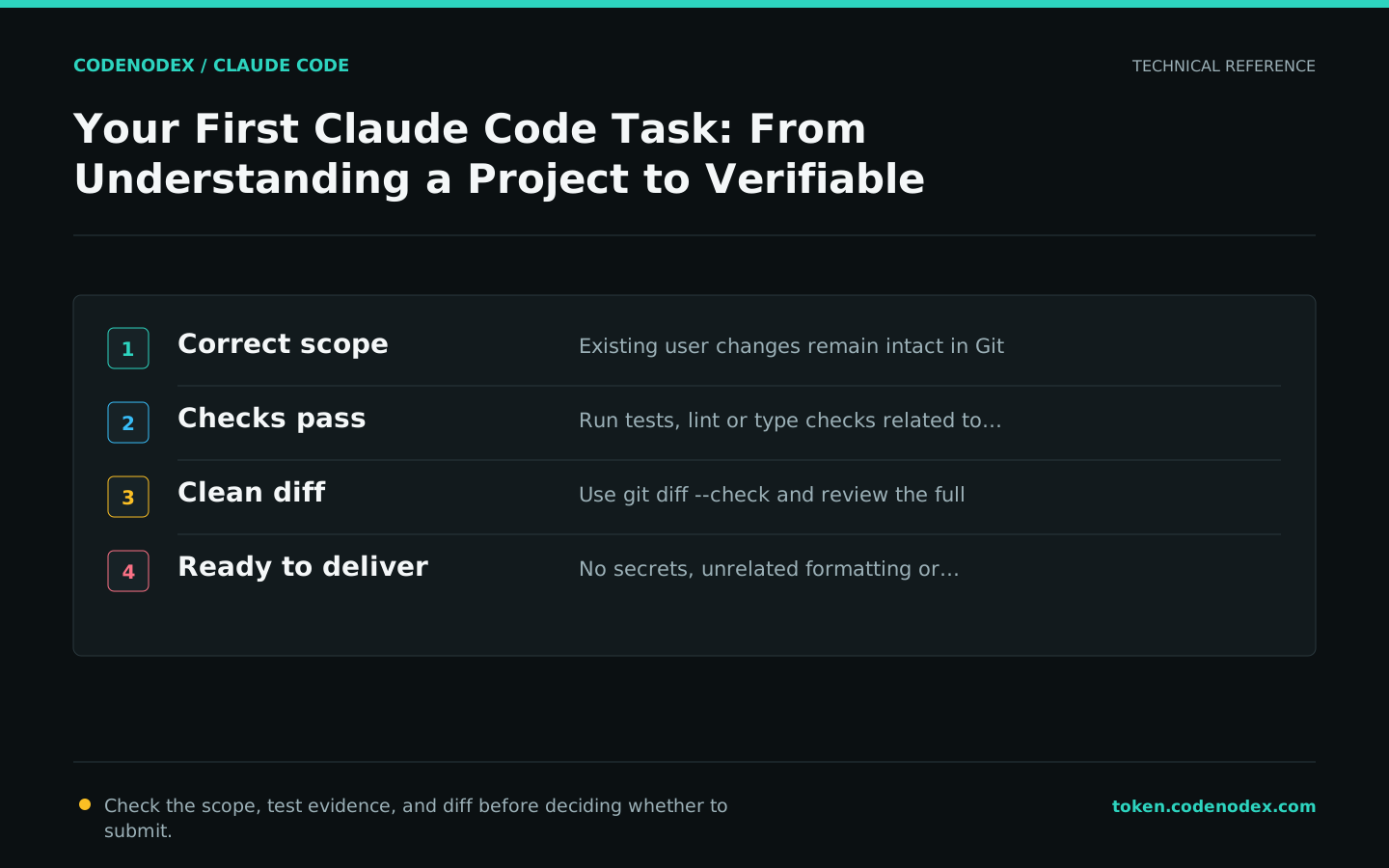
Interrupt and reset incorrect work
Press Esc when the implementation direction is incorrect, then add the missing constraint. If repeated corrections do not resolve the issue, use /clear and restart with explicit scope and acceptance criteria.
Each prompt creates a checkpoint. /rewind can restore the conversation and file state produced by Claude editing tools, but it does not cover changes made by Bash commands or external processes. Use Git for persistent recovery.
/rewind
/clearOfficial sources and verification scope
This guide is based on public official documentation. Commands and configuration may change between client versions, so verify the linked sources before use.
View documentation scope