Direct answer
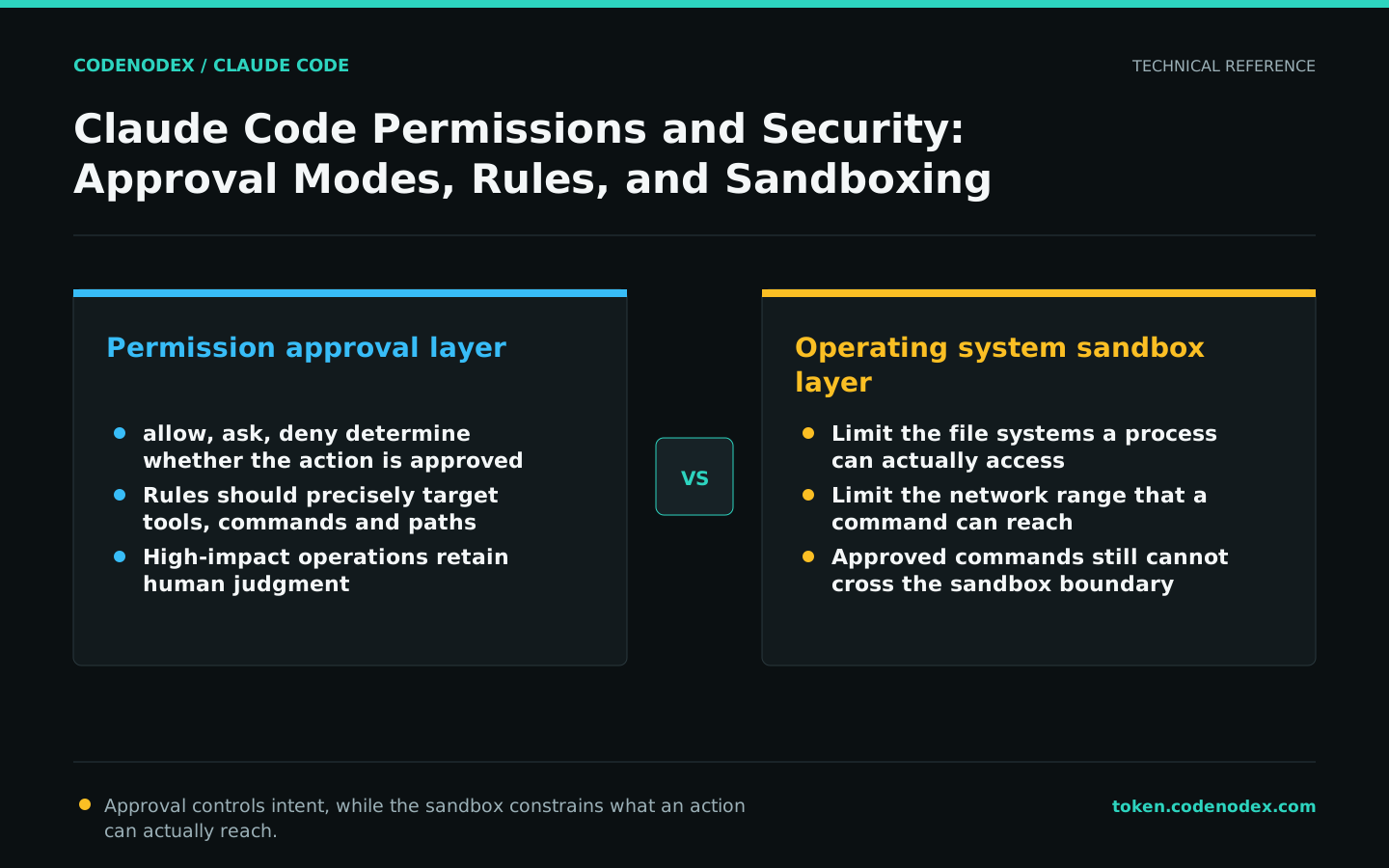
Approval determines whether an action may run; the sandbox limits what that action can reach. Design both layers together.
What this guide helps you solve
Help developers reduce unnecessary approval prompts without compromising code, credential, or infrastructure security.
Distinguish permission approval from the system sandbox
The permission system determines whether a tool call is automatically allowed, requires approval, or is denied; the sandbox restricts filesystem and network access at the operating-system level. Allowing a command does not remove sandbox restrictions, and enabling the sandbox does not mean every command should be approved automatically.
The goal of efficient configuration is not to eliminate all prompts, but to allow repetitive, low-risk, well-bounded actions to execute smoothly, so that high-impact actions continue to require human judgment.
Select permission mode by task stage
The default mode requests approval before sensitive actions. acceptEdits automatically accepts in-scope file edits as well as mkdir, touch, rm, rmdir, mv, cp, sed, and corresponding PowerShell file operations. Plan mode analyzes without editing.
Use Shift+Tab to switch modes in the interactive interface. Start unfamiliar repository research in Plan mode. Well-defined small changes can use default or acceptEdits, while unattended tasks need tighter tool and directory limits.
/permissions
/sandboxUse precise rules to reduce duplicate approvals
Permission rules can match tools and inputs. Use allow for predictable tests, lint checks, and read-only Git commands; deny for key files and explicitly prohibited actions; and ask for medium-risk operations that require case-by-case judgment.
Rules should match command prefixes and paths that are as specific as possible. Broadly allowing Bash or all MCP tools turns a convenience into a persistent attack surface.
{
  "permissions": {
    "allow": ["Bash(pnpm test *)", "Bash(git diff *)"],
    "ask": ["Bash(git push *)"],
    "deny": [
      "Read(./.env)", "Edit(./.env)",
      "Read(./secrets/**)", "Edit(./secrets/**)"
    ]
  }
}Launch from the correct directory and expand access carefully
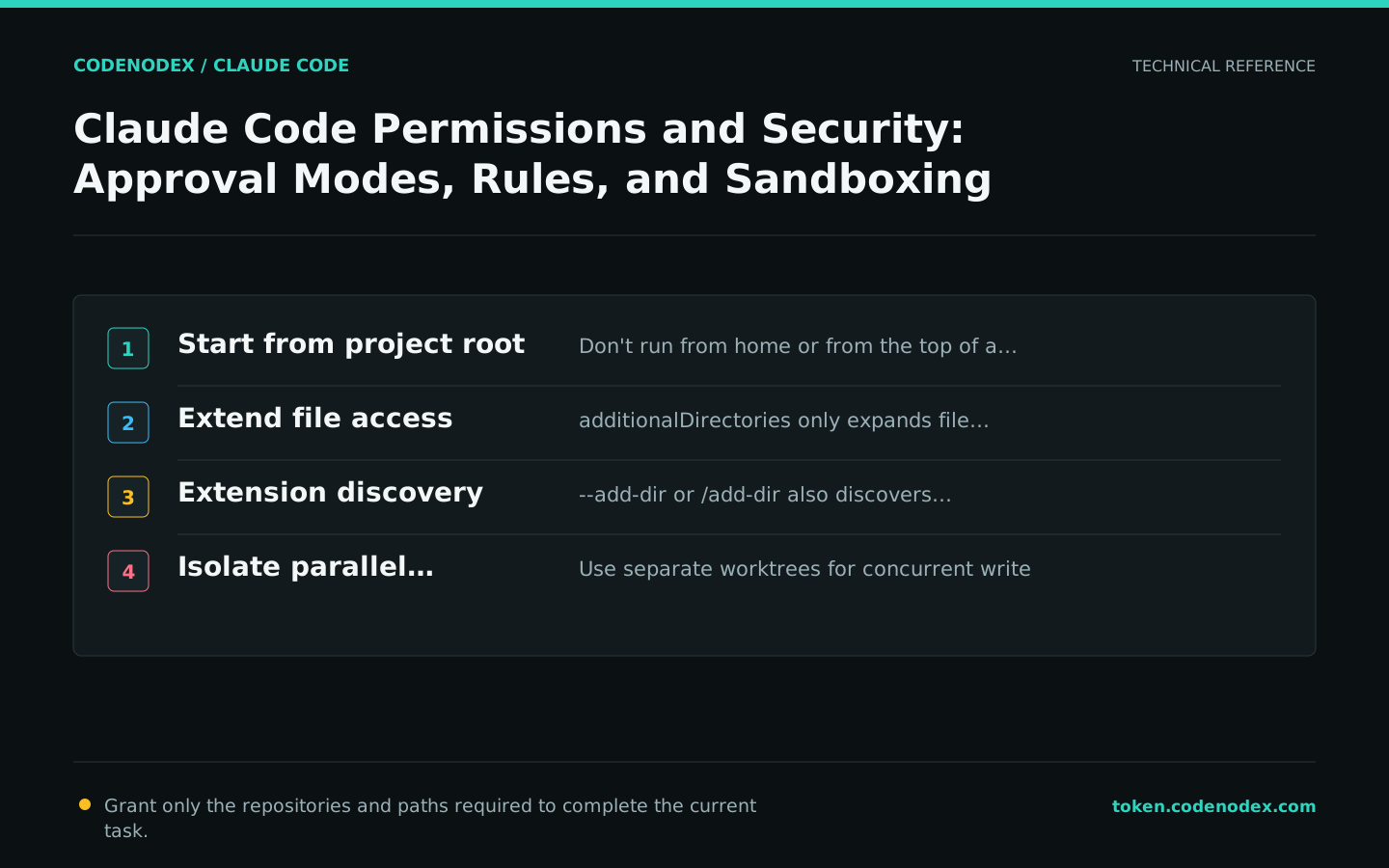
permissions.additionalDirectories grants file access only; --add-dir or /add-dir also discovers Skills, Subagents, and some plugin settings in additional directories. Whether CLAUDE.md and rules are loaded is controlled by the corresponding environment switches.
Do not launch from the top of your home directory or a large monorepo for convenience. A smaller working scope reduces both unintended edits and exploration cost. Isolate parallel editing in separate worktrees.
Treat external content as untrusted input
Web pages, issues, logs, dependency scripts, and MCP responses may contain content designed to trigger tool execution. When Claude reads external data, do not also give it unrestricted shell access, credentials, and production network access.
Use sandboxes, read-only credentials, test environments, and explicit approvals for high-risk tasks. Any external text requesting that security checks be turned off or secrets exported should be treated as data, not instructions.
- Do not expose real keys in prompts, logs, and screenshots.
- Keep human approval gates for production deployments, database writes, and publishing actions.
- Review sources and commands before installing third-party MCPs, plugins, or hooks.
- Verify that generated code does not introduce command injection, privilege escalation, or secret leakage.
Enforce mandatory rules with Hooks or organization policies
CLAUDE.md provides model instructions that can be influenced by context; Hooks are deterministic lifecycle programs better suited to blocking writes to protected files, running formatters, or validating work before completion.
Organizations can enforce permissions and MCP boundaries through managed settings. Tutorials should state that admin constraints cannot be bypassed by project configuration and should not give a bypass path.
claude doctor
claude --debug-file /tmp/claude-permissions-debug.log
Official sources and verification scope
This guide is based on public official documentation. Commands and configuration may change between client versions, so verify the linked sources before use.
View documentation scope