Direct answer
Installation, verification, update-channel selection, and failure diagnosis for Claude Code on macOS, Linux, Windows, and WSL.
What this guide helps you solve
Install Claude Code through a supported channel and verify the local CLI state before project use.
Select an installation channel
Anthropic currently recommends the native installer. It installs Claude Code in the user directory, does not require administrator privileges, and updates in the background on supported platforms. Homebrew, WinGet, and Linux package managers remain suitable where software management is standardized; upgrades follow the selected package manager.
Use the command that matches the active shell: macOS, Linux, and WSL use Bash; Windows PowerShell uses irm. Bash and PowerShell commands are not interchangeable.
curl -fsSL https://claude.ai/install.sh | bashirm https://claude.ai/install.ps1 | iexbrew install --cask claude-codewinget install Anthropic.ClaudeCode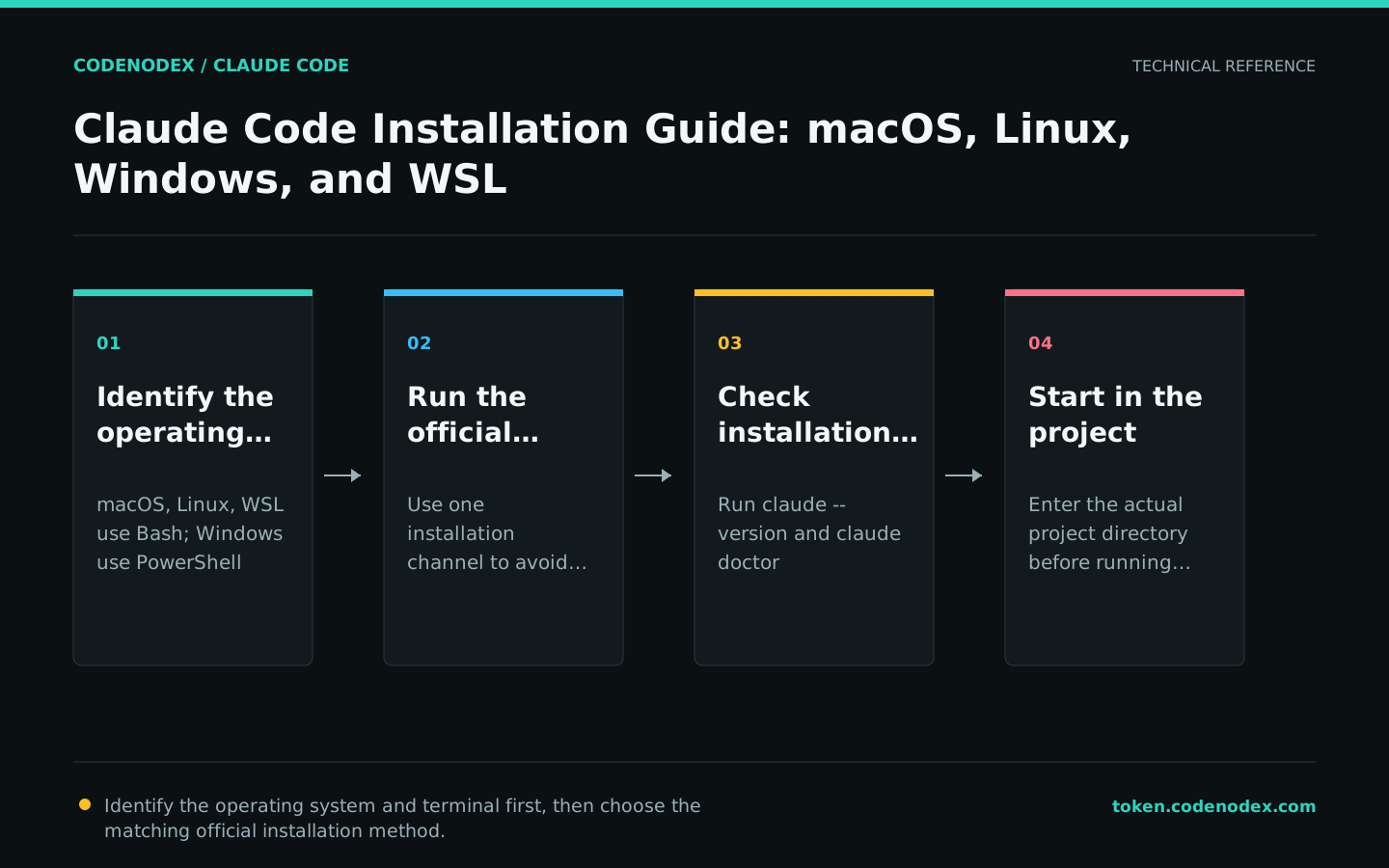
Verify the version and installation health
A successful installer exit status does not verify PATH resolution, configuration parsing, or the update channel. Reload the shell configuration in the current terminal, then run the version check and read-only diagnostics.
claude doctor reports installation health, settings parsing, and update status. Use its output to isolate PATH or configuration failures before reinstalling.
claude --version
claude doctorLaunch from the project directory
Claude Code uses the launch directory as its working scope. Change to the project directory before running claude, complete authentication on the first run, and issue one read-only request to verify project access.
Avoid launching from a parent directory containing unrelated repositories. A narrow working scope limits file exploration and makes permission boundaries explicit.
cd /path/to/your/project
claudeChoose native Windows or WSL
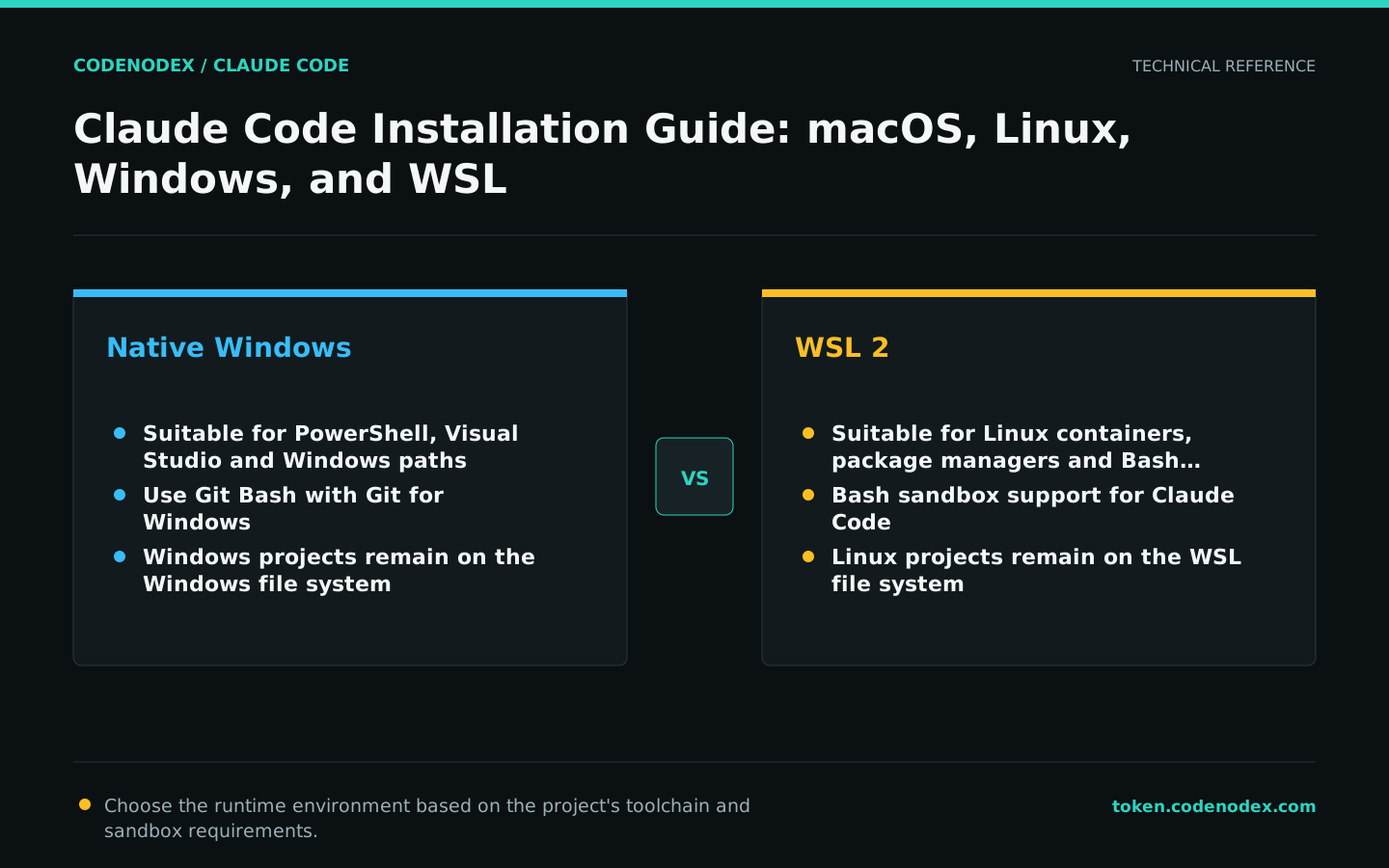
Claude Code runs natively on Windows or inside WSL. Native Windows aligns with Windows toolchains; WSL 2 aligns with Linux toolchains and supports the Claude Code Bash sandbox.
On native Windows without Git for Windows, Claude Code uses PowerShell; Git Bash becomes available after Git for Windows is installed. Keep the CLI and project files in the same filesystem to avoid path and performance issues.
- Native Windows: Fits Visual Studio, PowerShell, and Windows paths.
- WSL 2: Suitable for Linux containers, package managers, and sandboxed command execution.
- Use PowerShell syntax instead of CMD-only
&&command chains.
Select an update channel
Native installations update in the background by default. Select the stable channel when release stability is required; select latest when earlier access to new behavior is required. Homebrew and WinGet installations upgrade through their package managers.
Do not add unverified options to documentation or automation. After an upgrade, run claude --version, run claude doctor, and verify the required project workflow.
brew upgrade claude-codewinget upgrade Anthropic.ClaudeCodeDiagnose installation failures by channel
When the command is not found, inspect PATH and the executable resolved by the shell. HTTP 403, HTML interpreted as a script, and TLS failures indicate a download-path problem. Switching repeatedly among npm, Homebrew, WinGet, and the native installer can leave multiple binaries with the same name.
Record the active installation channel and remediate through that channel. Verify installation before investigating authentication or project configuration so download and network failures remain distinct from account and model failures.
command -v claudeGet-Command claudeOfficial sources and verification scope
This guide is based on public official documentation. Commands and configuration may change between client versions, so verify the linked sources before use.
View documentation scope