Direct answer
Determine the fault level first, then change only one variable; blind reinstallation often hides the real cause.
What this guide helps you solve
Provide safe, repeatable diagnostic sequences for common Claude Code failures.
Put the problem at the correct level first
Installation and PATH, authentication, model routing, project configuration, extension tools, and long-session performance are separate failure layers. First record a minimal reproduction, the complete error, the current directory, and the last known-good state.
Changing the CLI version, gateway URL, key, and model name simultaneously makes any resulting error difficult to attribute. Return to a known state, then change one variable at a time.
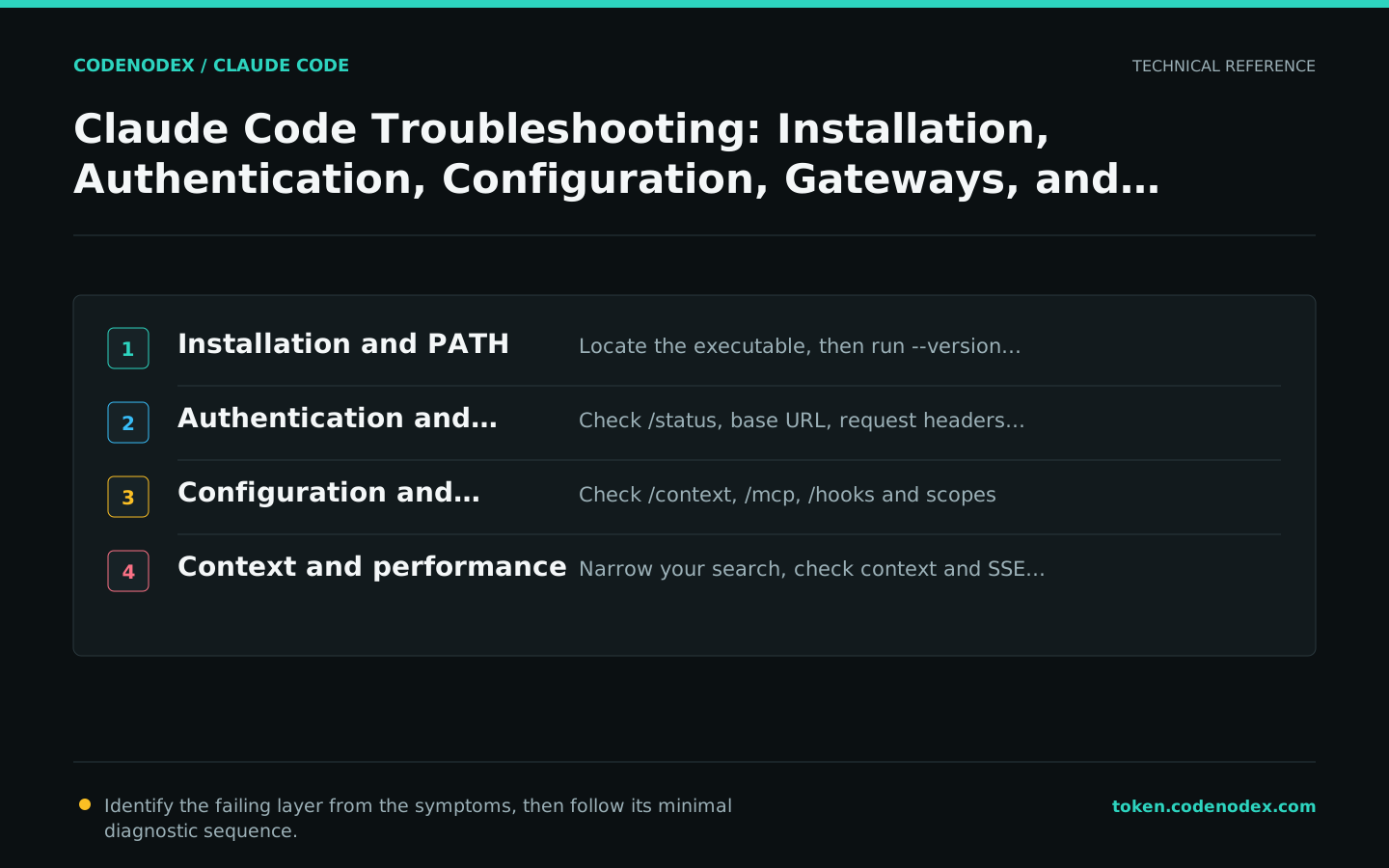
Command not found or wrong version: check PATH and the installation source
Run the version command and claude doctor first. If the command is not found, inspect the path the shell resolves; if the version is wrong, check whether native, Homebrew, WinGet, and legacy npm installations coexist.
An installation script that returns HTML, a 403 response, or a TLS error indicates a download or network problem, not an authentication method to keep changing. Confirm the proxy, certificate, region, and official installation URL.
command -v claude
claude --version
claude doctorGet-Command claude
claude --version
claude doctor401, 403, 404, or unknown model: verify the gateway layer by layer
Use /status to confirm ANTHROPIC_BASE_URL and the credential source. A Bearer gateway should use ANTHROPIC_AUTH_TOKEN; an x-api-key gateway should use ANTHROPIC_API_KEY. A request-header mismatch usually returns 401.
A 404 commonly means the base URL includes an extra path, while an unknown-model response points to the model ID or route. Request /v1/messages directly first, then inspect Claude Code so you are not guessing at both layers simultaneously.
printf 'base=%s\n' "$ANTHROPIC_BASE_URL"
# Do not print tokens or API keys
claude --debug-file /tmp/claude-auth-debug.logRule or setting not applied: inspect the effective configuration
Run claude doctor to validate the JSON, then use /context in a session to inspect CLAUDE.md and rules. Confirm the launch directory, file scopes, settings precedence, and organization-managed policies.
Changing CLAUDE.md during a session does not automatically replace the version already in context. Check again in a new session instead of repeatedly making the rule wording more forceful.
/status
/context
/permissions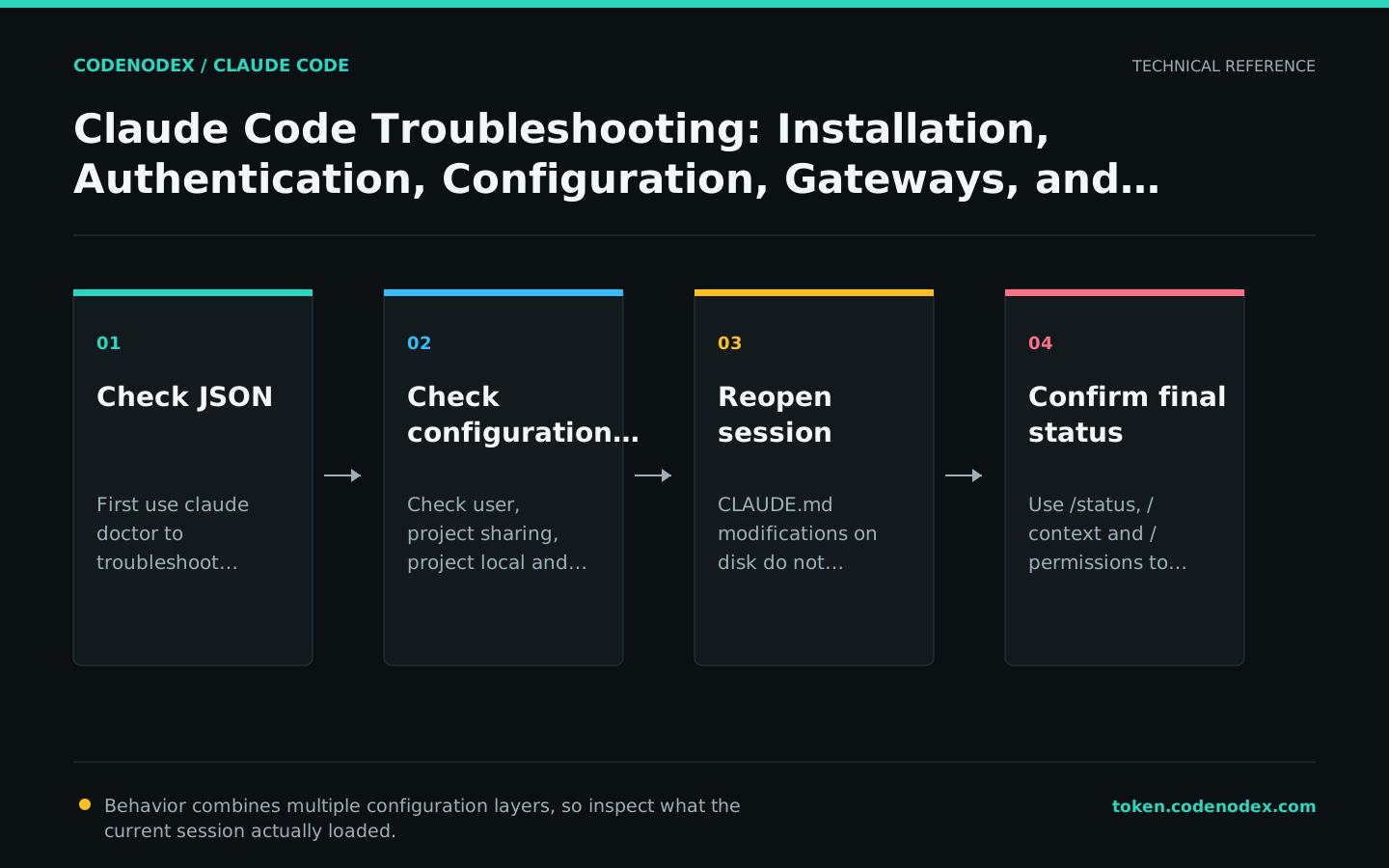
MCP or Hooks failed: test separately from the main task first
For MCP, use claude mcp list, get, and /mcp in a session. Test a stdio service by running its startup command independently; test an HTTP service by checking its URL, TLS, and authentication independently.
For a Hook, run the script first with fixed JSON input, then use /hooks to verify that it loaded. Check the matcher, working directory, permissions, timeout, and exit code before attributing a script failure to the model.
claude mcp list
claude --debug-file /tmp/claude-extension-debug.log
# Continue in the interactive session:
# /mcp
# /hooksHigh CPU, unresponsiveness, or lower quality: check context and search scope
Long sessions can accumulate many files, logs, and tool results. Use /context to inspect what is loaded, /clear between unrelated tasks, and /compact with explicit retention requirements for the same task.
If repository search behaves unexpectedly, check ripgrep behavior, generated directories, and large vendored code; launch a monorepo session from the relevant package directory. A gateway that buffers SSE can also produce long periods with no output, so verify streaming pass-through on the server.
/context
/compact Keep the current root-cause hypothesis, changed files, and validation commands
/clearGather minimal evidence before submitting a support request
Record the operating system, installation method, claude --version, reproduction commands, expected and actual behavior, complete errors, and whether a gateway is in use. For configuration issues, attach only relevant, redacted snippets; never send the entire home directory.
State which checks you completed and their results, such as a direct Messages request succeeding while the CLI fails, or recovery after disabling an MCP. High-quality evidence shortens the diagnostic path.
- Version, platform, shell, and installation channel.
- The shortest reproduction steps and the time of failure.
- Redacted errors, debug snippets, and configuration sources.
- Recent changes and the result of reverting each one.
Official sources and verification scope
This guide is based on public official documentation. Commands and configuration may change between client versions, so verify the linked sources before use.
View documentation scope