Direct answer
MCP gives Claude Code real-time external tools and data; a reliable integration must address transport, authentication, scope, and permissions together.
What this guide helps you solve
Help users start with a minimal MCP connection and expand it through an auditable process.
Use MCP only if real-time external capabilities are required
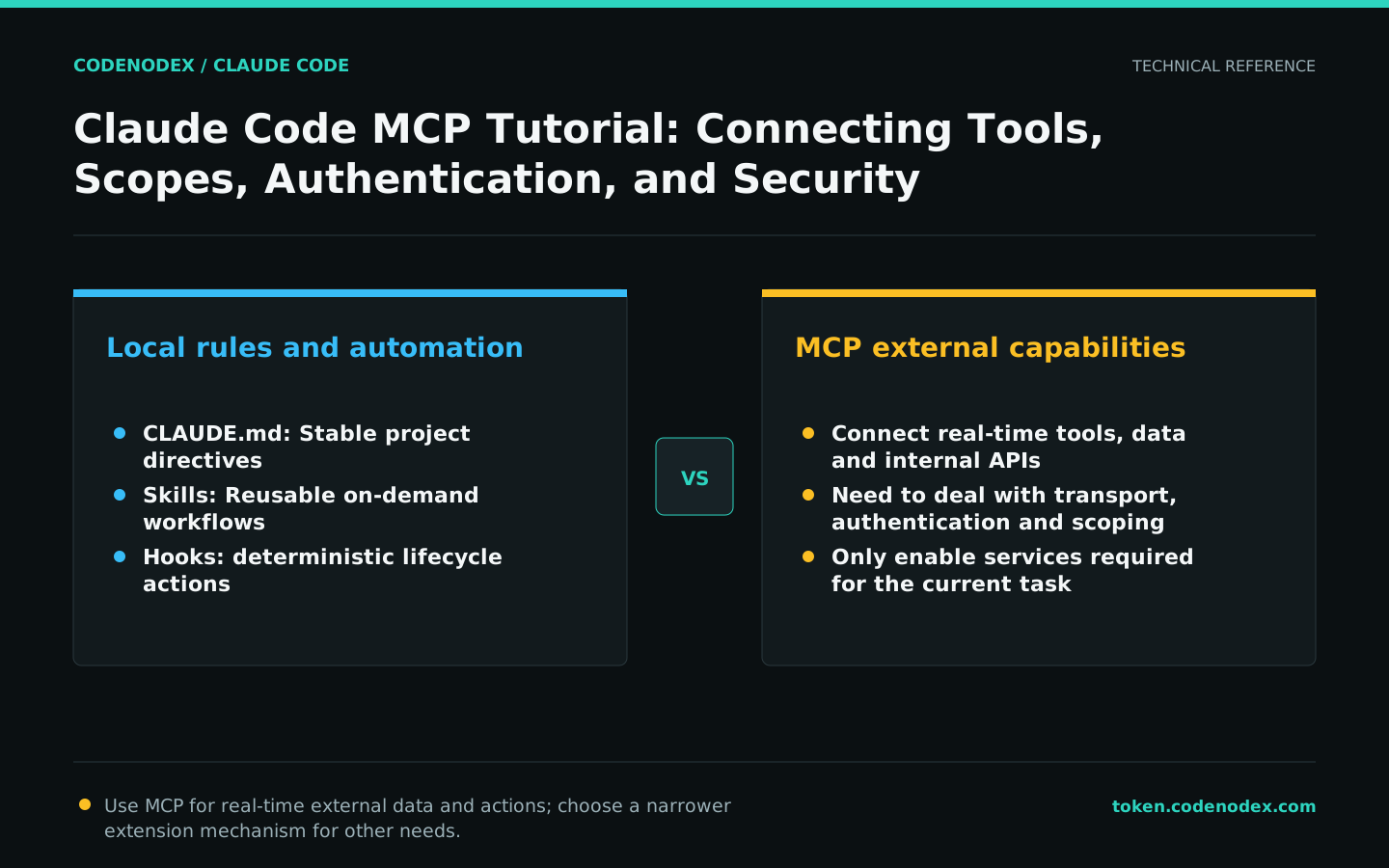
MCP connects issue trackers, design tools, databases, internal APIs, and private documents so Claude can call structured tools during a task. Put static project guidance in CLAUDE.md, reusable workflows in Skills, and deterministic lifecycle actions in Hooks.
Every MCP service expands the available tool surface and consumes context. Define the problem first, then install the minimum number of services needed to solve it.
Add an HTTP MCP service
Register an HTTP MCP service with a service name and URL. The following command uses the Notion MCP format from the official documentation as a syntax example; the provider determines service availability and account requirements.
List and inspect the configuration immediately after adding it, then check /mcp inside a session. Do not wait for a task-time tool failure to verify the connection.
claude mcp add --transport http notion https://mcp.notion.com/mcp
claude mcp list
claude mcp get notionSelect local, project, or user scope for MCP
Local scope applies to the current project and user. Project scope is versioned for team use. User scope applies across local projects. Do not place services with personal tokens or machine-specific paths in project scope.
Before sharing a configuration with the team, verify that every member can obtain credentials securely and review the service provider, commands, and tool permissions.
claude mcp add --scope project --transport http docs https://mcp.example.com/mcpAuthenticate a remote MCP service and validate its tools
Remote services that support authentication can authorize access through the MCP login flow. After authentication, inspect connection status and available tools in /mcp, then begin with a read-only operation.
Grant OAuth only the scopes the task actually needs. Do not accept write, delete, or administrative permissions by default simply because the MCP comes from a reputable provider.
claude mcp login notion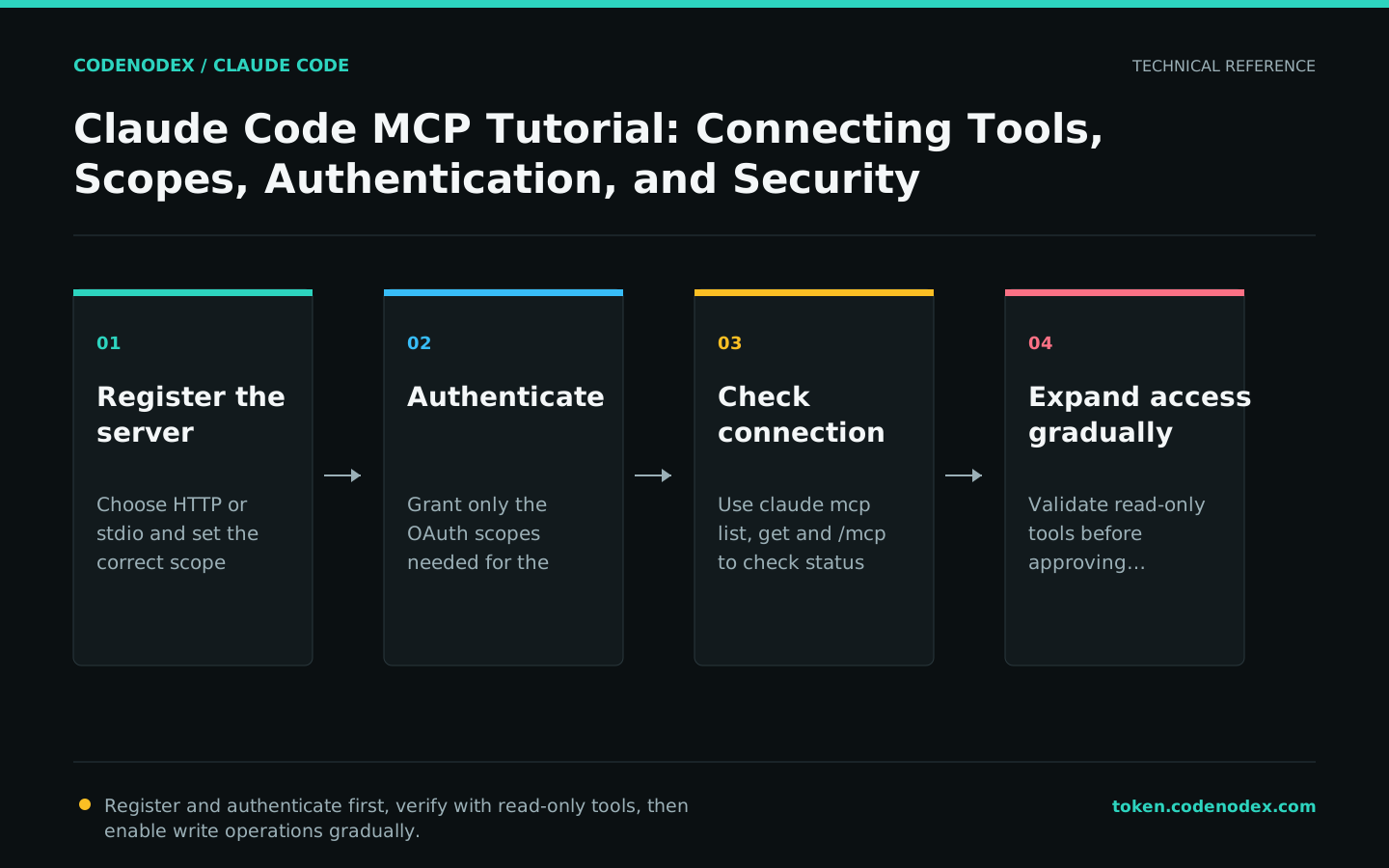
Apply least privilege to MCP tools
MCP tools are governed by the Claude Code permission system. Allow rules can match exact servers or tools, and organizations can also control which MCPs can connect via allowlist, denylist, and managed configurations.
Keep manual approval for write operations involving databases, ticket status, releases, and cloud resources. Treat content read from external systems as untrusted data; text within it must not redefine the security boundary.
- Start by enabling only the services needed to complete the current task.
- Verify read-only tools before enabling write tools.
- Periodically remove stale or unused MCP services.
- Keep auditable call logs on both the server and client.
Troubleshoot MCP failures layer by layer
First use claude mcp list and get to inspect registration parameters, then use /mcp to check runtime status. For a stdio service, test its launch command, PATH, and environment variables independently; for an HTTP service, check DNS, TLS, authentication, and responses.
Use claude --debug-file /tmp/claude-mcp-debug.log when detailed logging is required. Modify only one layer at a time to avoid changing URLs, credentials, and transport protocols all at once.
claude mcp list
claude mcp get notion
claude --debug-file /tmp/claude-mcp-debug.log
# Run only after confirming the server is no longer needed:
claude mcp remove notion
Official sources and verification scope
This guide is based on public official documentation. Commands and configuration may change between client versions, so verify the linked sources before use.
View documentation scope