Direct answer
AGENTS.md is a persistent repository guide, not an encyclopedia; only keep the rules that are worth loading for each relevant task, and use nested files to narrow the scope.
What this guide helps you solve
Create and maintain AGENTS.md for Codex CLI
Use AGENTS.md for persistent engineering conventions
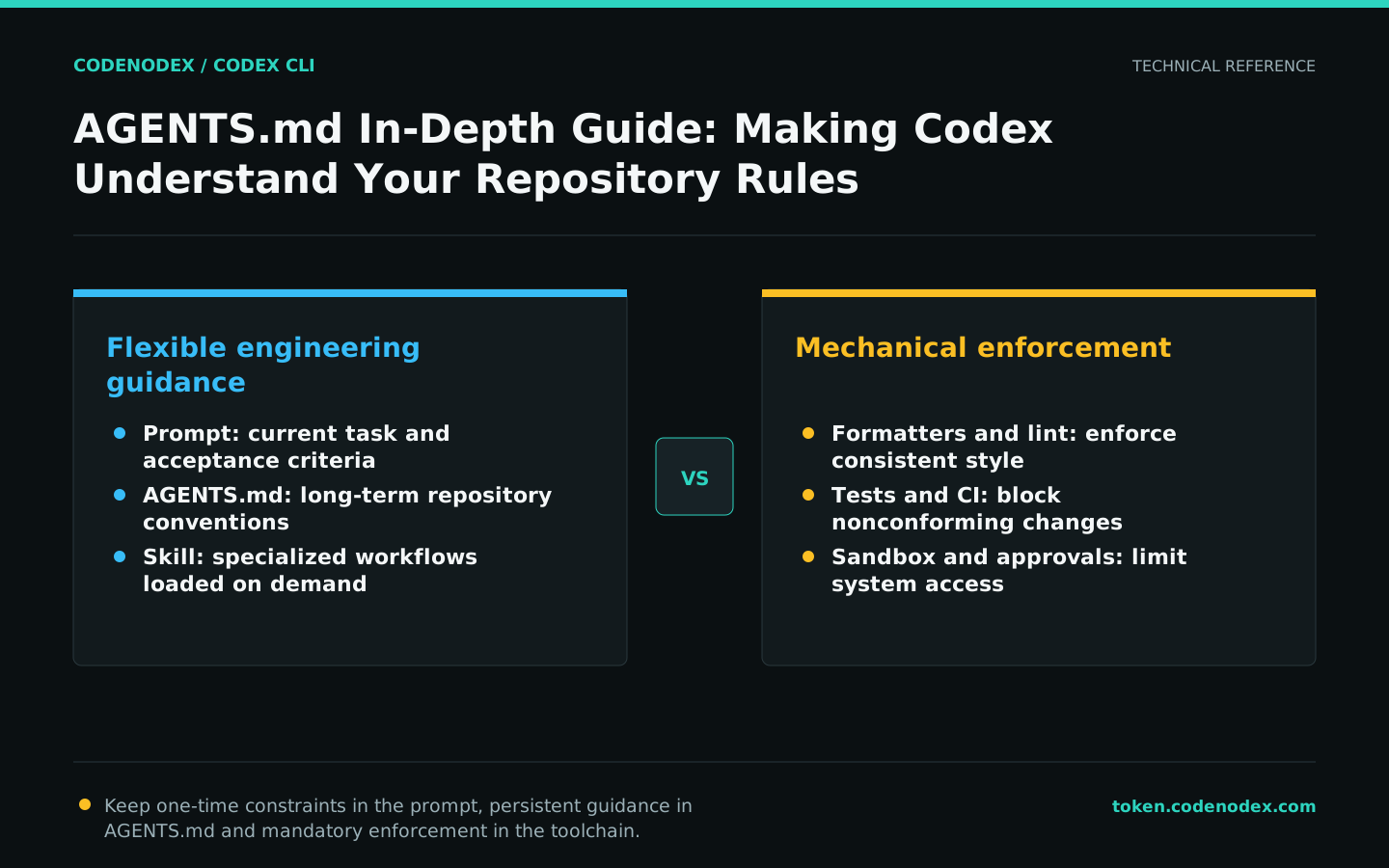
Keep one-time requirements in the current prompt and put durable repository facts in AGENTS.md. Typical content includes authoritative build commands, directory boundaries, coding conventions, verification steps and files that must not be modified.
It is used to guide model decisions and does not replace formatters, permission policies, or CI. Rules that must be enforced should be mechanically guaranteed by tests, lints, sandboxes, or hooks.
Start with a minimal, executable template
Good rules are specific, concise and verifiable. Do not write unactionable slogans such as "maintain high quality". Name the relevant directories, commands and acceptance criteria instead.
The following template demonstrates structure only. Replace its placeholders with real repository commands and submit it for team review. A nonexistent command will mislead every subsequent task.
# Repository Guide

## Scope
- Work only in the module named by the task.
- Do not edit generated files under `dist/`.

## Commands
- Install: `<project-install-command>`
- Test: `<project-test-command>`
- Typecheck: `<project-typecheck-command>`

## Conventions
- Follow patterns in the nearest existing module.
- Keep API changes backward compatible unless explicitly approved.

## Verification
- Run the narrow test first, then the required repository checks.
- Report commands run and any checks that could not be completed.Express directory-level rules with nested files
The root file defines repository-wide conventions, while a subdirectory AGENTS.md adds rules specific to that subtree. More local guidance narrows the scope, so the root file does not need every frontend, backend and mobile detail.
When conflicts arise, resolve document inconsistencies first rather than expecting the model to guess the team's intentions. Leaving conflicting commands at different levels can lead to erratic task performance.
find .. -name AGENTS.md -print
git status --short
git log -n 5 -- AGENTS.mdRecord high-value facts without copying the entire document
Keep AGENTS.md limited to rules that Codex needs for most work in that scope. Put long API references, infrequent release procedures, and task-specific instructions in linked documentation or on-demand skills.
Describe the scope of the build and test commands, such as what needs to be run only for front-end modifications and what needs to be run for shared protocol modifications. This avoids performing all checks every time and does not miss cross-module contracts.
- Repository structure and module ownership.
- The authoritative commands for installation, building, testing, and linting.
- Approval boundaries for public API, database, and dependency changes.
- Rules for handling secrets, generated files and migrations.
- Verification evidence that must be provided when completing a task.
Use read-only tasks to verify whether instructions are clear
After modifying AGENTS.md, do not immediately assign a large task. Ask Codex in read-only mode to summarize applicable rules, required commands and actions that need approval; this quickly exposes ambiguity.
Verify the resulting interpretation. Do not ask the model to reveal hidden system instructions or internal context; ask it to restate the repository conventions it will follow.
codex -C /path/to/repo -s read-only "Read the AGENTS.md that applies to the frontend module. Summarize the allowed change scope, required checks, and operations that require prior approval. Do not modify files."Continuously clean up outdated and duplicate rules
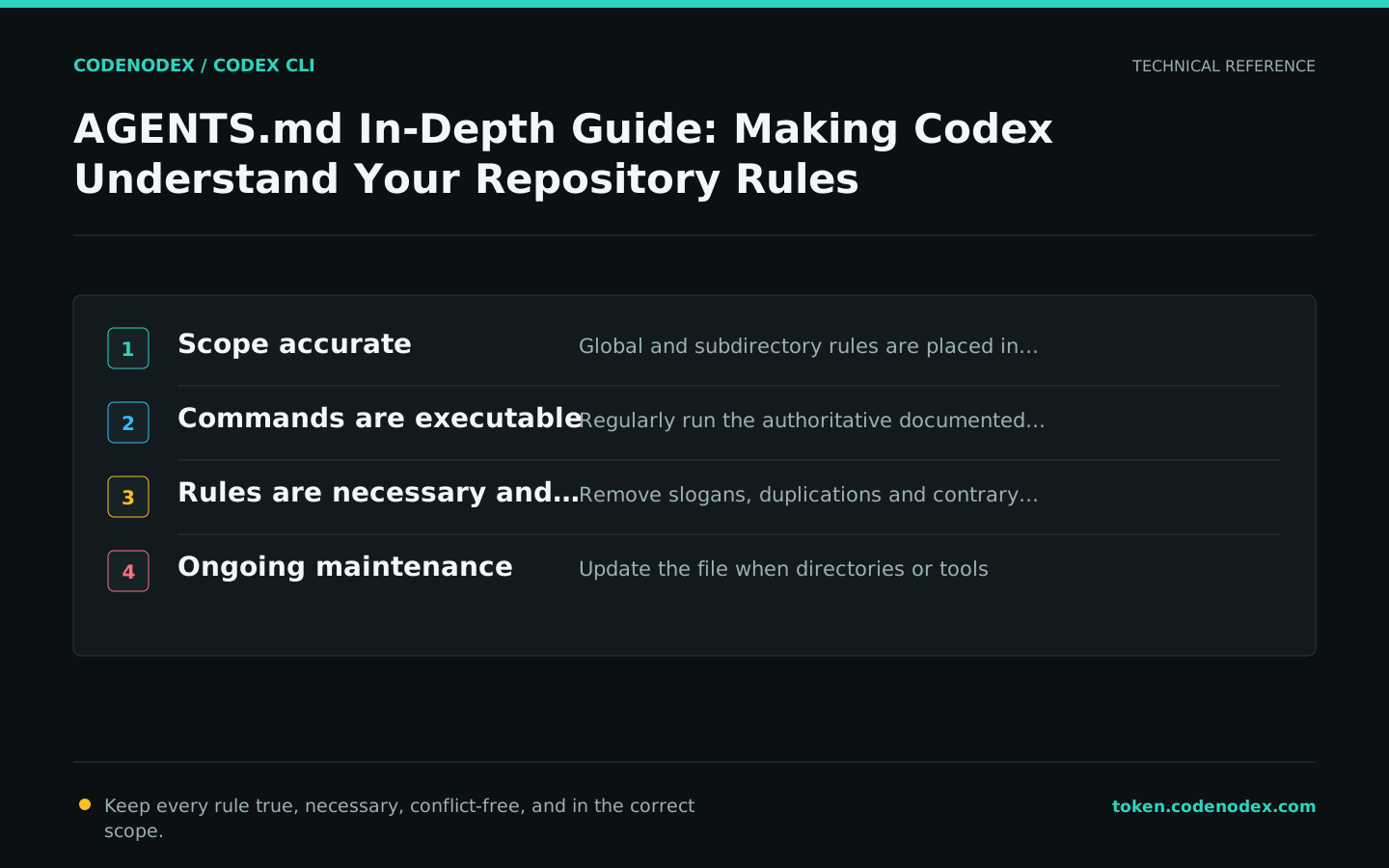
Update AGENTS.md whenever the build system, directory layout or release process changes. Duplicated rules make it more likely that one copy changes while another becomes stale.
Review AGENTS.md like code: confirm that commands run, scopes are accurate, credentials and machine-specific paths are absent, and important changes include their rationale.
- Run the commands in the documentation regularly.
- Remove prose for rules already enforced mechanically.
- Migrate specialized workflows to Skills.
- Separate personal preferences from team rules.
Official sources and verification scope
This guide is based on public official documentation. Commands and configuration may change between client versions, so verify the linked sources before use.
View documentation scope