Direct answer
Use Skills for repeatable, specialized procedures. Keep the entry point short and place detailed references and deterministic scripts in separate directories that load on demand.
What this guide helps you solve
Create and maintain reusable skills for Codex
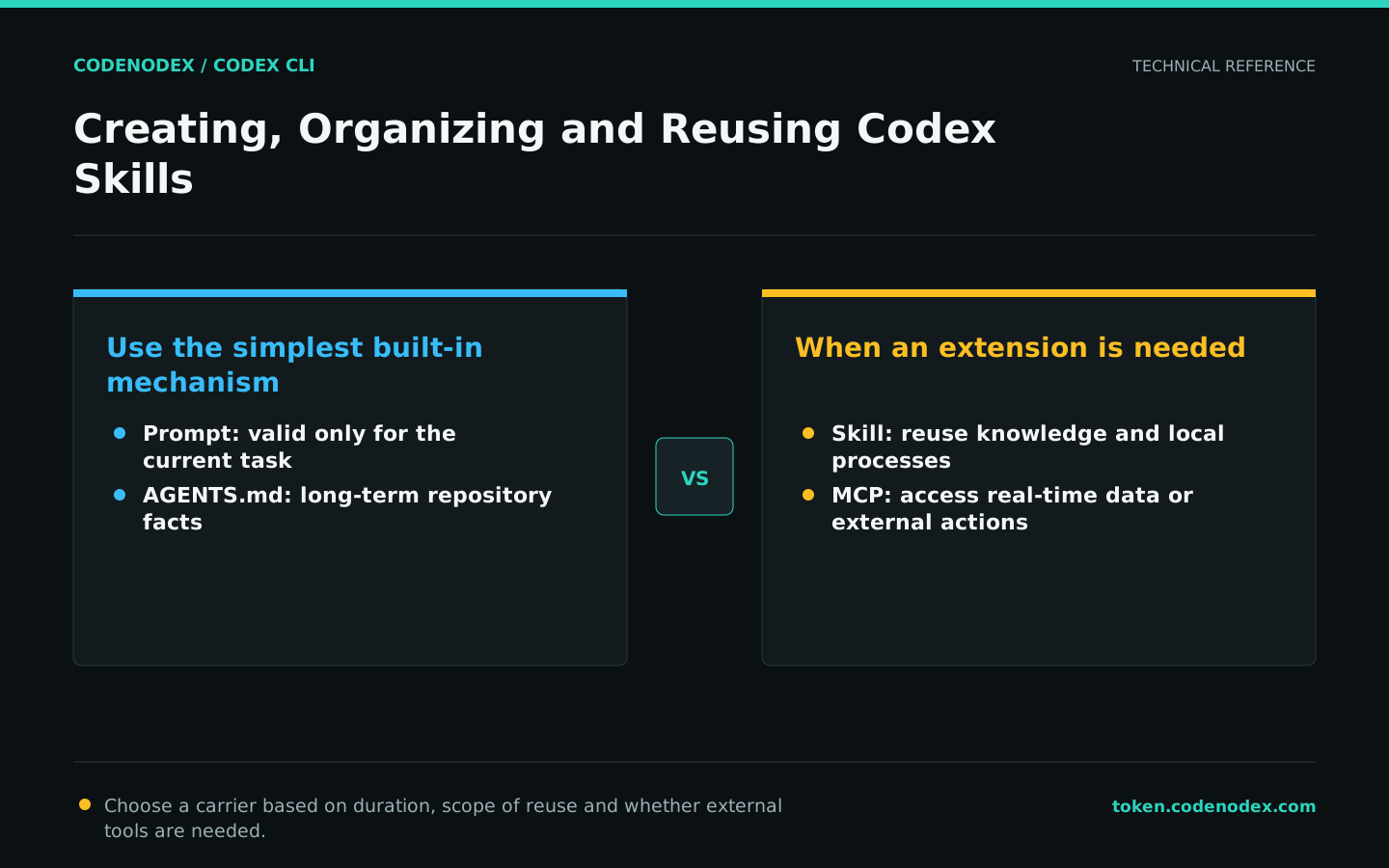
Choose the smallest appropriate extension surface
Keep one-time constraints in the prompt, cross-task repository conventions in AGENTS.md and repeated specialized workflows in Skills. Use MCP for real-time external data or actions. Combining unrelated problems in one skill makes triggering less reliable.
Skills should have clear inputs, steps, validation and exit conditions. Abstraction is only worthwhile if the process is repetitive, steps are easily missed, or accompanying reference materials are needed.
Use a clear Skill directory structure
Give each Skill its own directory and SKILL.md entry point. Name it after the task instead of using broad labels such as helpers or utils. Put supporting material in references and deterministic operations in scripts so the entry point stays concise.
Project skills should go into code review, and user-level skills are used for personal cross-repository workflows. Do not submit private keys, absolute machine paths, or unauthorized organization information to project skills.
.codex/skills/release-check/
├── SKILL.md
├── references/
│   └── release-policy.md
└── scripts/
└── collect-evidence.shWrite a recognizable SKILL.md entry point
Keep the frontmatter name stable. The description should explain both what the skill does and when to use it so Codex can choose accurately among related workflows. Write the body in execution order and mark actions that require user confirmation.
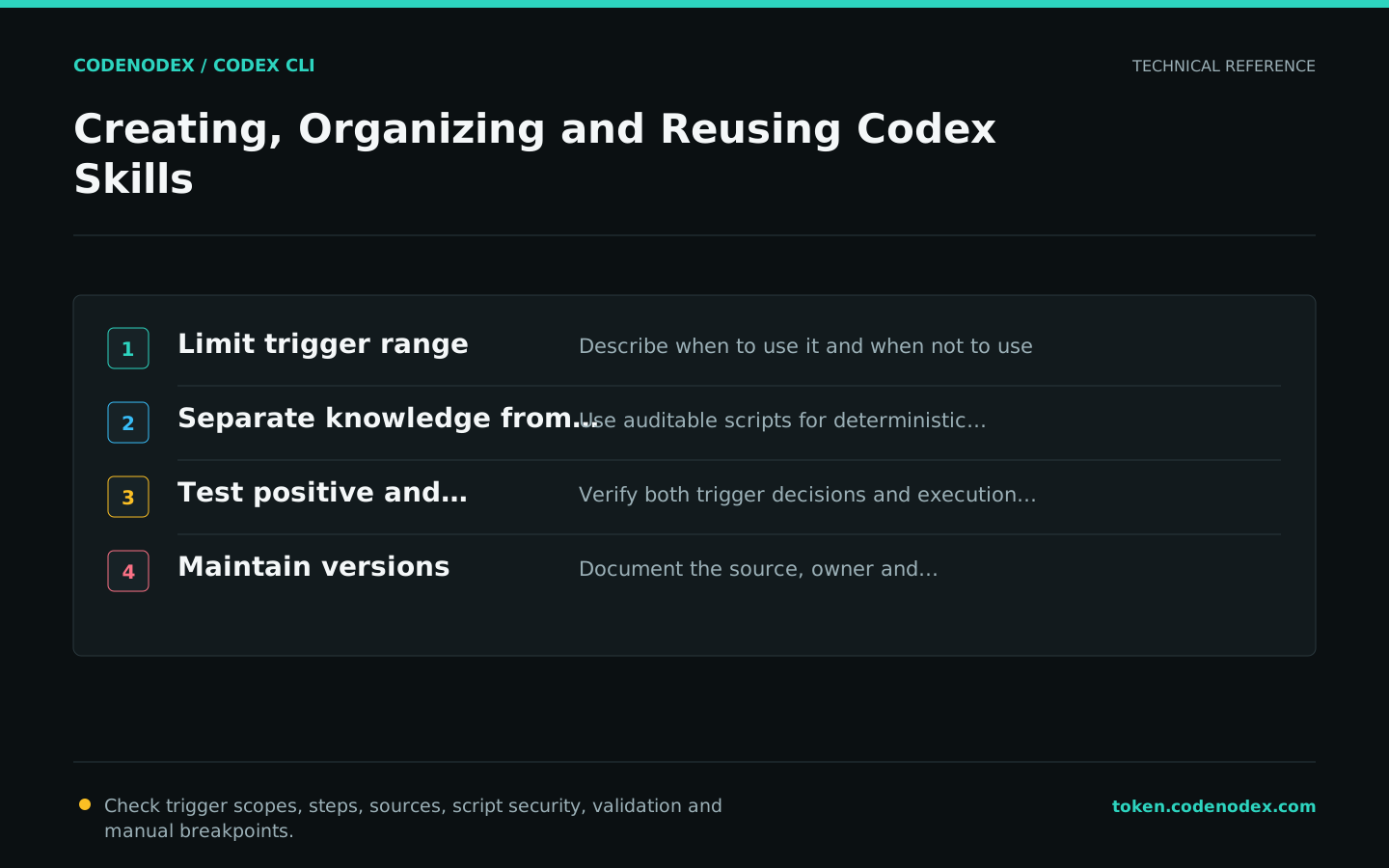
Do not stuff the description with all the keywords. A trigger that is too broad will cause the skill to load for unrelated tasks, and a trigger that is too narrow will force the user to remember the exact name.
---
name: release-check
description: Verify a release candidate, collect build and test evidence, and report blockers. Use before tagging or publishing a release.
---

# Release Check

1. Read the repository release policy and current version.
2. Confirm the requested tag; do not create or push it without approval.
3. Run the repository-defined build and test commands.
4. Compare expected artifacts and checksums.
5. Report commands, results, blockers, and unverified items.Separate knowledge from deterministic operations
references hold policies, formats, and examples that need to be read on demand; scripts handle collection, transformation, or validation that must be repeated exactly. Scripts still need exception handling, timeouts, and clear exit codes.
The Skill text defines the decision sequence; do not copy entire reference documents into it. Scripts must not interpolate user input into unsafe shell commands or silently publish releases, delete data or modify databases.
- Long references are split by topic and indicated in SKILL.md when to read.
- The script defaults to read-only, and parameters are passed explicitly for write operations.
- Network requests set a timeout and retain error context.
- Output remains machine-readable instead of only printing "success".
Use positive and negative tasks to test triggering and execution
Prepare at least one task that should trigger the skill, one that should not and one with too little information to proceed without questions. Confirm that Codex loads the right skill, respects pause points and runs the expected checks.
Use a read-only repository or a temporary branch when testing. Do not release the real version directly from the first run.
codex -C /path/to/repo -s read-only "Use release-check to determine whether this repository is ready for release. Do not create tags, push, or modify files. List information that requires my approval."Version and maintain skills
Update Skills when repository commands, release policies or tool parameters change. Keep example inputs and expected checks for important workflows so they can be revalidated after a Codex upgrade.
Regularly merge duplicate skills, narrow broad descriptions and remove broken scripts. Review third-party skills as code before installation; a Markdown file is not inherently safe.
Official sources and verification scope
This guide is based on public official documentation. Commands and configuration may change between client versions, so verify the linked sources before use.
View documentation scope