Direct answer
The sandbox limits which resources commands can affect, while approval policy determines when to ask the user. Combine these distinct controls according to least privilege.
What this guide helps you solve
Secure configuration of Codex CLI sandbox, network and command approval
Distinguish between sandbox and approval
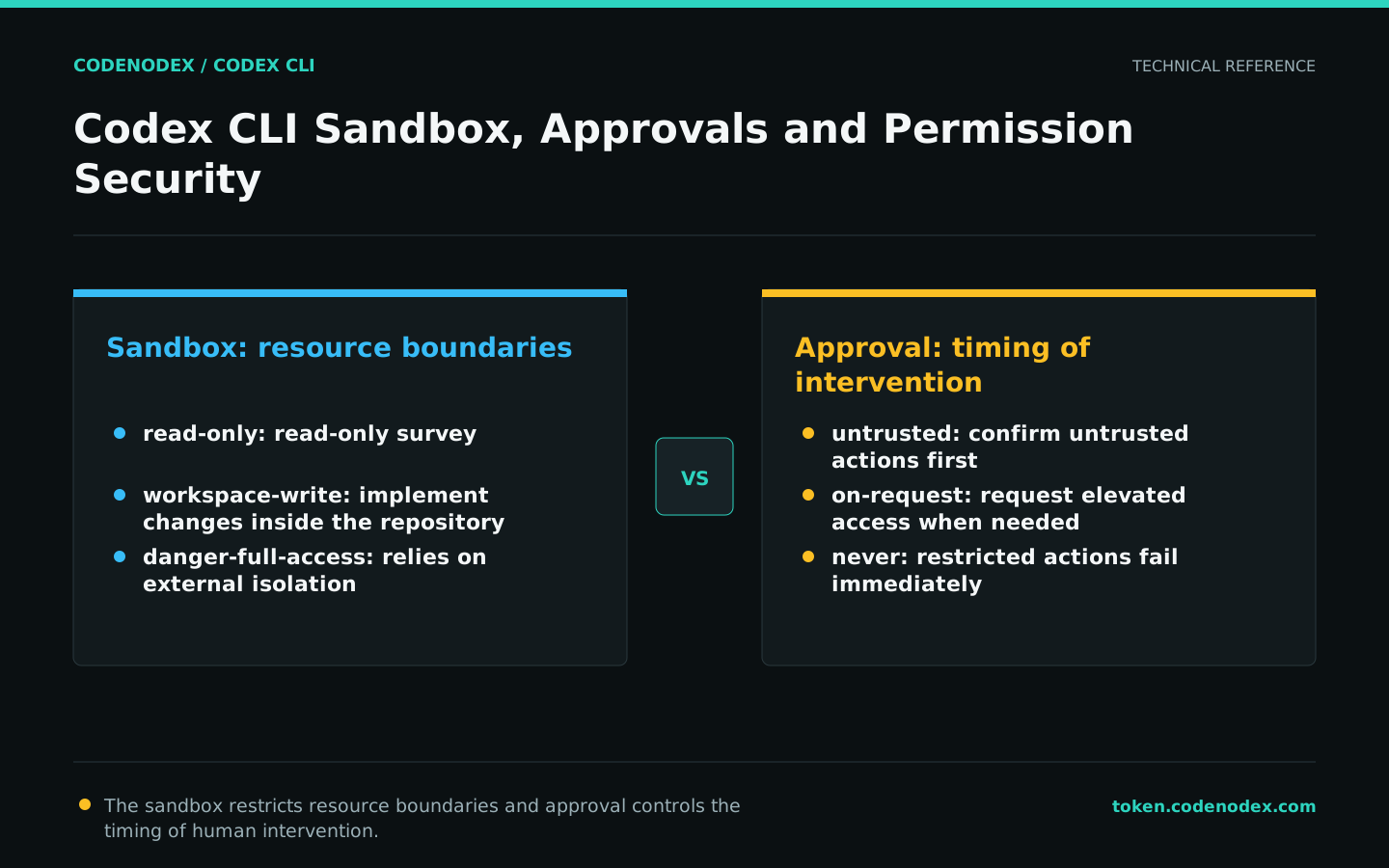
The sandbox defines where commands can read, write and use the network; the approval policy determines whether actions require human confirmation. Setting approval to never does not expand the sandbox, and danger-full-access does not mean every action receives review.
Prompts and AGENTS.md influence model behavior but do not enforce runtime security. For untrusted repositories, restrict file access, network access, and approvals at the runtime layer.
Select sandbox mode by task
Use read-only for investigation, code explanation, and plan review. Use workspace-write for implementation inside the repository. Use danger-full-access only inside an externally isolated environment such as a disposable container or virtual machine.
Do not just open up the entire system just because a cache directory is needed for one build. Prioritize adding the minimum necessary directory through --add-dir, or adjusting the build cache location.
codex -s read-only "Analyze the failure. Do not modify files."
codex -s workspace-write "Implement the approved fix and run tests."
# Evaluate only in an external isolated environment:
codex -s danger-full-accessSelect approval strategy
untrusted runs only trusted read-only commands directly and requests confirmation for others. on-request lets the model request elevated access when necessary. never initiates no approval flow and returns a restricted-action failure directly to the model.
Use on-request for local interactive work and untrusted when reviewing an unfamiliar repository. Use never only when the CI sandbox already fixes the task boundaries and no human response is available.
codex -s read-only -a untrusted
codex -s workspace-write -a on-request
codex exec -s workspace-write -a never "Run checks and report the results. Do not modify source files."Only open necessary directories and networks
When tasks need to access adjacent workspaces, use --add-dir to explicitly add them instead of setting the working root directory to a common parent directory. Networking needs should also differentiate between dependent downloads, API calls, and web searches.
Turning on --search provides native web search tools to the model; it is not a universal switch for all network requests. When working with private code, you still need to follow your organization's data egress policy.
codex -C /work/app --add-dir /work/shared -s workspace-write
codex -C /work/app -s read-only --search "Use official sources only to verify the current parameters for this public API."Identify high-risk options for bypassing controls
Options that bypass approvals and sandboxing allow model-generated commands to run directly on the host. Use them only in automation where containers, virtual machines or disposable runners already provide reliable isolation.
Do not use on personal workstations, production servers, hosts containing cloud credentials, or untrusted repositories. Tutorials should not package it as a "confirmation-free trick" either.
Establish a least privilege baseline for your team
Team baselines should be defined by work scenarios rather than personal preferences. Interactive development, read-only review, CI fixes, and production diagnostics require different combinations and are constrained by project configuration and runtime environment.
Regularly review approved commands, additional directories and network scopes. Broad access granted for temporary troubleshooting should not remain in shared configuration.
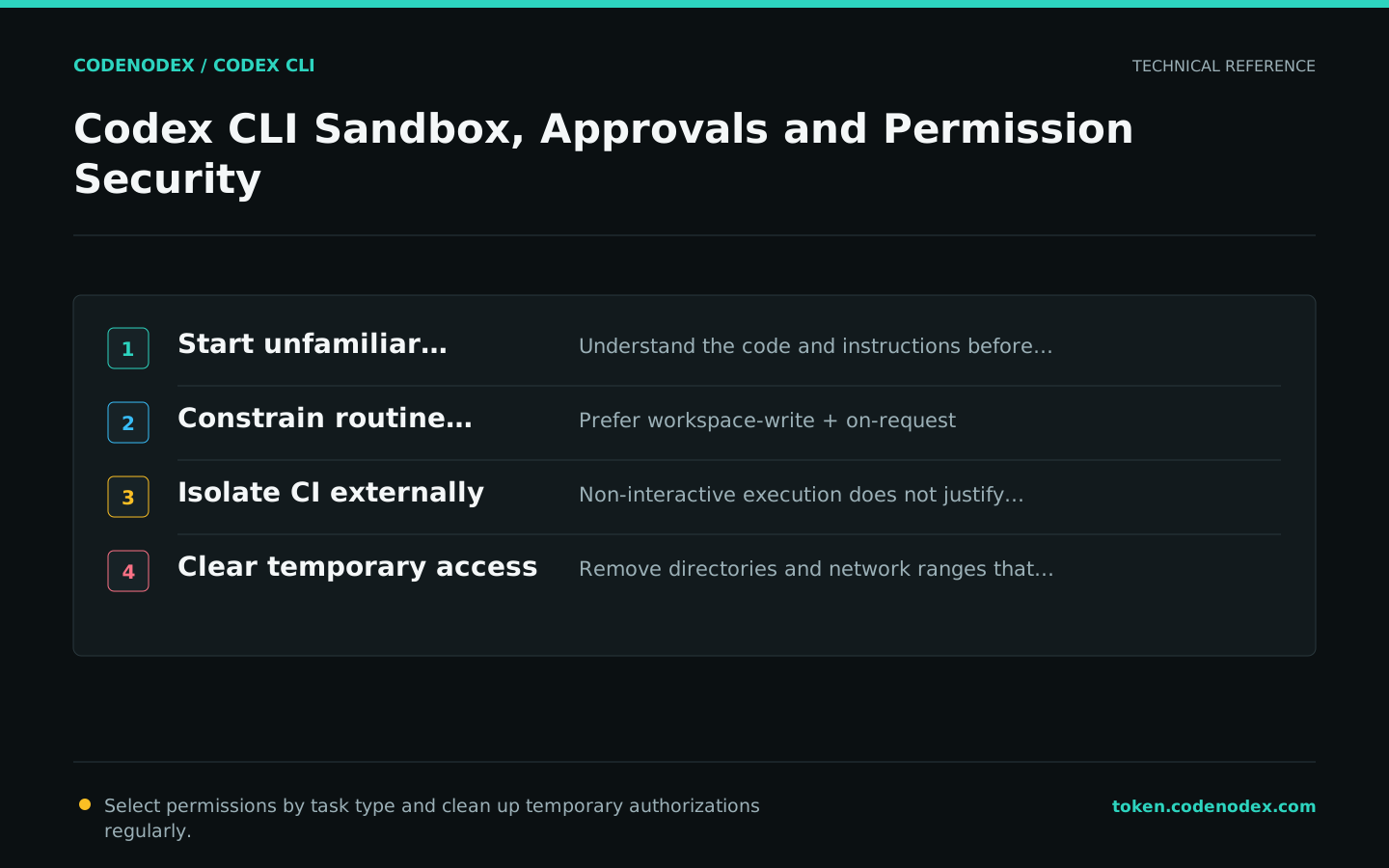
- Unfamiliar repositories are read-only first.
- Daily implementation prioritizes workspace-write + on-request.
- CI must have external isolation when using the non-interactive policy.
- Secrets do not go into ordinary files the model can read.
- Destructive commands are always controlled by humans or specialized processes.
Official sources and verification scope
This guide is based on public official documentation. Commands and configuration may change between client versions, so verify the linked sources before use.
View documentation scope