Direct answer
Verify one layer at a time instead of reinstalling, deleting configuration and changing models simultaneously. Preserve the original error and current state to isolate the cause quickly.
What this guide helps you solve
Solve Codex CLI command not found, 401, configuration errors, connection and permission issues
Save the evidence first, then investigate by layer
Log the complete error, triggering command, Codex version, operating system, working directory and time of occurrence. Do not just cut off the last line, and do not try to recall the original state after reinstalling.
The recommended order is binary and PATH, configuration resolution, authentication, provider and model, network, permissions, and extensions. Only change one variable at a time and save the results before and after the change.
date -u
uname -a
command -v codex
codex --version
codex doctor --summary
git status --short --branch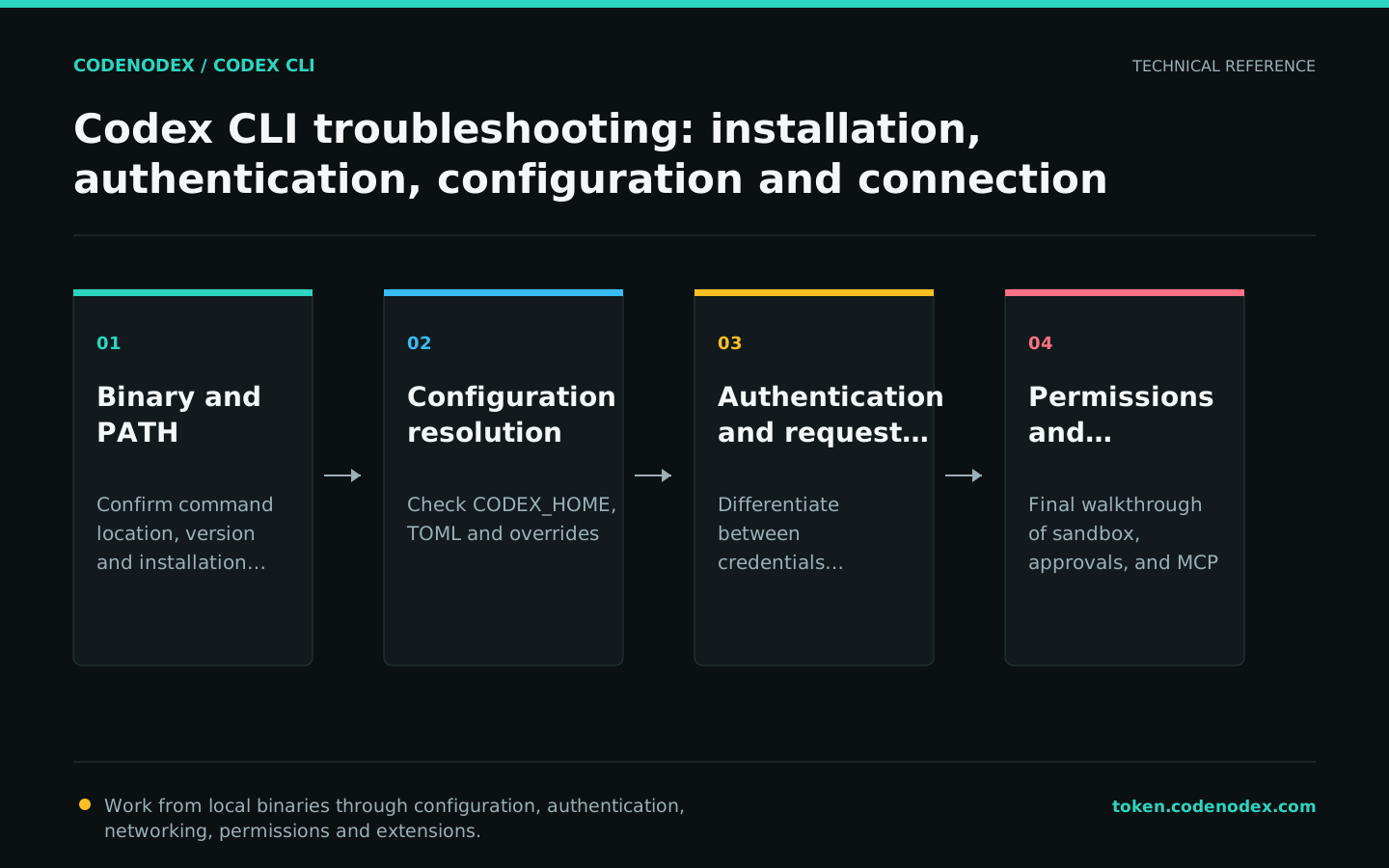
Resolve command-not-found and version mismatches
command not found usually means that the installation directory is not in PATH, or the terminal is still using the old environment. Version inconsistencies are common when npm, Homebrew, and script installations coexist.
Find all codex hits before upgrading or uninstalling the old copy using the original installation channel. Do not blindly use sudo to overwrite system directories.
command -v codex
type -a codex
printf "%s\n" "$PATH"
npm prefix -g
brew list --cask codex 2>/dev/null || trueResolve configuration parse failures and unapplied settings
Duplicate TOML keys, incorrect table levels, unknown fields and the wrong CODEX_HOME can all invalidate configuration. Back up the original file, then run strict configuration validation and doctor.
If you suspect that the user configuration affects the current command, you can use --ignore-user-config for comparison; it will not load the user config.toml, but CODEX_HOME will still be used for authentication. A successful comparison does not mean that the original file should be deleted, it only means that the problem is at the user configuration level.
CODEX_DIR="${CODEX_HOME:-$HOME/.codex}"
printf "CODEX_HOME=%s\n" "$CODEX_DIR"
cp "$CODEX_DIR/config.toml" "$CODEX_DIR/config.toml.bak.$(date -u +%Y%m%dT%H%M%SZ)"
codex exec --strict-config --ephemeral -s read-only -a never "Report only the current model and sandbox mode. Do not run commands."
codex exec --ignore-user-config --ephemeral -s read-only -a never "Check only the repository entry points."
codex doctor --summaryDifferentiate between authentication, model, protocol and network errors
For 401 or 403, check credentials and server permissions first. An unknown-model error usually means the request reached the service but the model name was rejected. A 404 may indicate a base URL path error; timeouts and DNS or TLS errors belong to the network layer.
CodeNodex users should run keys or setup to validate the API key and platform before checking Codex doctor. Never troubleshoot by disabling TLS verification, printing the Authorization header or pasting a real key into a ticket.
codex login status
codex doctor --summary
codenodex keys
codenodex setup --client codex
codex -s read-only "Report the current provider and model names. Do not print keys, tokens, or request headers."Troubleshooting sandboxes, approvals and MCP
If a command can read but not write, check the sandbox mode and working directory; use --add-dir when it needs an adjacent directory. Unavailable network tools do not necessarily indicate a provider error; a sandbox, proxy or organization policy may be responsible.
For MCP issues, verify the configuration list and individual server before inspecting local processes or remote URLs. Temporarily removing the failing server can show whether it affects startup, but remote credentials still require separate revocation.
codex -C "$PWD" -s read-only "List only the repository top-level directories."
codex -C "$PWD" -s workspace-write -a on-request "Run existing tests within the task scope. Do not modify configuration."
codex mcp list --json
codex doctor --summaryCreate reproducible, redacted problem reports
doctor --json provides a machine-readable, redacted report, but you must still inspect it before upload. Include a minimal reproduction, expected and actual behavior, version, relevant non-secret configuration fields and whether the issue persists when user configuration is ignored.
Submit Codex issues to the official repository and CodeNodex API key, gateway or model-mapping issues to CodeNodex support. Confirm ownership first so third-party credentials never enter a public issue.
- Do not attach auth.json, real API keys, tokens or complete request headers.
- Do not delete the original configuration and then claim that the problem cannot be reproduced.
- Provide the minimal command and raw exit status.
- State whether the issue reproduces with the official endpoint or another compatible provider.
codex doctor --json > /tmp/codex-doctor.json
codex --version > /tmp/codex-version.txt
git status --short --branch > /tmp/repo-status.txt
# Inspect each file and remove sensitive data before uploading
${EDITOR:-vi} /tmp/codex-doctor.json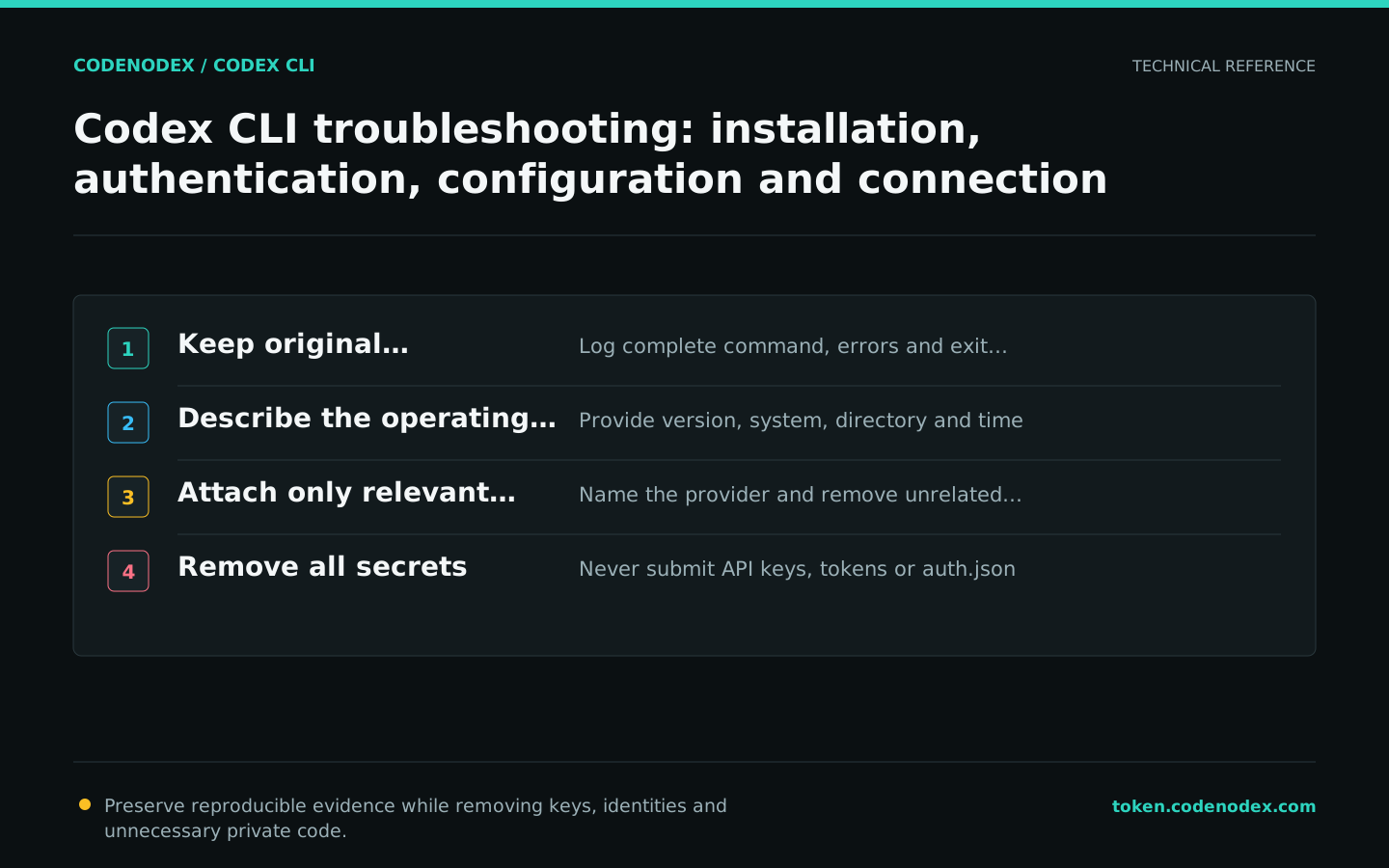
Official sources and verification scope
This guide is based on public official documentation. Commands and configuration may change between client versions, so verify the linked sources before use.
View documentation scope