Direct answer
Organize commands around daily workflows instead of memorizing every flag, and treat the installed codex --help output as authoritative.
What this guide helps you solve
Query Codex CLI common commands, parameters and session recovery methods
Discover available capabilities from local help
Codex CLI is updated quickly, and articles cannot replace the help text of the current binary. First confirm the subcommand with top-level help, then run --help on the specific subcommand.
Use strict configuration mode to detect invalid or misspelled fields. Test the upgraded configuration in a non-production workspace first.
codex --version
codex --help
codex exec --help
codex review --help
codex mcp --help
codex features list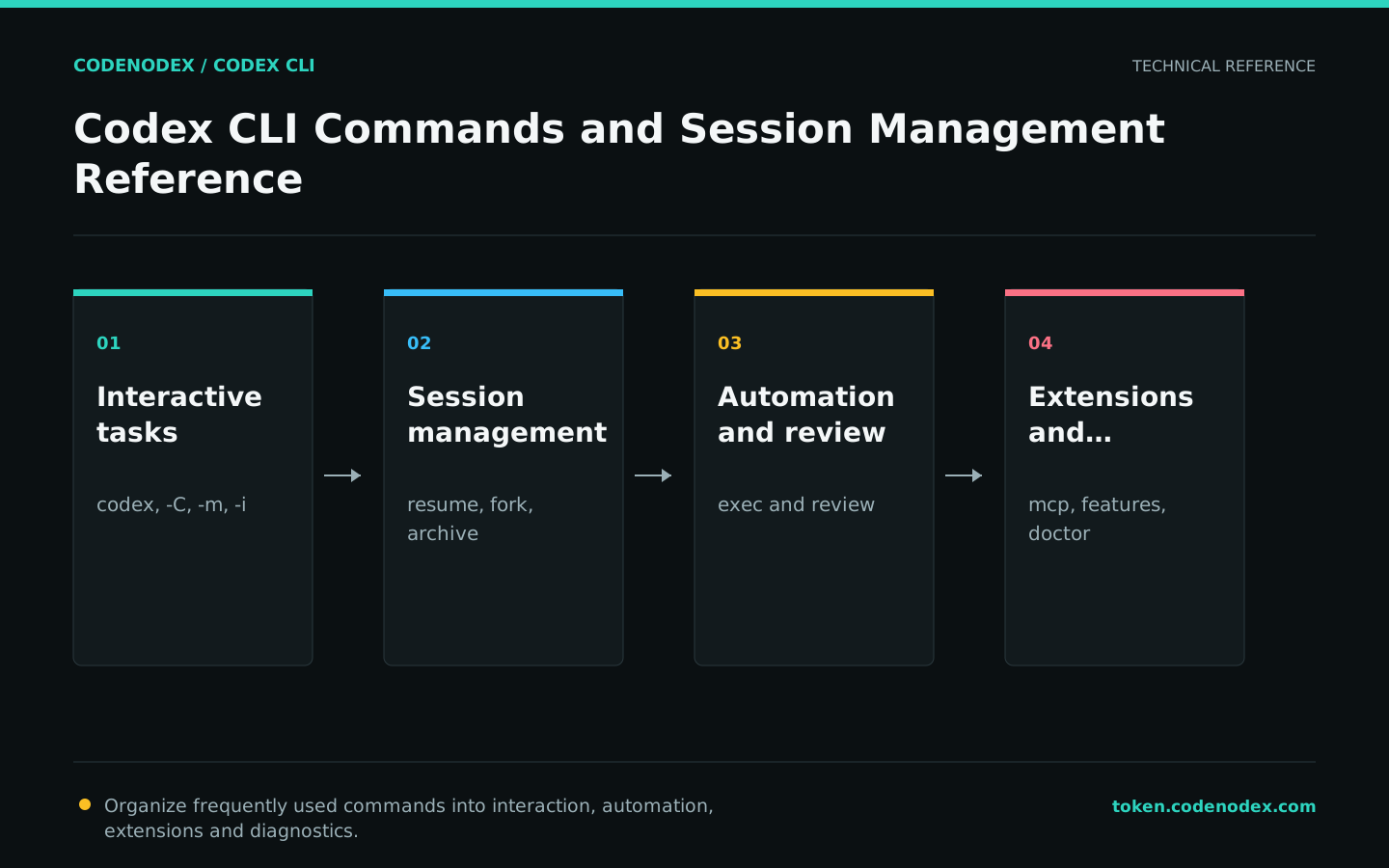
Start an interactive session with explicit context
Running codex without a subcommand opens the interactive interface. -C sets the working root, -m selects a model temporarily and -i attaches images; these flags apply only to the current invocation.
Additional writable directories must be provided explicitly via --add-dir; do not expand the entire sandbox just to access an adjacent directory.
codex -C /path/to/repo
codex -C /path/to/repo -m gpt-5.6-sol "Explain the current test failure. Do not modify files."
codex -C /path/to/repo -i /path/to/screenshot.png "Locate the UI regression shown in the screenshot."Restoring, forking and managing sessions
resume continues an existing session with its context, while fork starts a new branch of work from a historical session. Both support --last for the most recent session; run the selector without arguments when you need to inspect the available choices.
You still need to check the current repository and branches before restoring. The historical context will not guarantee that the working tree is exactly the same as last time.
codex resume
codex resume --last
codex fork --last
codex archive --help
codex unarchive --helpUse flags for one-time overrides
-c accepts TOML values and can override top-level or nested config.toml fields. Use a one-time override to test an assumption before deciding whether to make the setting persistent.
Sandbox and approval have dedicated -s and -a flags. Prefer those to the generic -c form because they make command intent clearer.
codex -m gpt-5.6-sol -s read-only -a untrusted
codex -c model_reasoning_effort=high "Analyze the root cause of this failing test."
codex --enable goals
codex --disable goalsUse exec for scripts and review for code review
codex exec handles non-interactive calls and reads tasks from an argument or standard input. codex review focuses on repository changes and can inspect uncommitted work, changes relative to a baseline branch or a specific commit.
When automating, you must check the exit code and save the JSONL event separately from the final text; do not judge the task status by searching for natural language "success".
codex exec -C /path/to/repo "Run the relevant tests and explain any failures. Do not modify files."
codex review --uncommitted
codex review --base main
codex review --commit "$(git rev-parse HEAD)"Completion, upgrade and diagnosis
completion generates completion scripts based on the shell; the specific loading method is determined by the shell. update is used to upgrade installations that support self-update. If hosted by a package manager, the same upgrade channel should be maintained.
doctor checks installation, configuration, authentication and the runtime environment. Review its output before sharing it, and remove private paths or organization details from public tickets.
codex completion zsh > /tmp/_codex
codex update
codex doctor --summary
codex doctor --json > /tmp/codex-doctor.json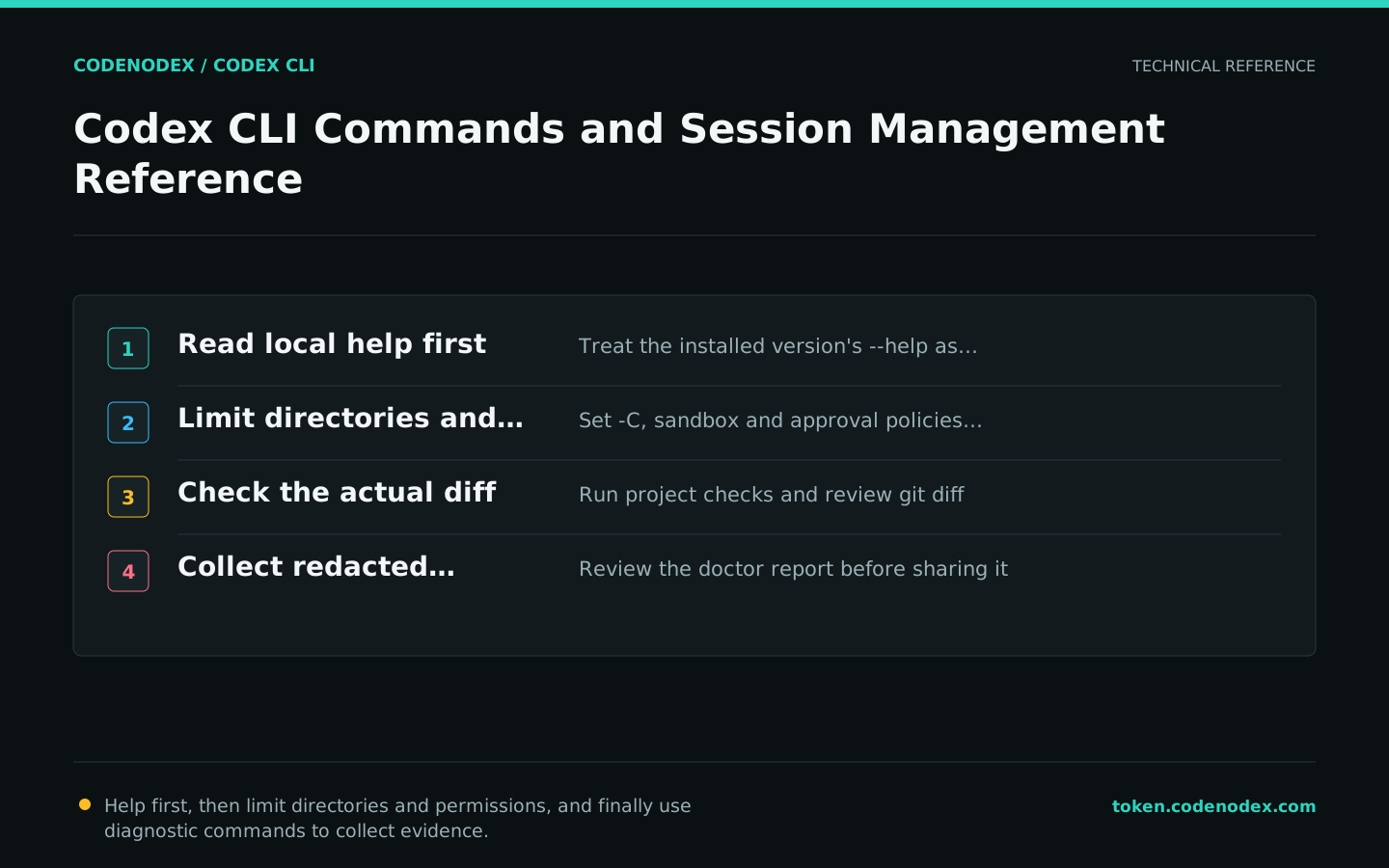
Official sources and verification scope
This guide is based on public official documentation. Commands and configuration may change between client versions, so verify the linked sources before use.
View documentation scope