Direct answer
MCP gives Codex real-time external tools and data. Install only servers required for the task, from trusted sources and with explicit permissions.
What this guide helps you solve
Configure and troubleshoot MCP servers for Codex CLI
Determine whether MCP is really needed
MCP suits changing external data and actions such as official documentation, ticketing systems, databases or controlled business APIs. Put static repository rules in AGENTS.md and reusable local workflows in Skills. Do not add a persistent server for every requirement.
Each MCP Server expands tool surfaces and trust boundaries. Confirm the maintainer, transport method, required credentials, executable actions and data destination before installation.
Start with a verifiable read-only server
Start by adding a read-only server with a specific purpose and familiarize yourself with the configuration, discovery tools, and removal process. OpenAI Developer Docs MCP provides public document retrieval without the need to put a key in the command.
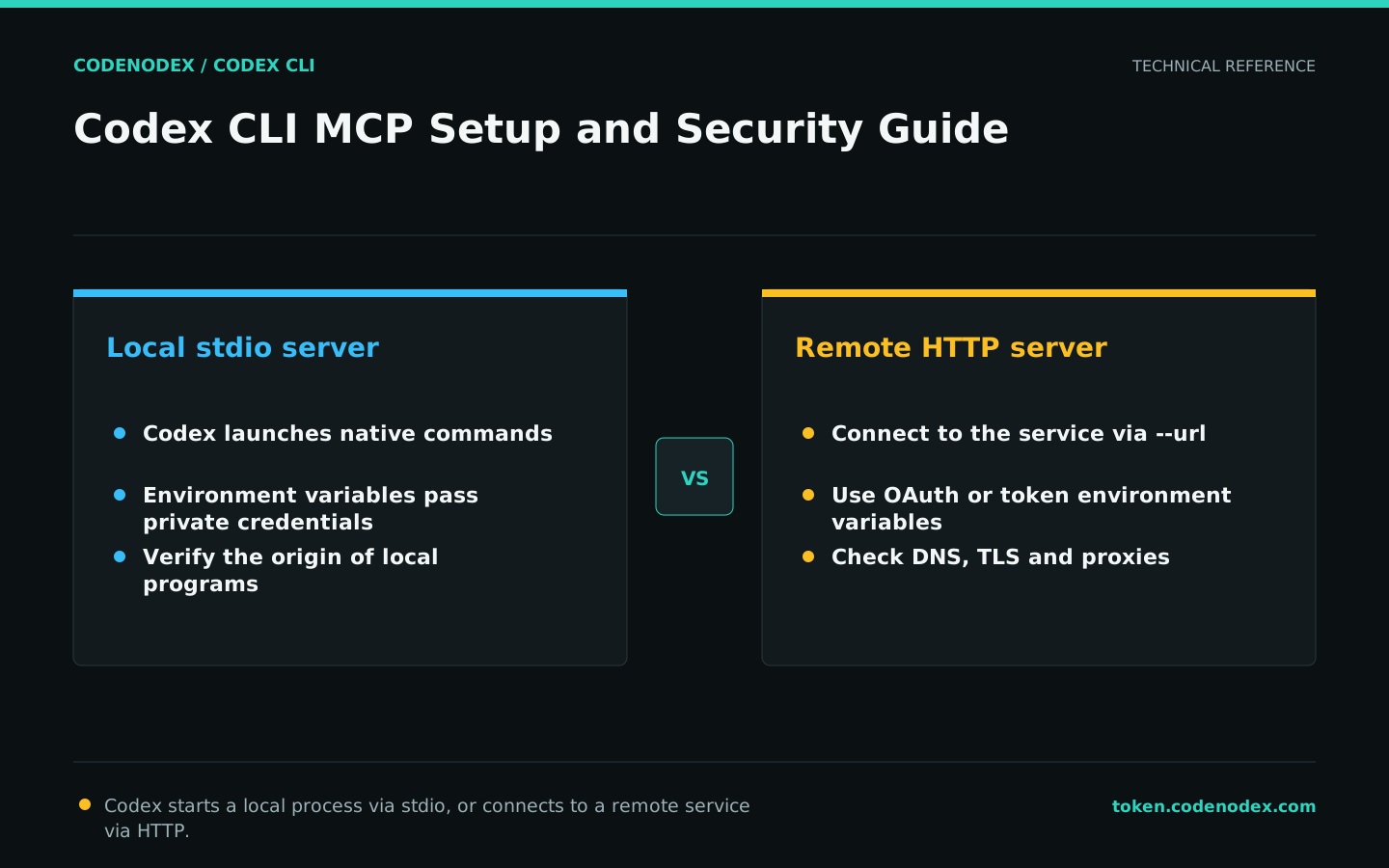
Remote HTTP servers use --url; local stdio servers provide executable commands after the double dash. Codex is only allowed to start local server processes if the source is confirmed to be trustworthy.
codex mcp add openaiDeveloperDocs --url https://developers.openai.com/mcp
codex mcp get openaiDeveloperDocs --json
codex mcp list --jsonUnderstanding stdio, HTTP and authentication parameters
With stdio, Codex starts the local command and --env passes process-specific environment variables. With HTTP, configure the connection URL and use --bearer-token-env-var to name the environment variable that holds the token.
Only write the environment variable name in the parameter. Do not write the token value directly into the command or configuration. The OAuth service uses codex mcp login, with capabilities dependent on the server.
codex mcp add --help
codex mcp login --help
codex mcp get openaiDeveloperDocs --jsonClarify data sources and action boundaries in tasks
After adding the server, use prompts to indicate which source should be used, what actions are allowed, and whether read-only is required. Do not default to tools writing tickets, modifying databases, or sending messages.
External content may contain prompt injection or misleading errors. Treat tool results as untrusted data and cross-check important decisions against repository evidence and official sources.
codex -s read-only "Use openaiDeveloperDocs only to read the official Codex config.toml reference. List the relevant fields and source links. Do not call write-capable tools or modify the repository."Control server count, scope and permissions
Shared MCP configurations should be subject to code review or administrator management, with personal credentials left in the user environment. The tool name, purpose and person in charge need to be traceable, and expired servers should be removed in time.
A server's ability to access data does not mean every task should read it. Follow least privilege, and never expose production databases, private documents and outbound messaging to the same broad prompt.
- Record the server source, version and person responsible.
- Distinguish between read-only and write tools.
- Reserve human approval for sensitive actions.
- Provide credentials only through a secret store or environment variables.
- Periodically check for unused servers.
Safely remove after troubleshooting the connection
Verify that the configuration exists before checking server processes or URLs, authentication, and Codex diagnostics. If stdio fails, manually run the server's --help in the same user environment; if HTTP fails, first verify DNS, TLS, and organization proxy.
Removal deletes only the MCP configuration from Codex; it may not revoke a remote token. Complete deactivation by revoking the credentials on the server as well.
codex mcp list --json
codex mcp get openaiDeveloperDocs --json
codex doctor --summary
codex mcp remove openaiDeveloperDocs
codex mcp list --json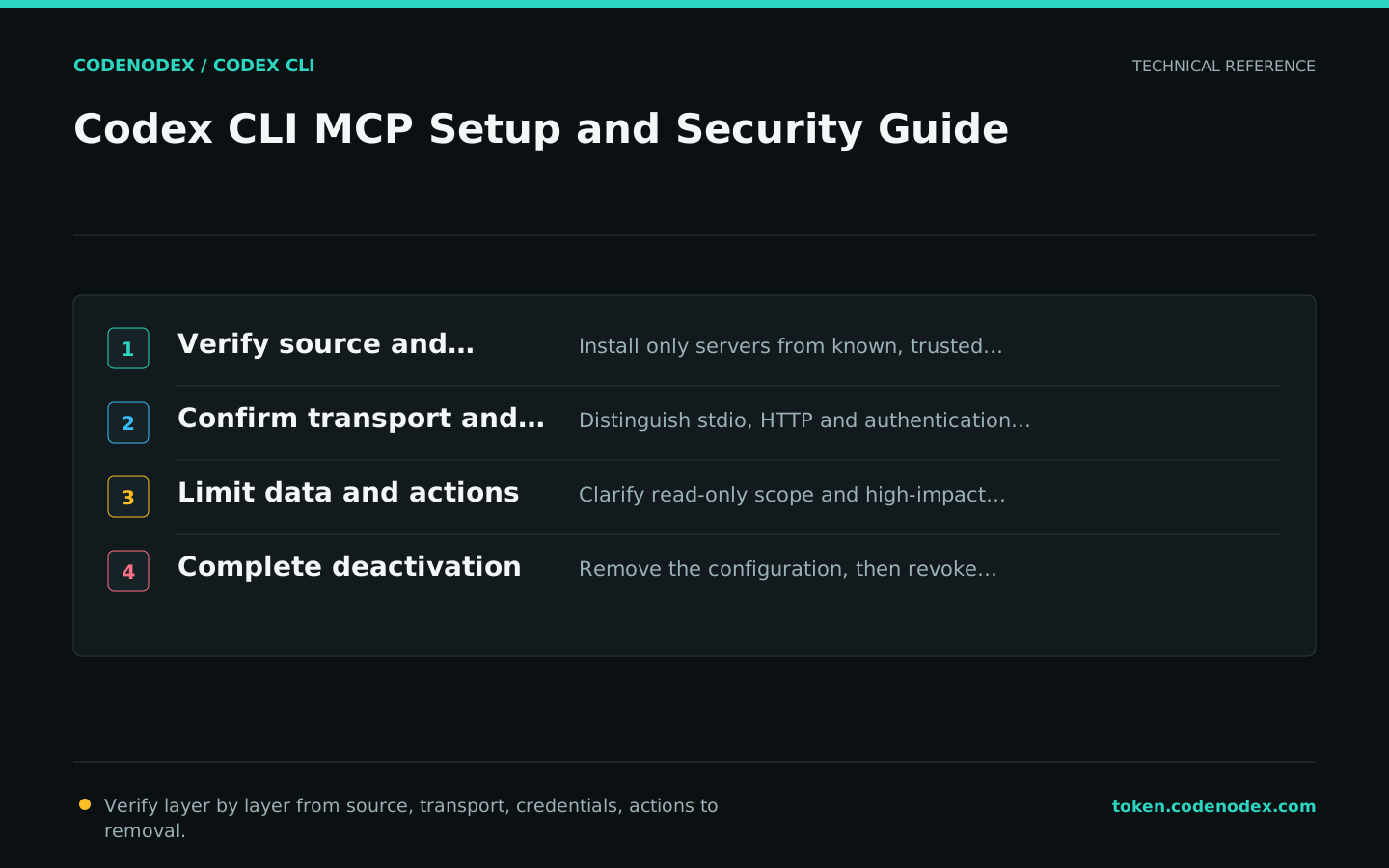
Official sources and verification scope
This guide is based on public official documentation. Commands and configuration may change between client versions, so verify the linked sources before use.
View documentation scope