Direct answer
Prioritize Codex when the key workflow is delegating repository tasks from a terminal with local commands and scripted checks. Prioritize GitHub Copilot when development is centered on IDE and GitHub issue or pull-request surfaces. Because the covered surfaces differ, score local and hosted tasks separately.
Key takeaways
- Do not collapse editor completion, terminal agents, and hosted coding tasks into one score.
- Repository instructions must be observed in the exact surface under test.
- GitHub permissions and local shell permissions are separate trust boundaries.
- Evaluate each task class before choosing one product or a combined policy.
Key facts
| Fact | Verified value | Evidence |
|---|---|---|
| Codex CLI | OpenAI provides a command-line entry point for Codex. | View source |
| Codex configuration | OpenAI publishes a configuration reference for the Codex client. | View source |
| Copilot surfaces | GitHub presents Copilot across its official developer product workflow. | View source |
| Copilot repository guidance | GitHub documents repository custom instructions for Copilot. | View source |
What this guide helps you solve
Give teams deciding between Codex and GitHub Copilot a verifiable evaluation framework.
Verification scope and limits
- Evidence basis
- Official documentation
- Verification scope
- Used OpenAI and GitHub official documentation to confirm entry points, repository guidance, and testable workflow categories.
- Limits and invalidation conditions
- - No model-quality, quota, or pricing ranking.
- - GitHub organization policy can restrict available surfaces.
- - Documented support is not presented as proof for a specific repository.
Separate terminal, IDE, and GitHub-hosted work
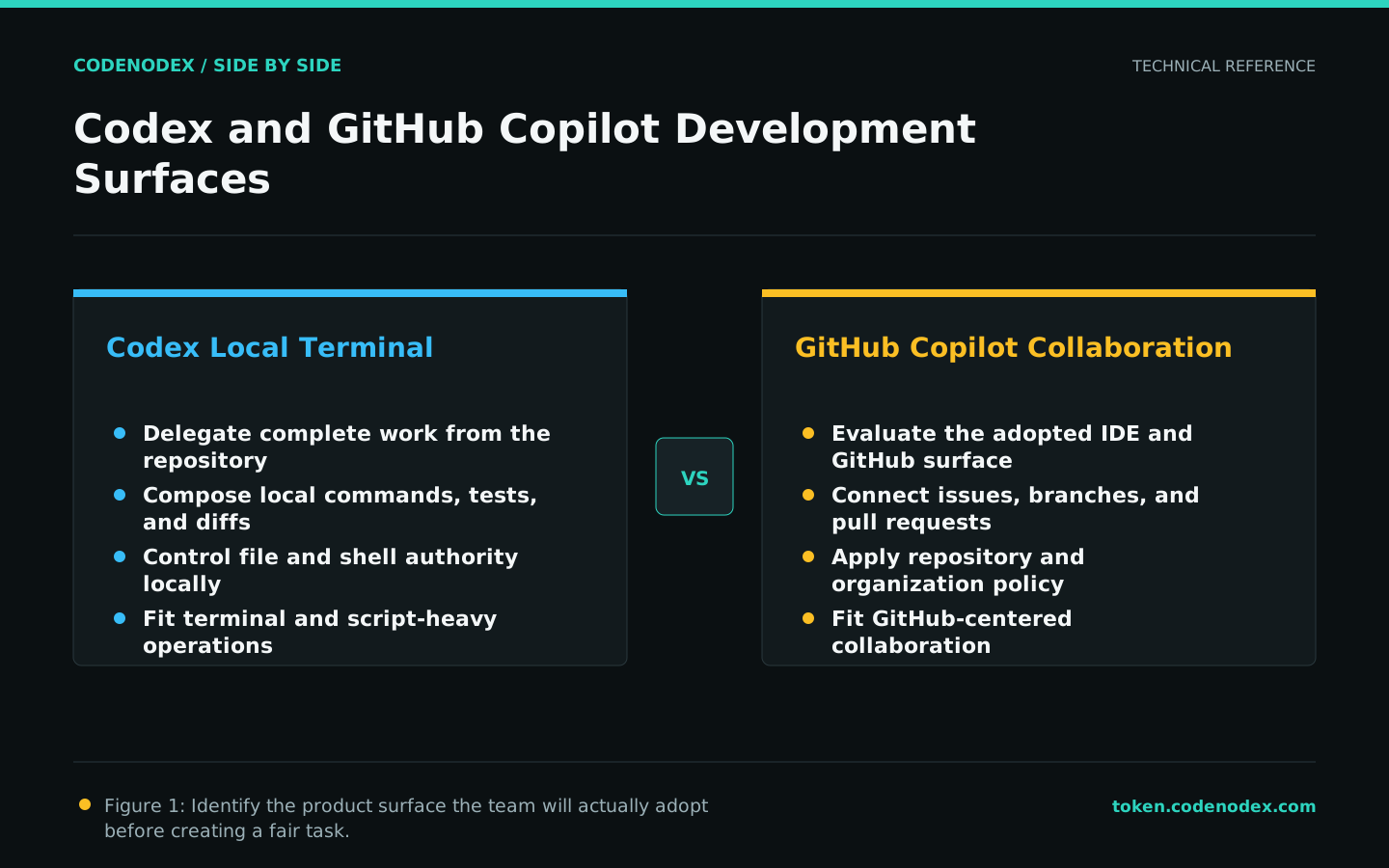
A Codex CLI sample should exercise a full local repository task: rules, changes, commands, and evidence. A Copilot sample should be designed for the actual adopted surface rather than treating one interface as the entire product.
For teams that review most work in GitHub, issue and pull-request integration cost matters. For teams that operate local repositories and internal tooling from terminals, command composition carries more weight.
Validate repository guidance independently
Both ecosystems document customization or repository guidance, but scope, syntax, and applicable surfaces cannot be inferred from each other. Ask every entry point to restate the same engineering constraints and inspect behavior.
Keep stable facts in shared engineering documentation. Tool-specific entry files should contain only the minimum mapping instead of duplicating an entire manual.
Model local and GitHub permissions separately
A local agent may reach the filesystem, shell, network, and developer credentials. A GitHub workflow may reach repositories, branches, issues, pull requests, and Actions. One allow-or-deny label cannot describe both.
For each surface, list assets, permitted actions, approvers, and audit records. Production deployment, organization administration, and unrelated repositories should remain excluded by default.
- Use a test repository or isolated branch.
- Give automation credentials the smallest scope.
- External writes must be attributable and reversible.
Score each product surface explicitly
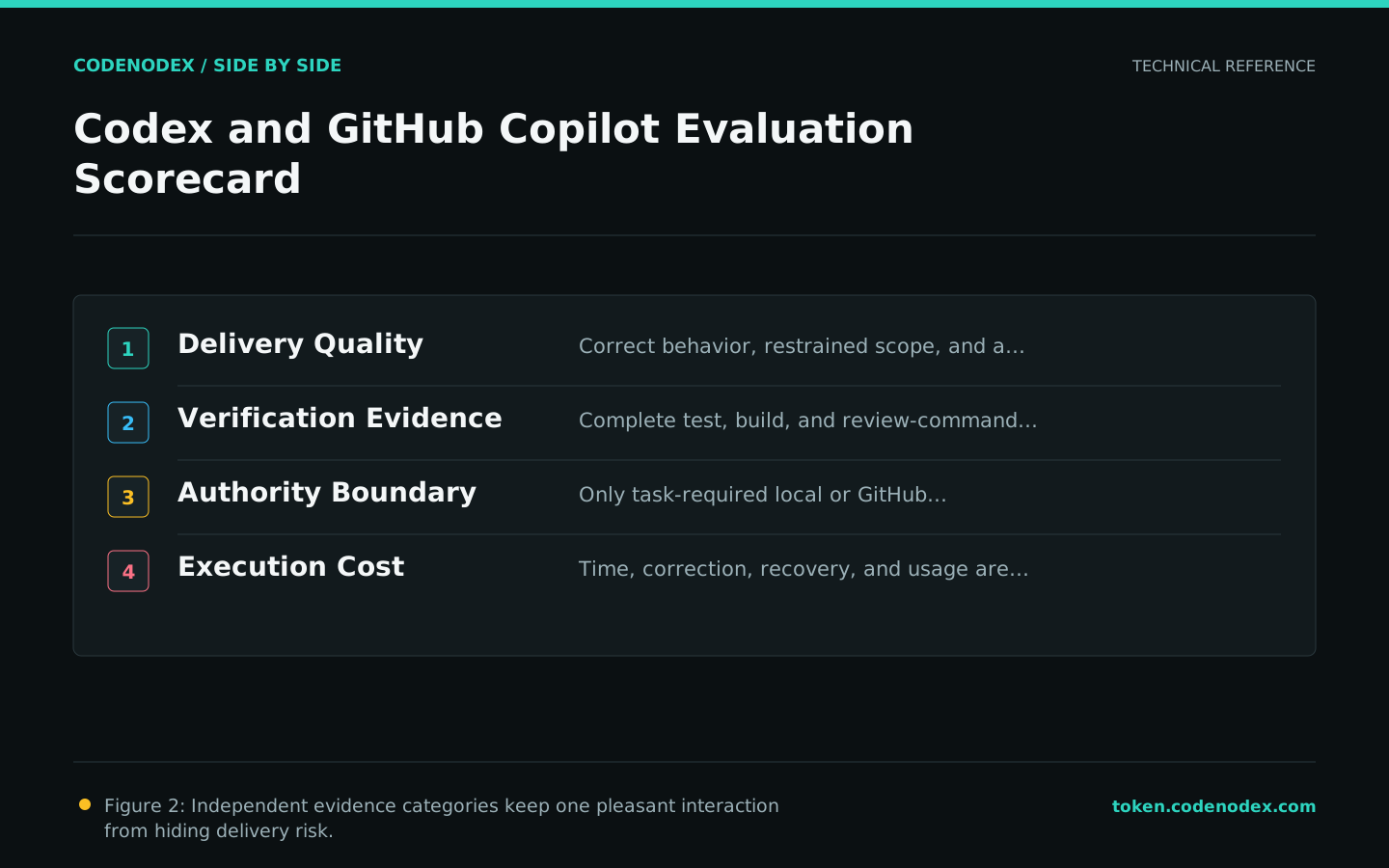
For local tasks, record first-pass success, diff quality, commands, and intervention. For PR tasks, record scope interpretation, review response, branch result, and maintainer takeover cost. Retain failure cases for both.
Speed is not sufficient. Missing tests, excessive scope, and unnecessary permissions must reduce the score even when output appears quickly.
A workflow-level combination can be valid
Pilot Codex for terminal automation and local agent tasks; pilot the relevant Copilot surface for IDE and GitHub collaboration. If both remain, assign each task class clearly so agents do not compete on one branch.
Record the source-check date, local test conditions, and triggers for review. New features should enter an isolated trial before they change production authority.
Official sources and verification scope
This guide is based on public official documentation. Commands and configuration may change between client versions, so verify the linked sources before use.
View documentation scope