Direct answer
Use Cline's OpenAI Compatible provider with CodeNodex, understand why the CLI only prints setup guidance, and follow a reproducible connectivity check.
What this guide helps you solve
Explain which Cline provider to choose and how to enter the Base URL, model ID, and API key, while clarifying why the CLI cannot directly modify VS Code extension storage.
Prepare Cline, an API key, and a model ID
After installing and opening Cline, prepare a CodeNodex API key from an OpenAI group. Cline stores provider configuration in editor extension storage rather than in a regular configuration file that the CLI can merge reliably.
codenodex setup --client cline validates the selected key and prints manual setup guidance. It does not claim to have modified Cline for you.
codenodex login -o "https://token.codenodex.com"
codenodex setup --client clineSelect the OpenAI Compatible provider
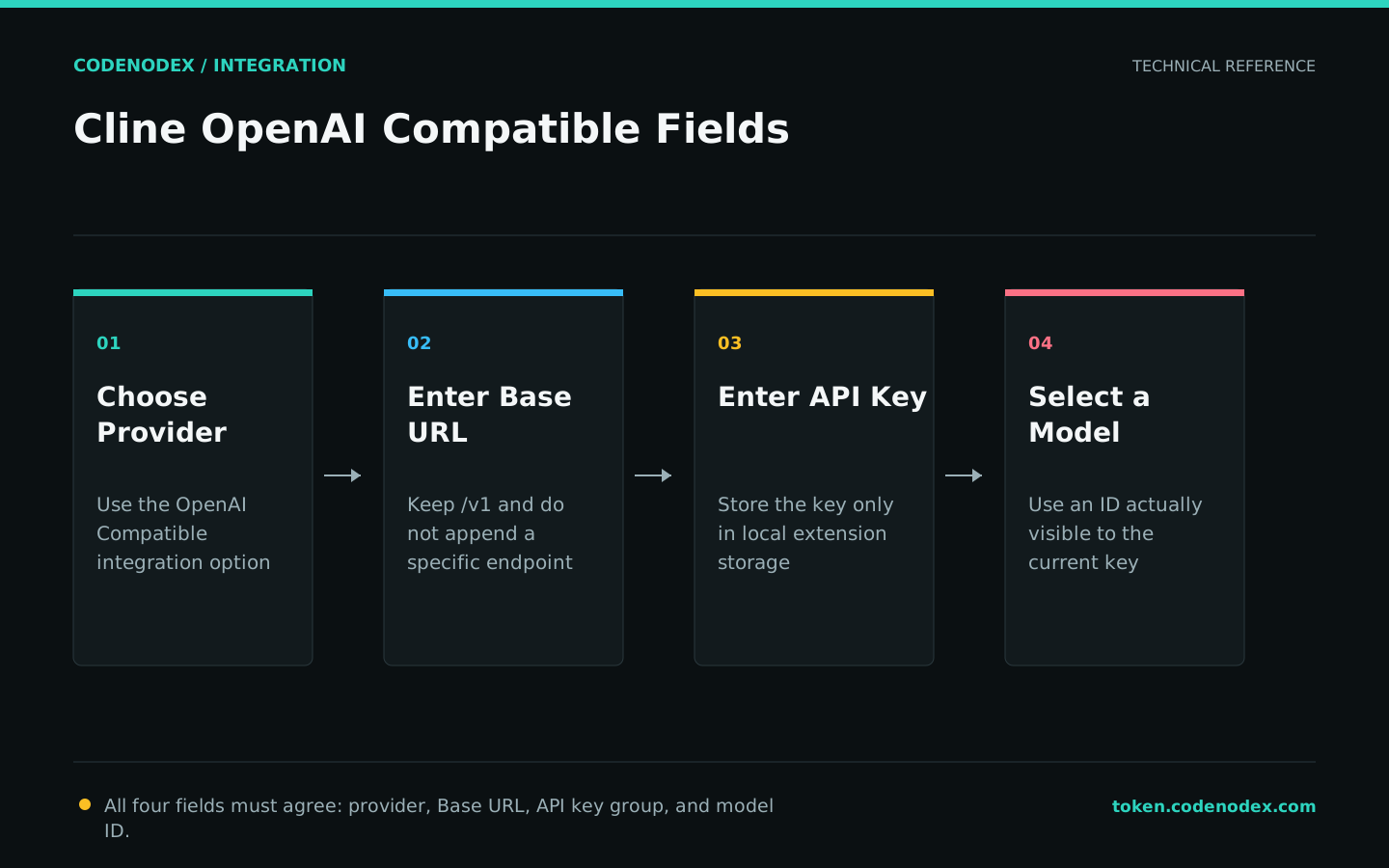
Choose OpenAI Compatible under API Provider in Cline settings. Set Base URL to https://token.codenodex.com/v1, enter your CodeNodex key, and use an exact model ID visible to that key.
Enter only the protocol root as the Base URL. Cline appends the specific endpoint when it sends a request, so manually adding /chat/completions creates a duplicate path.
- 01ProviderSelect
OpenAI Compatible. - 02Base URLEnter
https://token.codenodex.com/v1. - 03API KeyEnter a CodeNodex API key, not your account password or login token.
- 04Model IDEnter the exact ID returned by the model list.
Check model visibility independently
If Cline reports Model not found, do not keep changing interface options. Query /v1/models with the same key, copy the model ID from the response, and then return to Cline.
If the model-list request itself fails, the issue is with the key, balance, or gateway endpoint rather than Cline.
curl --fail-with-body "https://token.codenodex.com/v1/models" -H "Authorization: Bearer YOUR_API_KEY"Run a reviewable first task
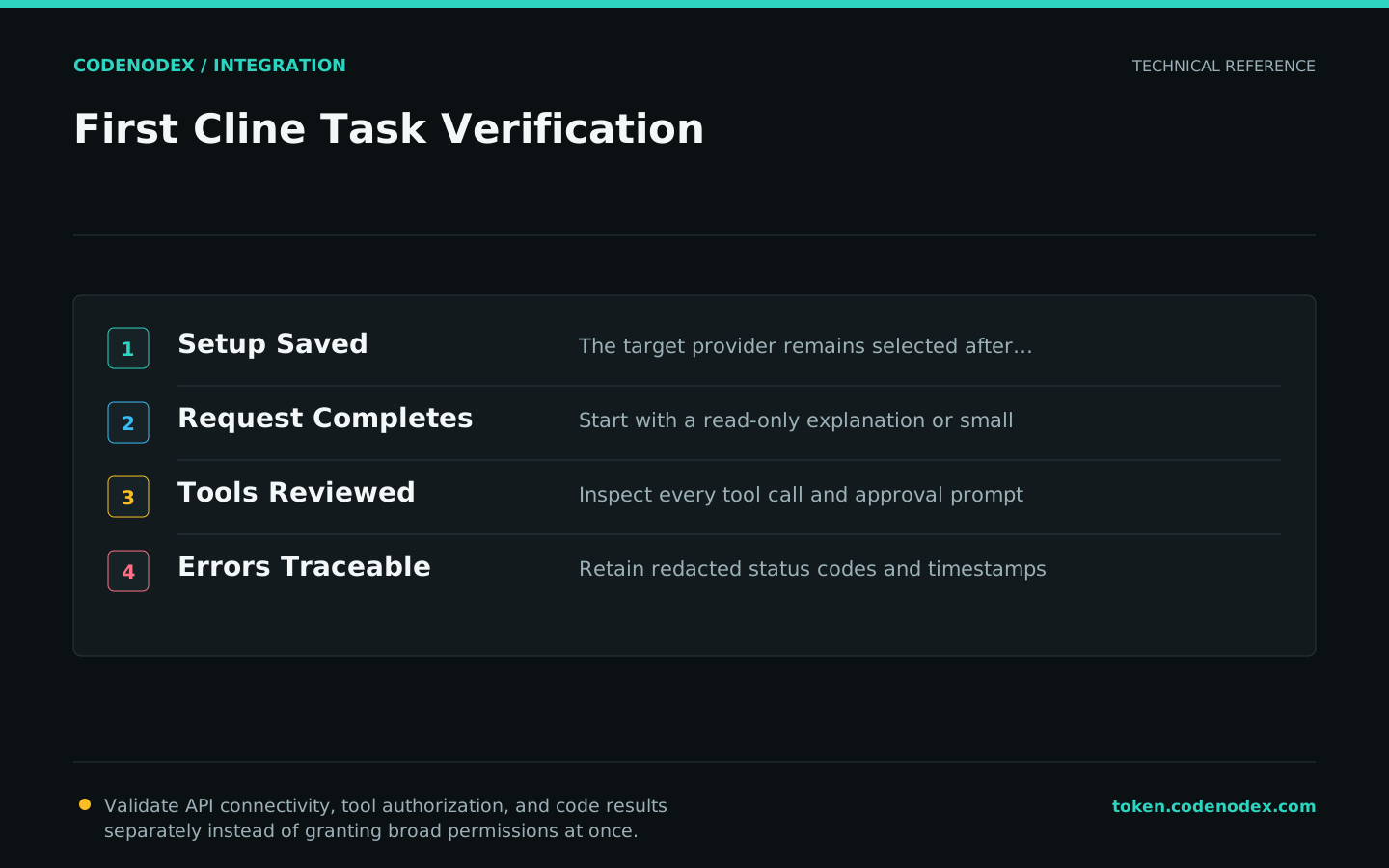
Keep the first verification to one small file or a read-only explanation. Confirm that chat, tool authorization, and response output work before expanding to edits and command execution.
Cline has separate tool-permission and auto-approval settings. A working API connection is not a reason to enable every automatic approval; repository writes and terminal commands still require risk-based controls.
- First ask Cline to explain a function without modifying files.
- Next ask it for a patch plan and review the target files manually.
- Finally run the tests and inspect both the terminal exit code and file diff.
Use status codes to locate configuration errors
For 401, first check whether the key is complete or revoked. For 404, check the Base URL and Model ID. For 429, check balance, concurrency, and rate limits. For persistent timeouts, compare a shorter task with a curl request.
If changing models resolves the issue, record the failed model, timestamp, and redacted request details before reporting it. Never publish a complete API key, project code, or Cline logs containing credentials.
Official sources and verification scope
This guide is based on public official documentation. Commands and configuration may change between client versions, so verify the linked sources before use.
View documentation scope