Direct answer
Point the official Node.js SDK at CodeNodex through `baseURL` while preserving types, timeouts, error handling, and the existing application call pattern.
What this guide helps you solve
Provide a reproducible CodeNodex integration for Node.js and TypeScript projects while preventing API keys from leaking into browser bundles, logs, or source code.
Install the SDK and protect the server-side key
Install the official openai package in a server-side Node.js project. The CodeNodex CLI has no Node.js SDK client mode and does not modify the project package manifest.
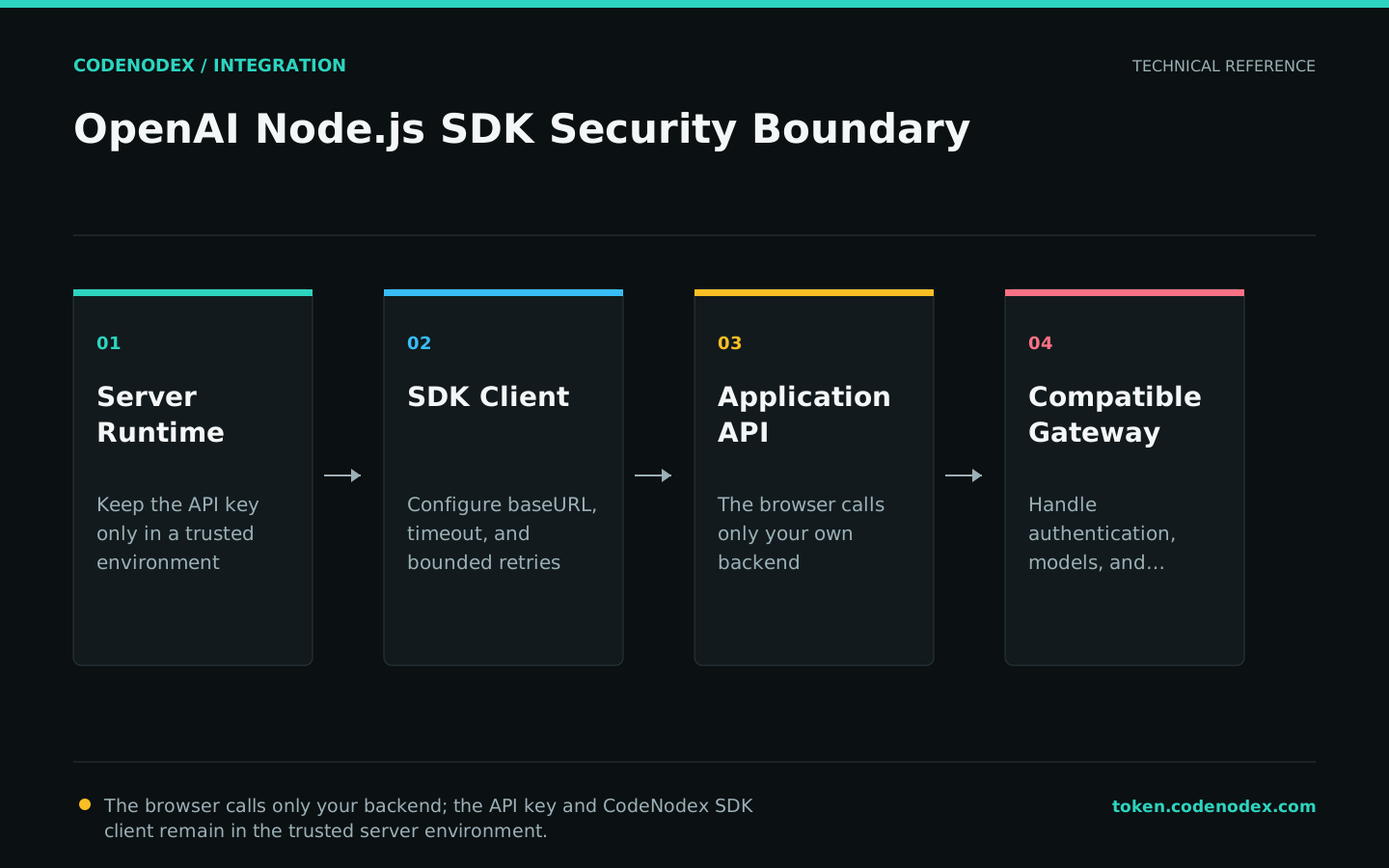
The API key belongs only in server-side environment variables or secret management. Do not initialize a keyed SDK in a Next.js Client Component, a public Vite variable, or browser code.
npm install openai
export CODENODEX_API_KEY="YOUR_API_KEY"Configure baseURL, timeout, and retries
The Node.js SDK uses the camel-case parameter baseURL. Set it to https://token.codenodex.com/v1; do not use the Python SDK spelling base_url.
Set bounded maxRetries and timeout values during initialization so requests cannot occupy connections indefinitely in the outer HTTP service.
import OpenAI from "openai";

const client = new OpenAI({
  apiKey: process.env.CODENODEX_API_KEY,
  baseURL: "https://token.codenodex.com/v1",
  timeout: 60_000,
  maxRetries: 2,
});
Send a Responses API request
Use client.responses.create for a minimal request. Call client.models.list() or check the console first to avoid entering a display name as the model value.
Return only the business result needed by the caller. Do not forward every internal field from the raw SDK object to the browser.
const response = await client.responses.create({
  model: "YOUR_MODEL_ID",
  input: "Explain transaction isolation in one sentence.",
});

console.log(response.output_text);Enable streaming events when needed
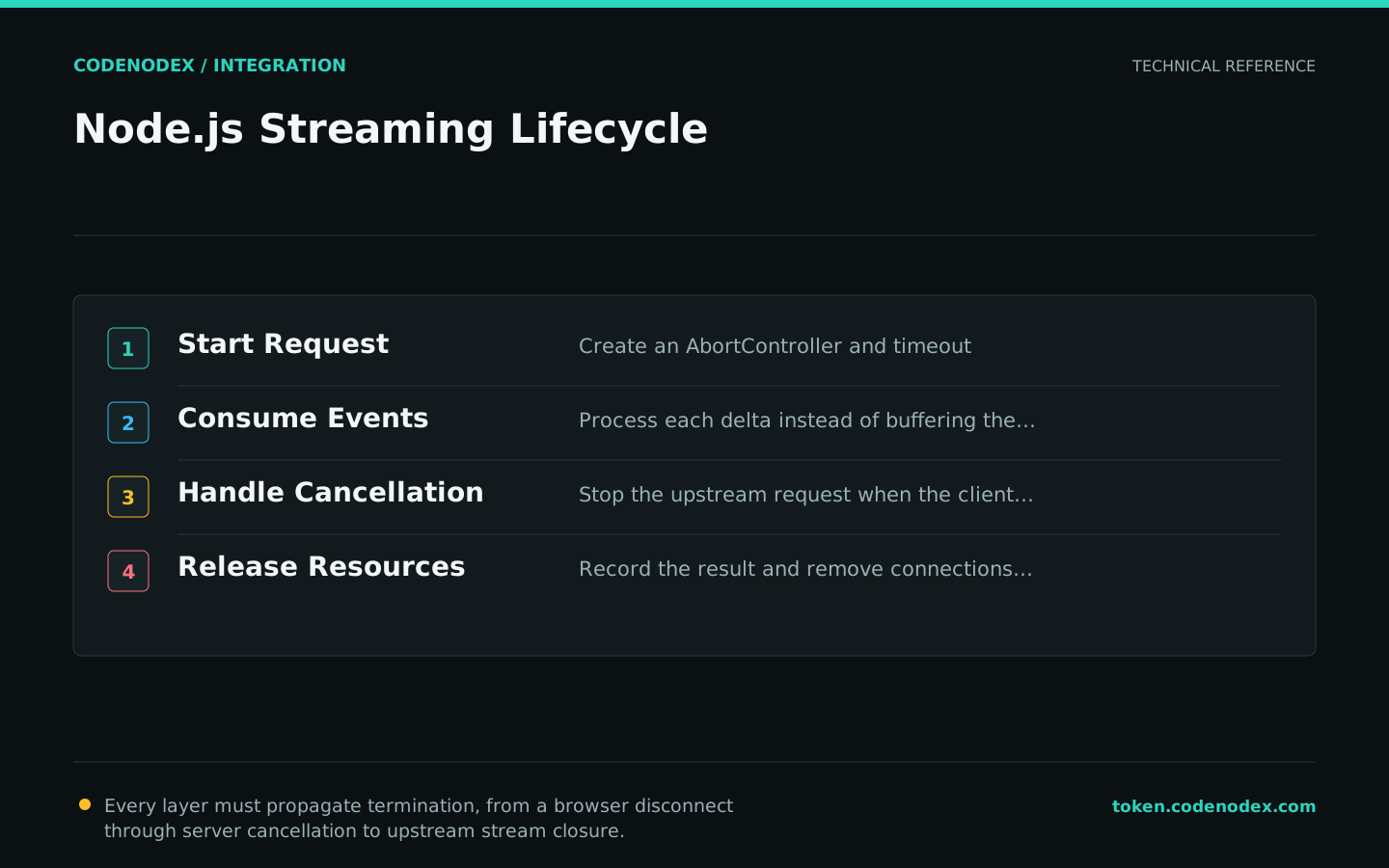
A streaming request returns an async iterable of events. Handle only the event types you need, and cancel upstream work when the client disconnects to avoid consuming quota unnecessarily.
The proxy layer should also disable unnecessary response buffering and apply sensible first-byte and total-request timeouts.
const stream = await client.responses.create({
  model: "YOUR_MODEL_ID",
  input: "List three code-review checks.",
  stream: true,
});

for await (const event of stream) {
  if (event.type === "response.output_text.delta") {
    process.stdout.write(event.delta);
  }
}
Handle status codes and deployment differences
For 401, check the server environment variable. For 404, check baseURL and the model ID. For 429, check balance, concurrency, and retry amplification. For connection failures, check deployment DNS, proxy, and TLS.
If local execution succeeds but production fails, log only a boolean indicating whether the variable exists, then inspect outbound networking. Never print the key or expose it through a NEXT_PUBLIC_ prefix.
- Initialize the SDK only in server-side modules.
- Include status and request ID in error logs, but not authentication headers.
- Cancel the upstream request when a streaming connection closes.
- Set a finite production timeout that exceeds expected upstream time to first byte.
Official sources and verification scope
This guide is based on public official documentation. Commands and configuration may change between client versions, so verify the linked sources before use.
View documentation scope