Direct answer
Hooks run programs during the tool lifecycle and suit checks that must always occur; they are not natural-language reminders for the model.
What this guide helps you solve
Help teams securely integrate repetitive validation and policy enforcement into the Claude Code lifecycle.
Use Hooks for actions that must always run
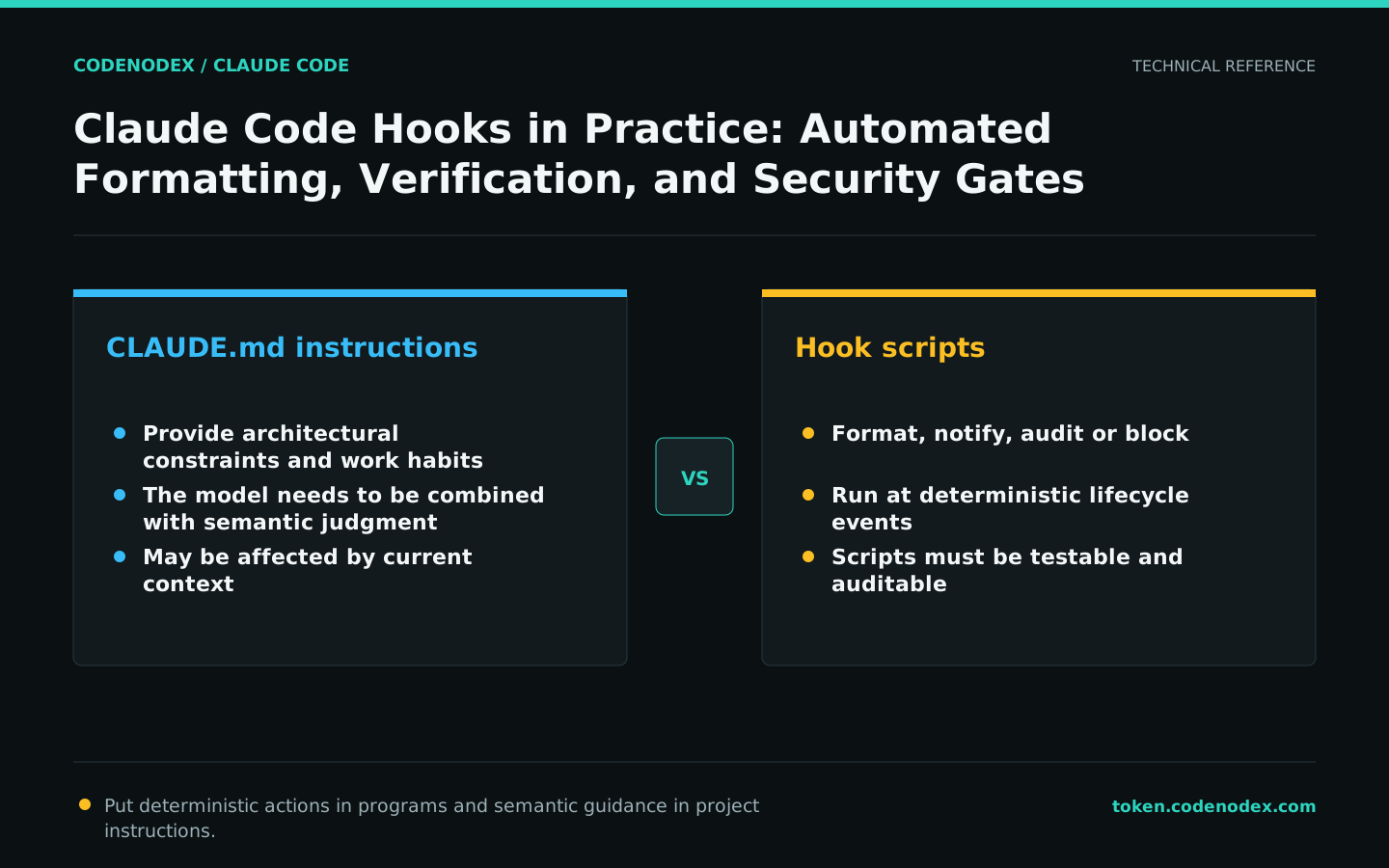
CLAUDE.md guides the model and suits working conventions and architectural constraints; a Hook is a program triggered by specific lifecycle events for formatting, notifications, auditing, or blocking.
If a requirement must occur with zero exceptions, do not rely solely on "must" prompts. Conversely, architectural choices that require semantic judgment should not be shoehorned into fragile shell hooks.
Understand configuration from events, matchers, and handlers
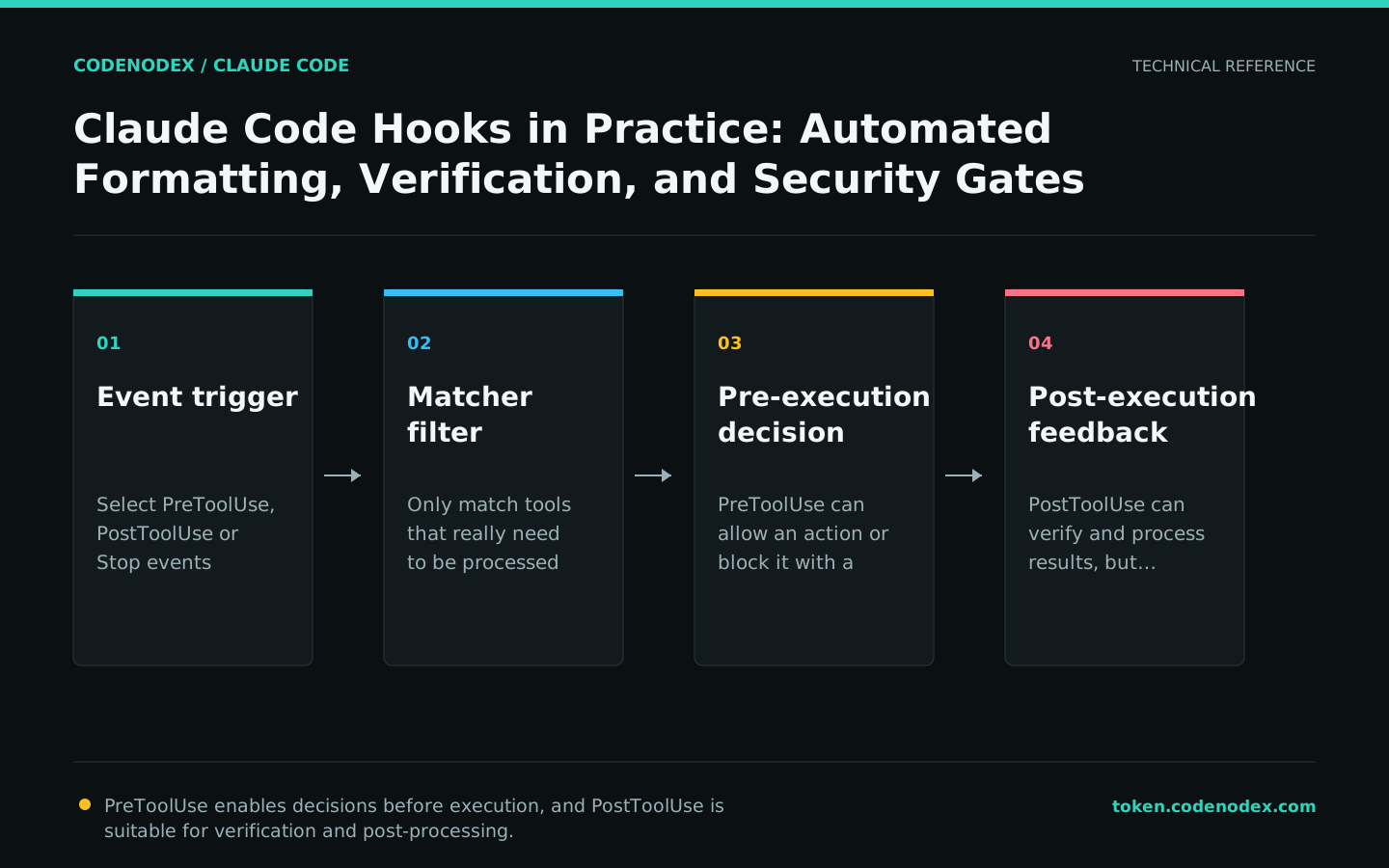
A Hook configuration first selects an event, such as PreToolUse or PostToolUse around a tool call, or a session- or stop-related event. A matcher narrows the event to specific tools, and the hooks array defines the handler.
Start with a low-risk, observable PostToolUse Hook. Confirm trigger frequency, working directory, and runtime before adding blocking logic.
{
  "hooks": {
    "PostToolUse": [
      {
        "matcher": "Edit|Write",
        "hooks": [
          { "type": "command", "command": "bash ${CLAUDE_PROJECT_DIR}/.claude/hooks/lint-gate.sh" }
        ]
      }
    ]
  }
}#!/usr/bin/env bash
set -uo pipefail
output=$(pnpm lint 2>&1)
status=$?
if [ "$status" -ne 0 ]; then
printf "%s\n" "$output" >&2
exit 2
fiRead structured events from standard input
A command Hook receives JSON on standard input with context such as the session, event, and tool input. Scripts should read fields with a JSON parser rather than string slicing.
Put complex logic in a testable repository script and have settings.json reference only its path. The script should handle missing fields, timeouts, and nonzero exits and write diagnostics to stderr.
#!/usr/bin/env bash
set -euo pipefail
payload=$(cat)
printf '%s' "$payload" | jq -e '.hook_event_name' >/dev/nullBlocking Hooks should be small, fast, and explainable
PreToolUse can inspect input before an action runs, making it suitable for protecting sensitive paths or high-risk commands. A block should explain the specific reason and remediation so the agent does not retry without understanding the cause.
Hooks execute with native permissions, so a malicious or tampered script can be more dangerous than an ordinary prompt. Review a Hook's source before enabling it, and require PR review for team changes.
- Limit matchers to the tools that truly require checks.
- Set a reasonable timeout to avoid long blocking for each edit.
- Do not interpolate unvalidated user input into Hook commands.
- Make every blocking message identify the violated policy.
Test the script independently, then verify its in-session trigger
First test the script with fixed JSON fixtures covering allowed, blocked, and malformed inputs. Then run /hooks to confirm that the configuration loaded and perform a harmless operation to observe the result.
If the configuration does not take effect, check the settings scope, JSON syntax, script path, and matcher. Use claude --debug-file /tmp/claude-hooks-debug.log to capture loading and execution diagnostics.
/hooks

# After leaving the session
claude --debug-file /tmp/claude-hooks-debug.logAvoid cramming the entire CI into every tool call
Running the full test suite after every edit slows the session and generates excessive context. Put lightweight formatting in PostToolUse, run module tests at the end of a stage, and leave the full CI suite for the commit or pipeline gate.
As Hooks accumulate, record each owner's name, events, average runtime, and failure policy. Remove Hooks that no longer add value instead of training developers to ignore their errors.
Official sources and verification scope
This guide is based on public official documentation. Commands and configuration may change between client versions, so verify the linked sources before use.
View documentation scope